Dust Bunnies to Candy: Connecting Physical Inputs to p5.js with MQTT
- 2026-09-23
- Physical Computing, ESP32, MQTT, p5.js, Matter.js
Dust Bunnies to Candy: Connecting Physical Inputs to p5.js with MQTT
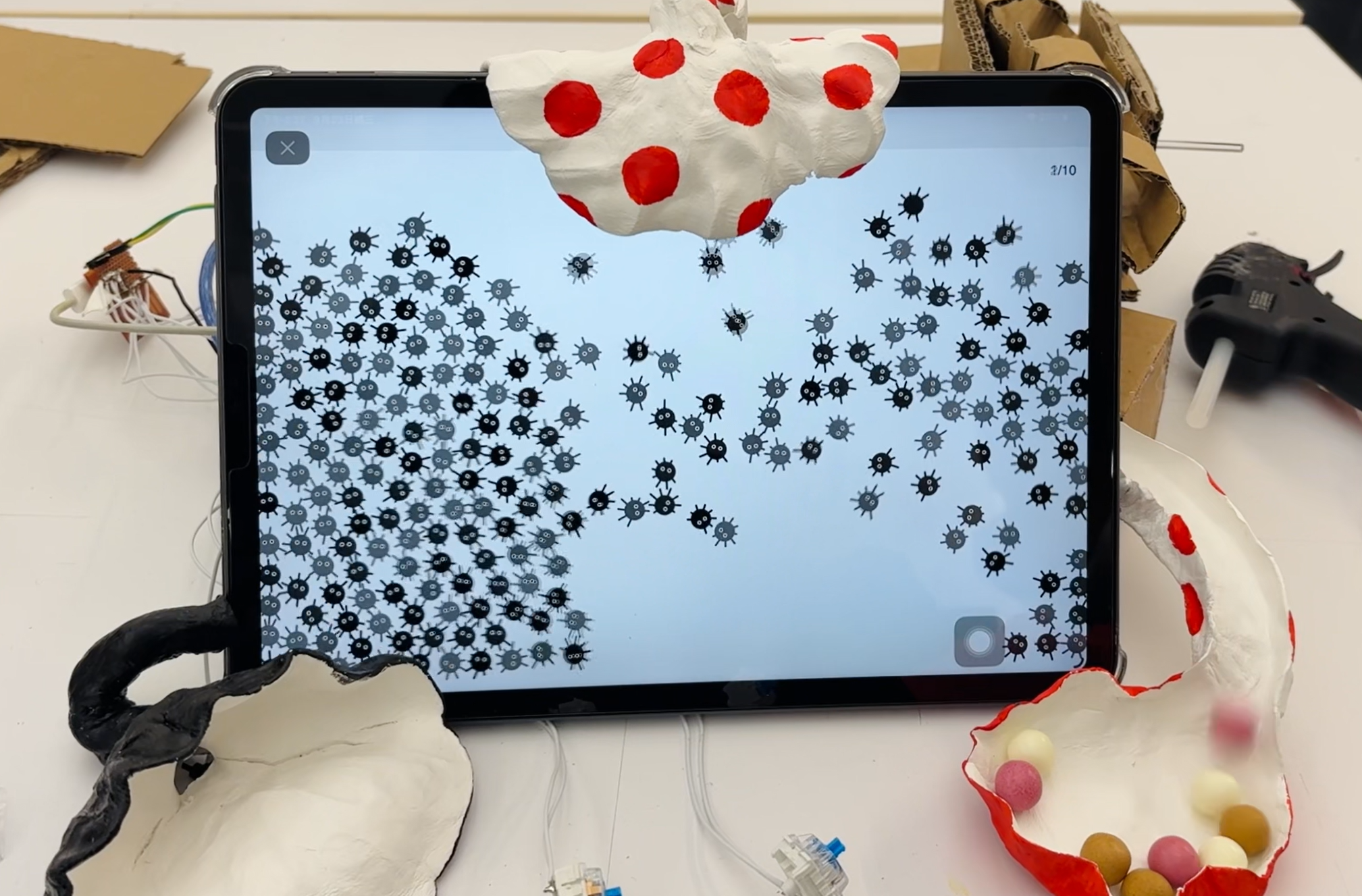
This article presents an interactive system that connects physical actions with a digital simulation. Participants sweep a handmade surface to create dust bunnies, press a button to blow them toward a funnel, and collect enough of them to activate a motor that releases candy.
The system combines an ESP32 C3 Super Mini, sound sensors, buttons, and a motor with a p5.js and Matter.js simulation. MQTT carries messages between the physical controller and the browser, allowing actions in the real world to change the digital scene and produce a physical reward.
Instruction
This project began as an exercise in inputs, electricity, and electronics. The course materials introduced sensing and actuation methods that were later combined into one connected interaction.
View the class slidesSystem Overview
The interaction moves between the physical and digital worlds in three steps. All physical objects were made by hand with paper clay, giving the electronic system a playful and imperfect form.
Step 1 — Sweep the Floor to Create Dust Bunnies
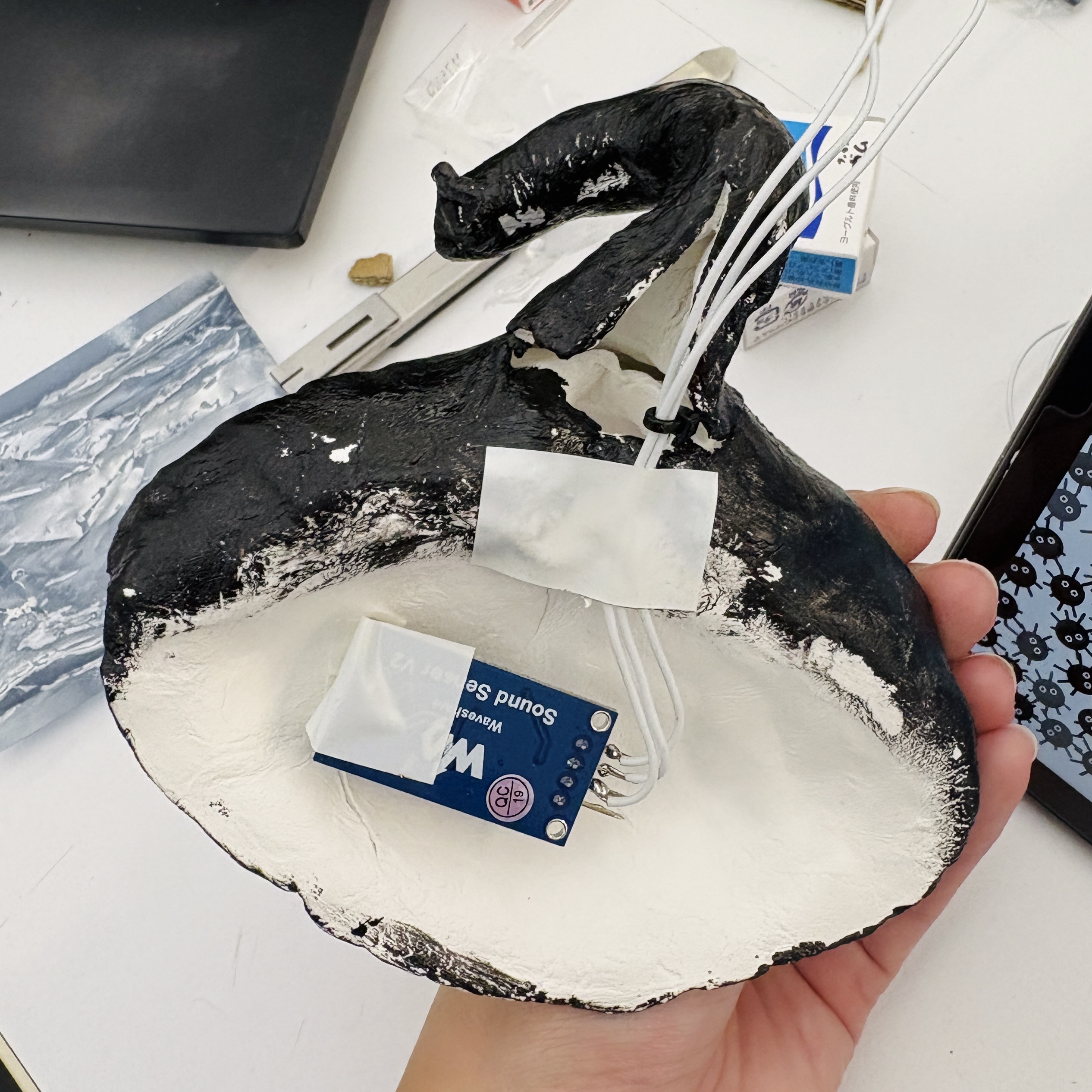
Sweeping the black surface creates small dust bunnies on the tablet. A sound sensor inside the handmade object detects the sound of sweeping and sends the input to the digital simulation.
Step 2 — Press the Button to Blow Air Upward
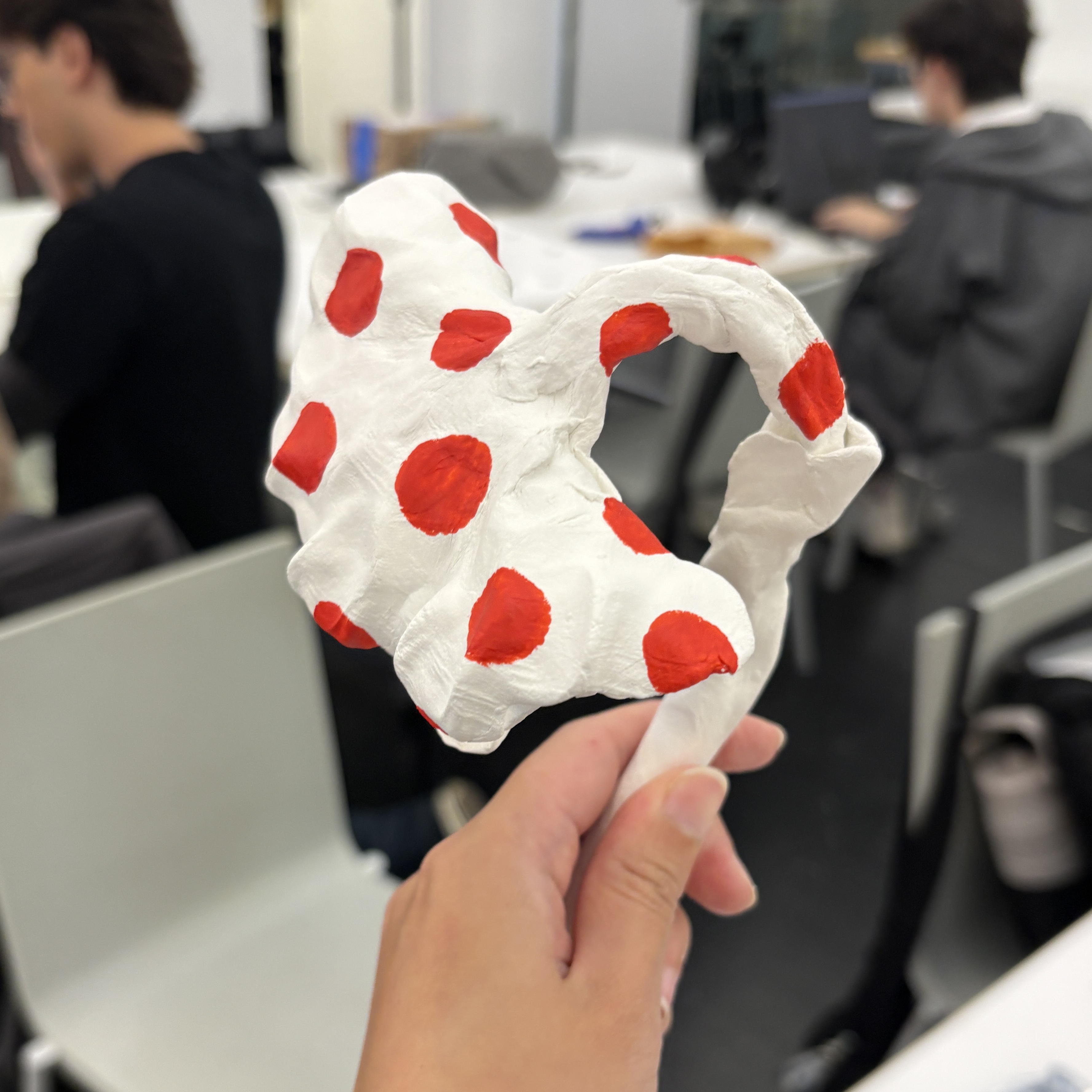
Pressing the button applies an upward force to the digital dust bunnies. The flower-shaped funnel appears to pull them in, turning a simple button press into a visible movement on the screen.
Step 3 — Trigger the Motor to Release Candy
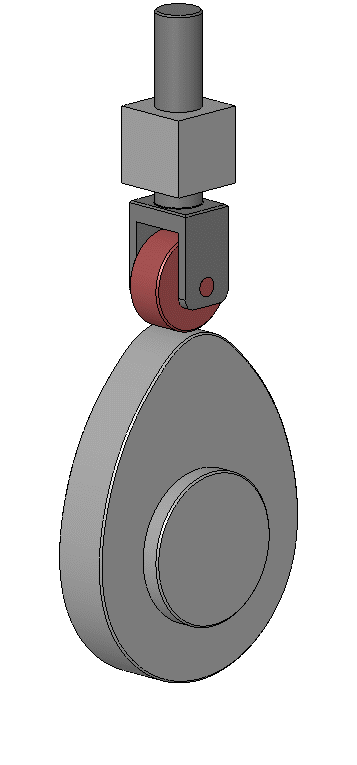
When the system collects more than ten dust bunnies, it sends a final message to the ESP32. A motor turns the release mechanism so that a piece of candy rolls out as a physical reward.
ESP32 C3 Super Mini, MQTT, and p5.js
MQTT allows the ESP32 and browser to exchange small messages through a broker. Sensor values are published as topics, while the p5.js sketch and physical machine subscribe to the information they need.
Read the MQTT getting-started tutorial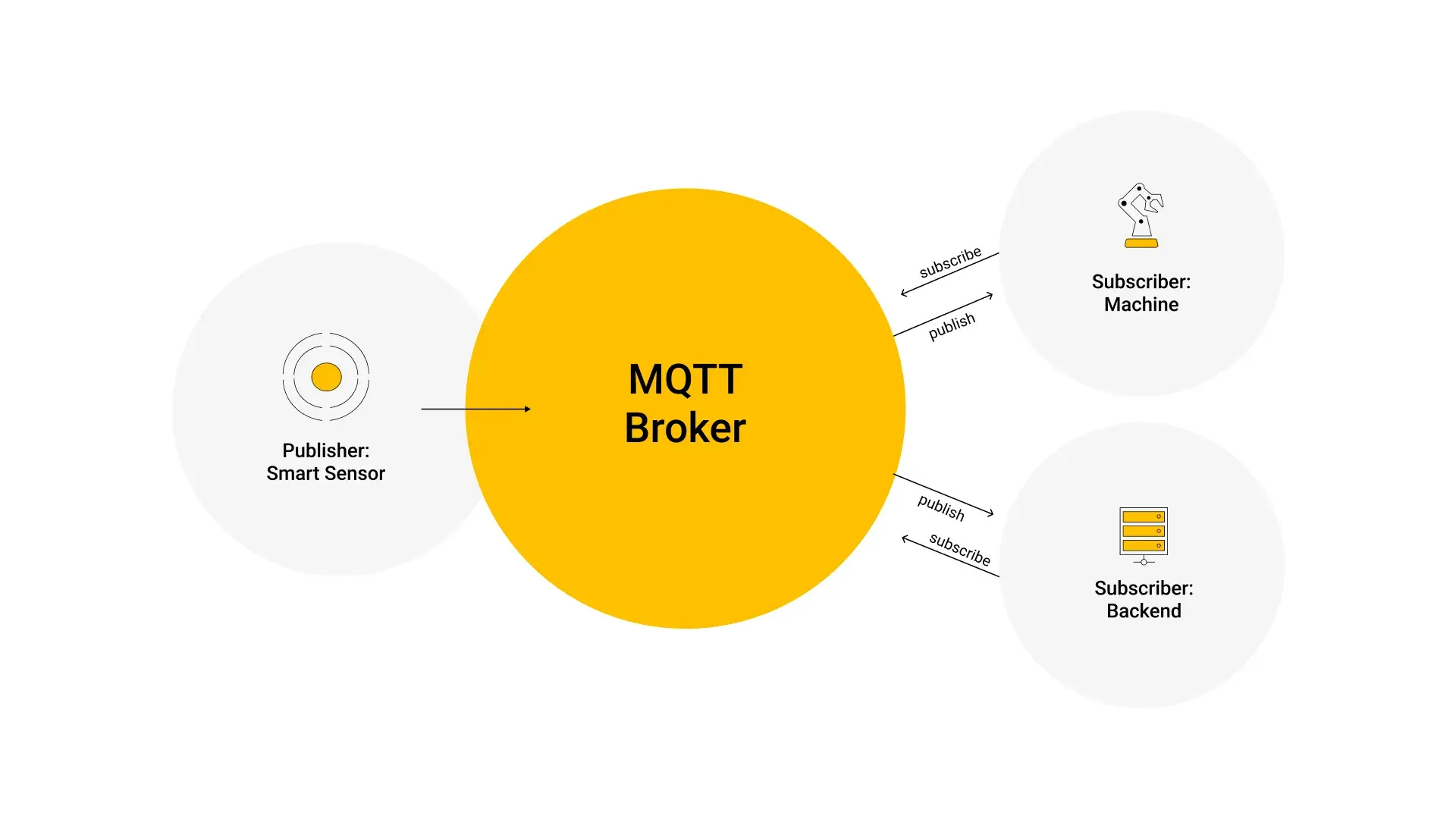
MQTT Setting
I used public MQTT tools to test the connection, inspect topics, and confirm that messages reached the correct subscriber. This made it easier to debug the communication before connecting the complete physical system.
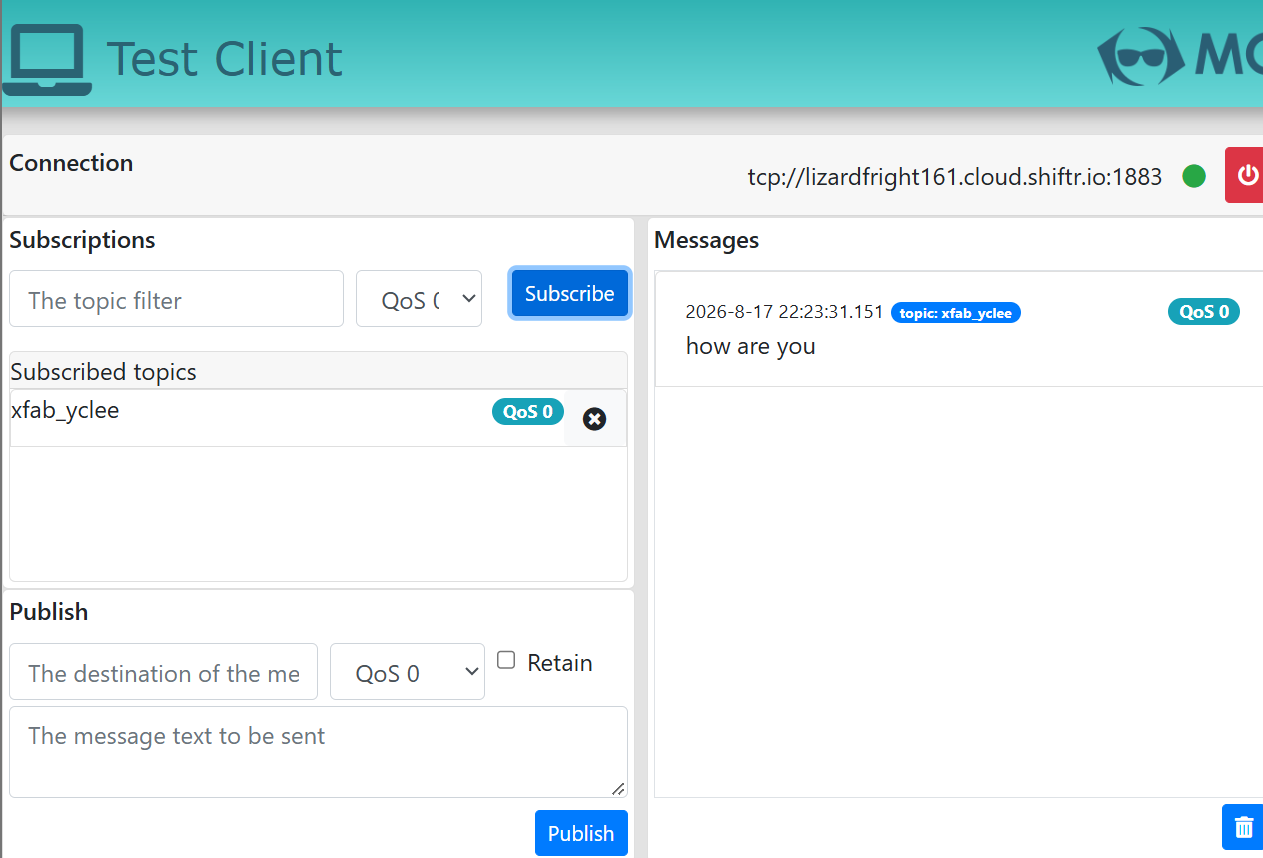
public.cloud.shiftr.io
public
public
Arduino Wiring
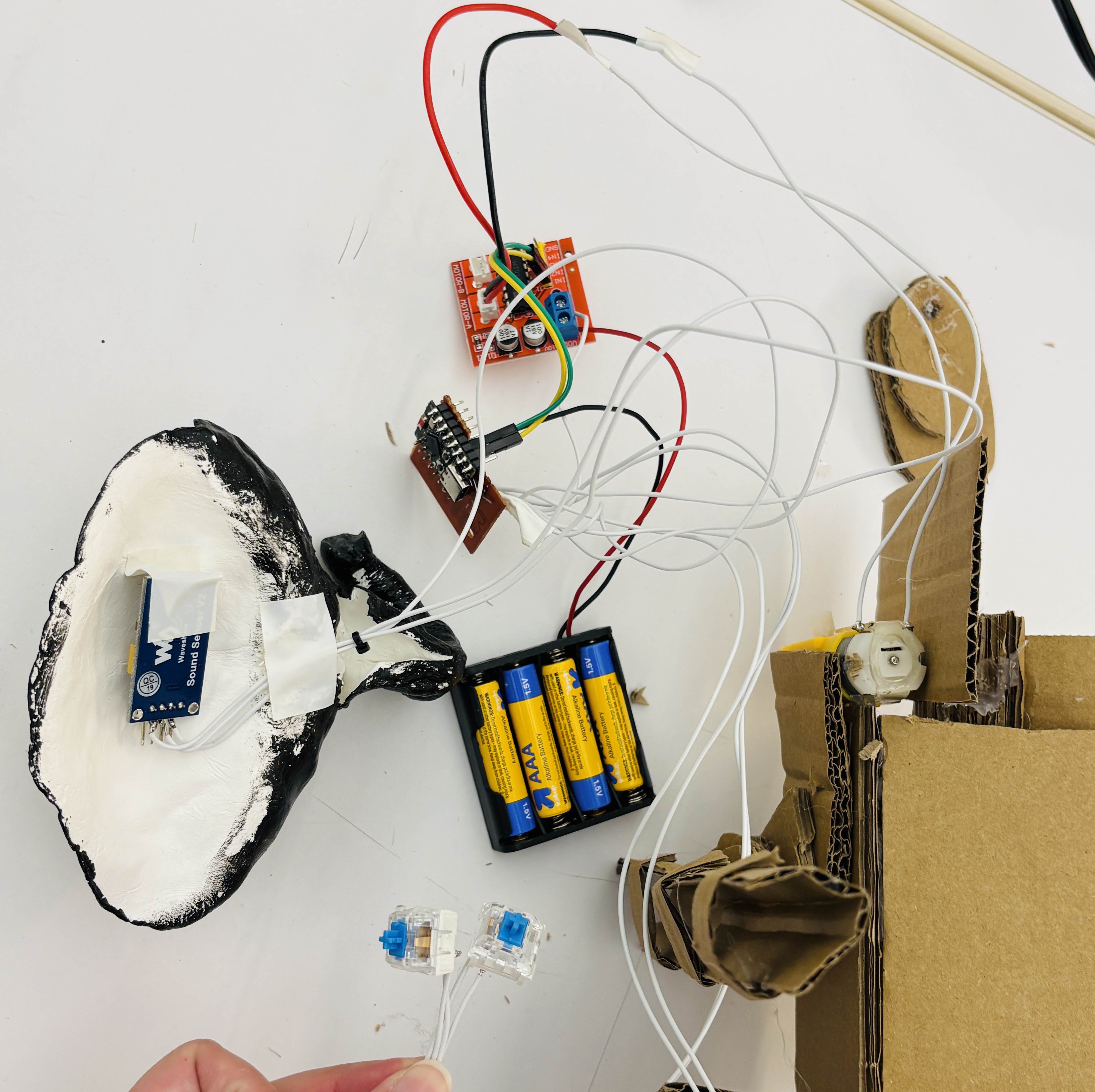
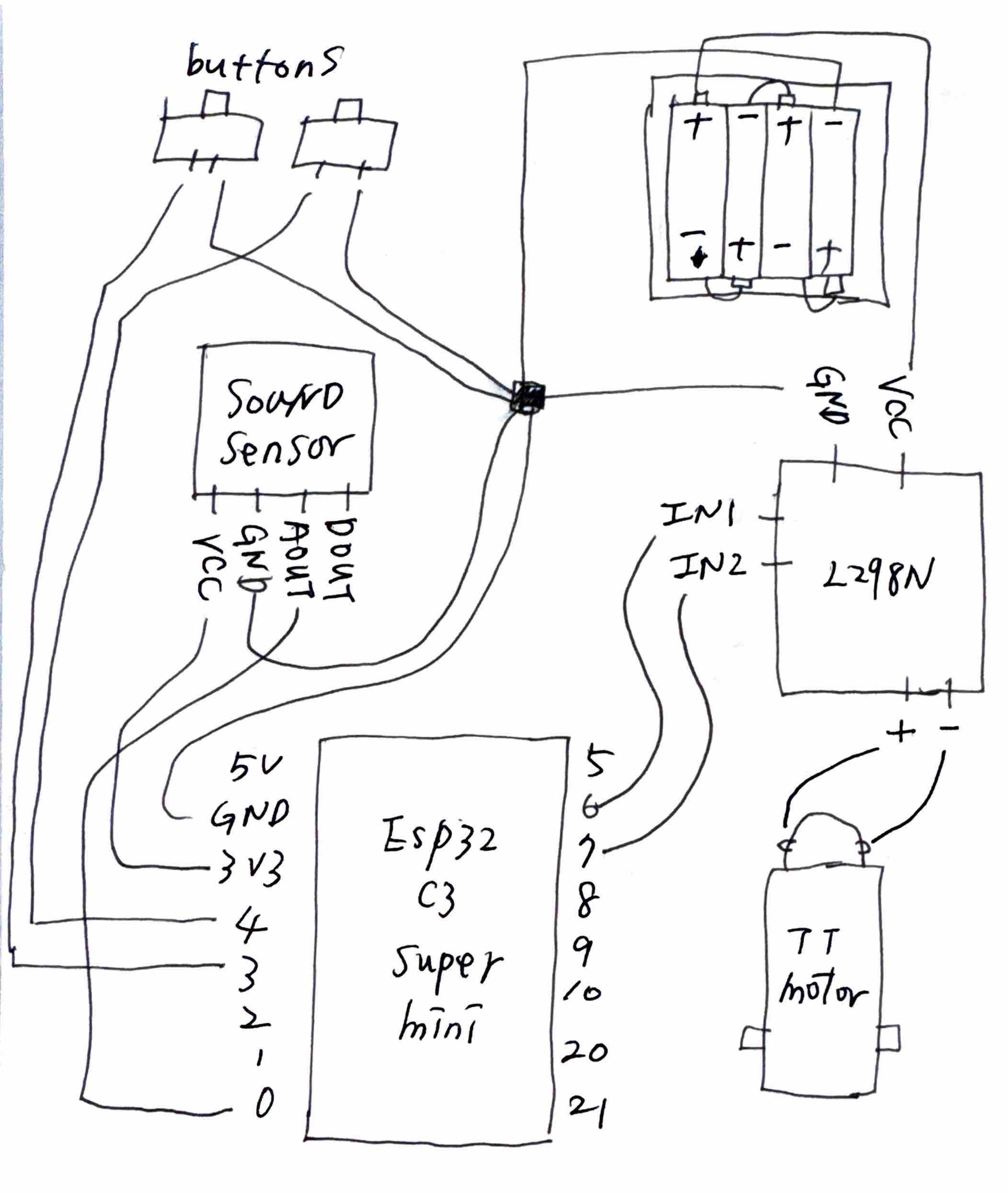
The circuit connects the ESP32 to a sound sensor, two buttons, a motor driver, and a DC motor. I first assembled the components as a working prototype and then recorded the connections in a hand-drawn wiring diagram.
p5.js and Matter.js
The browser scene uses Matter.js to simulate gravity, collisions, and upward forces. Each dust bunny is a small physics body, allowing the group to pile up, scatter, and move toward the funnel in response to physical inputs.
View the Matter.js documentation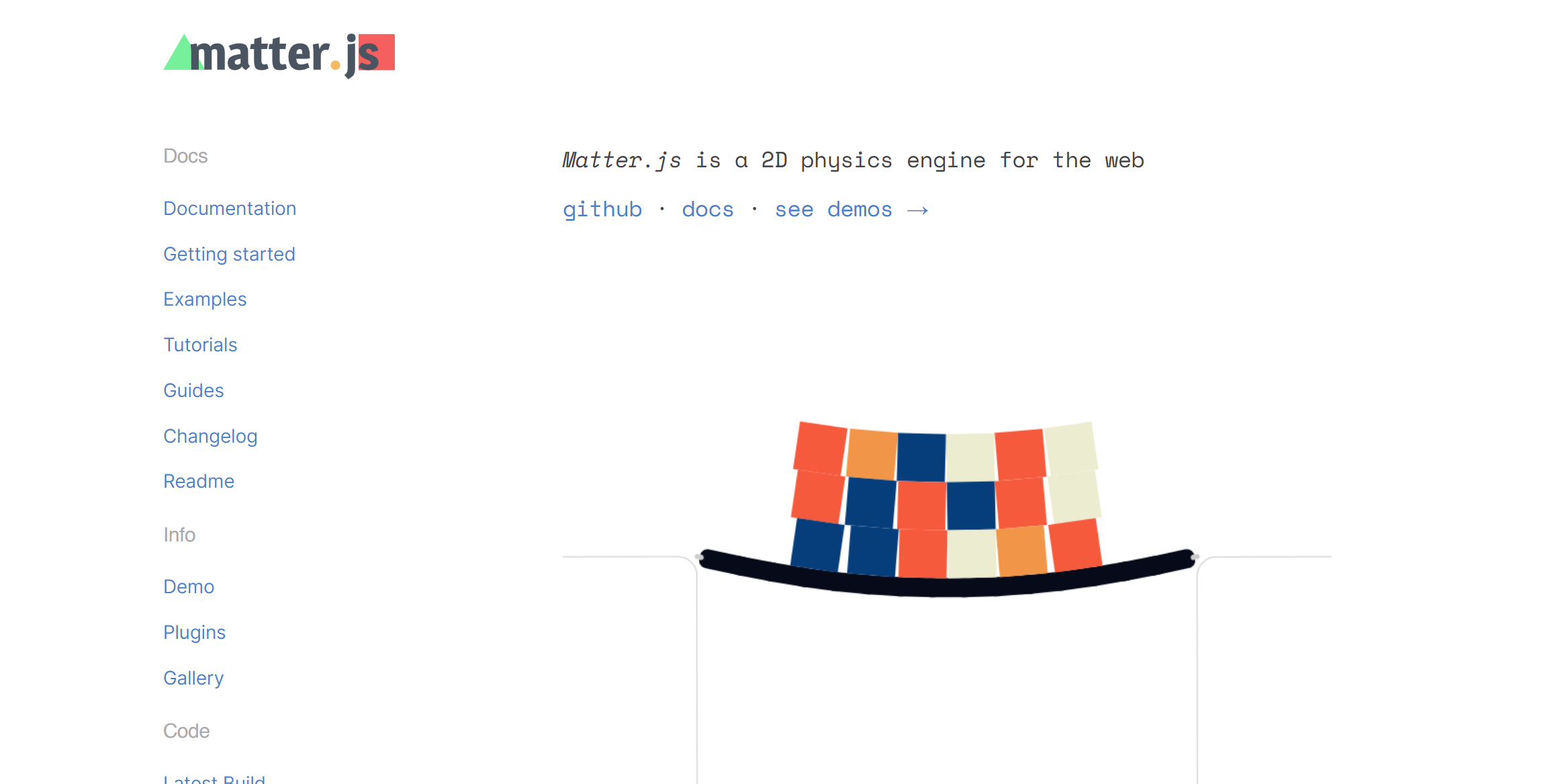

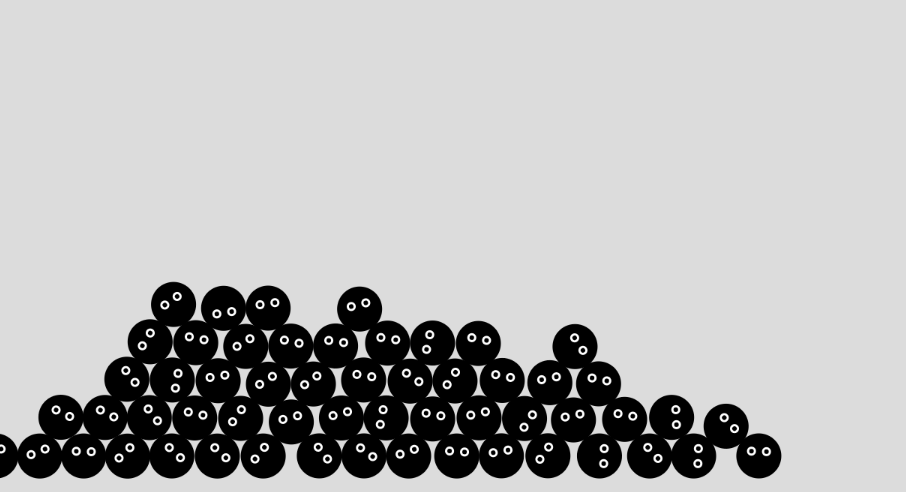
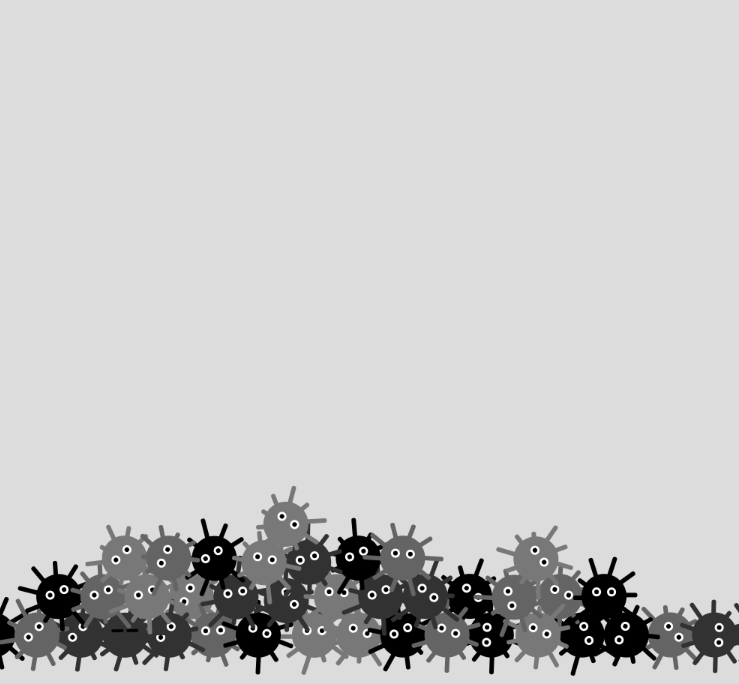
The visual tests explored different dust bunny shapes and collision behaviors. These variations helped establish a readable character while keeping the simulation responsive when many bodies appeared at once.

References
These references supported the MQTT connection and testing process. They provide additional examples for connecting an ESP32 to a broker and inspecting messages during development.