Exquisite Corpse: GIF Pixel Art and Animation in p5.js
- 2026-10-08
- p5.js, Pixel Art, GIF Animation, Collaborative Coding
Exquisite Corpse: GIF Pixel Art and Animation in p5.js
本文介紹一個合作完成的 Exquisite Corpse 計畫,使用 p5.js 將不同 GIF 的身體部位組合成新的像素角色。共用函數會把 GIF 畫格取樣為座標與顏色網格,讓每位合作者能以相同資料結構發展不同視覺效果。頭部、身體與腿部由不同範圍控制,CMY 色彩分離與 Multiply 混合模式則產生類似印刷的外觀。圓形 easing 函數用來控制彩色像素移動到目標位置的過程。本研究透過共享動畫框架,探索可重複使用的函數、參數變化與合作式程式設計。
This article presents a collaborative Exquisite Corpse project that combines animated GIF body parts into a new pixel-art character in p5.js. A shared function samples GIF frames as coordinate and color grids, allowing each collaborator to create different visual effects from the same data structure. Separate ranges define the head, body, and legs, while CMY color separation and multiply blending produce a print-like appearance. Circular easing functions control how colored pixels move into place. The project explores reusable functions, parameter-based variation, and collaborative coding through a shared animation framework.
The Legendary NYC Pigeon
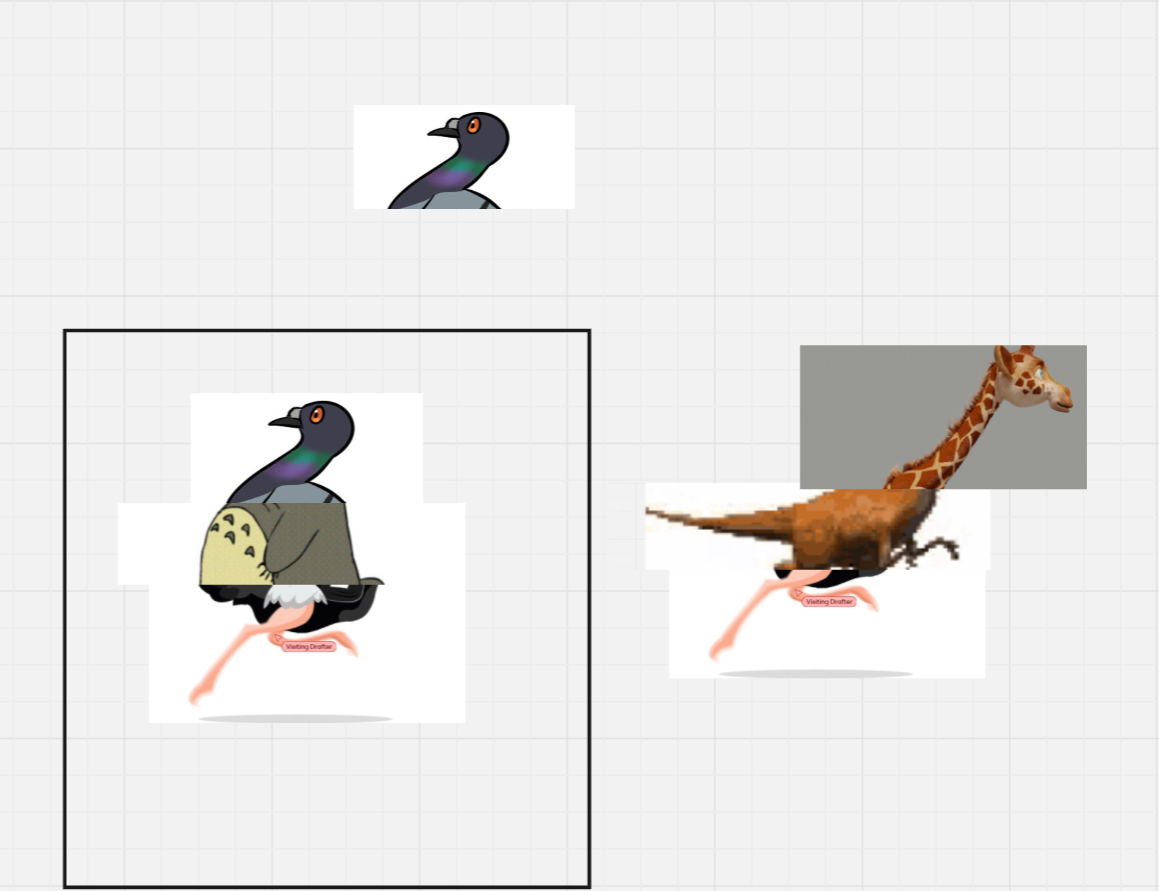
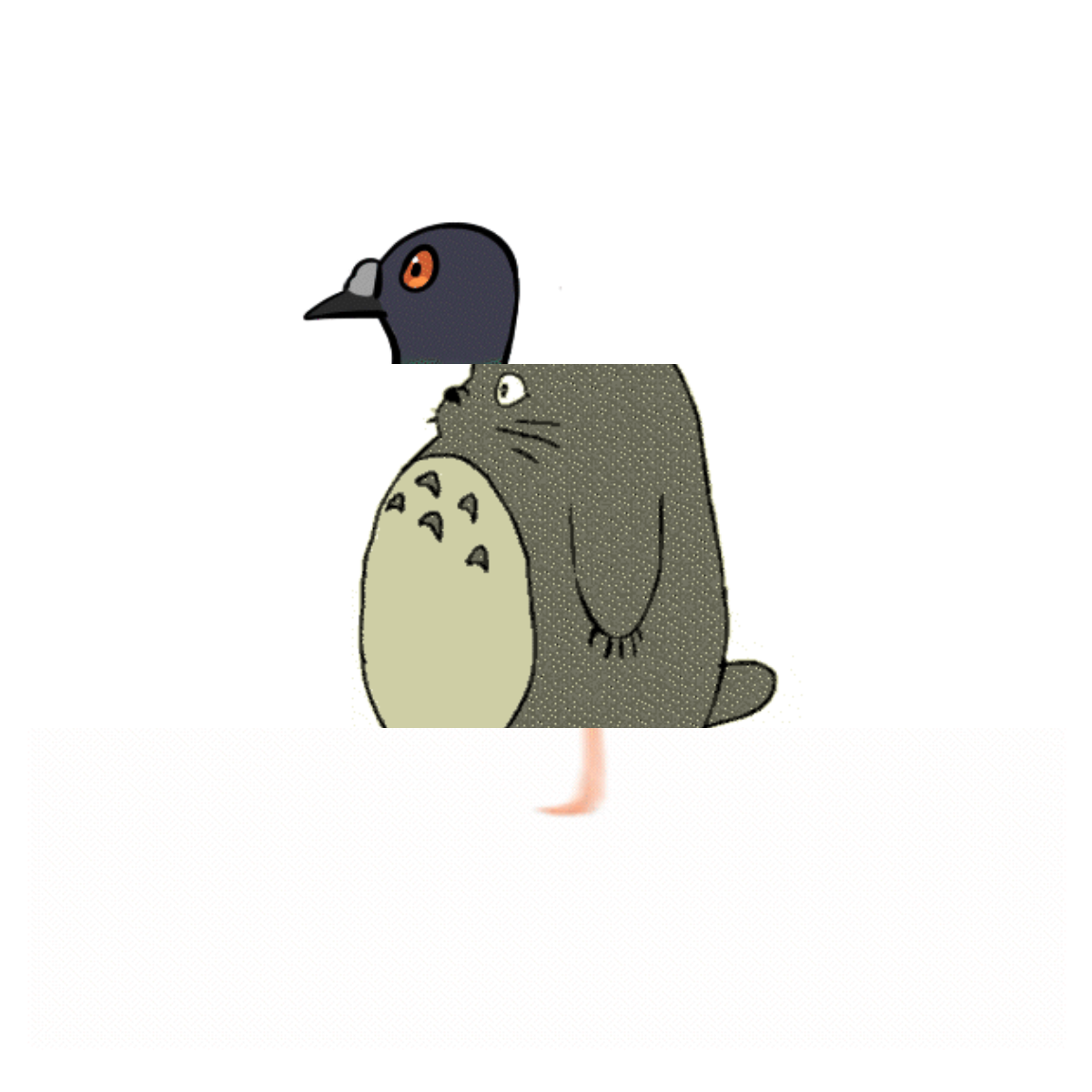
This is the legendary pigeon of New York City. Only one in a million pigeons looks like this.
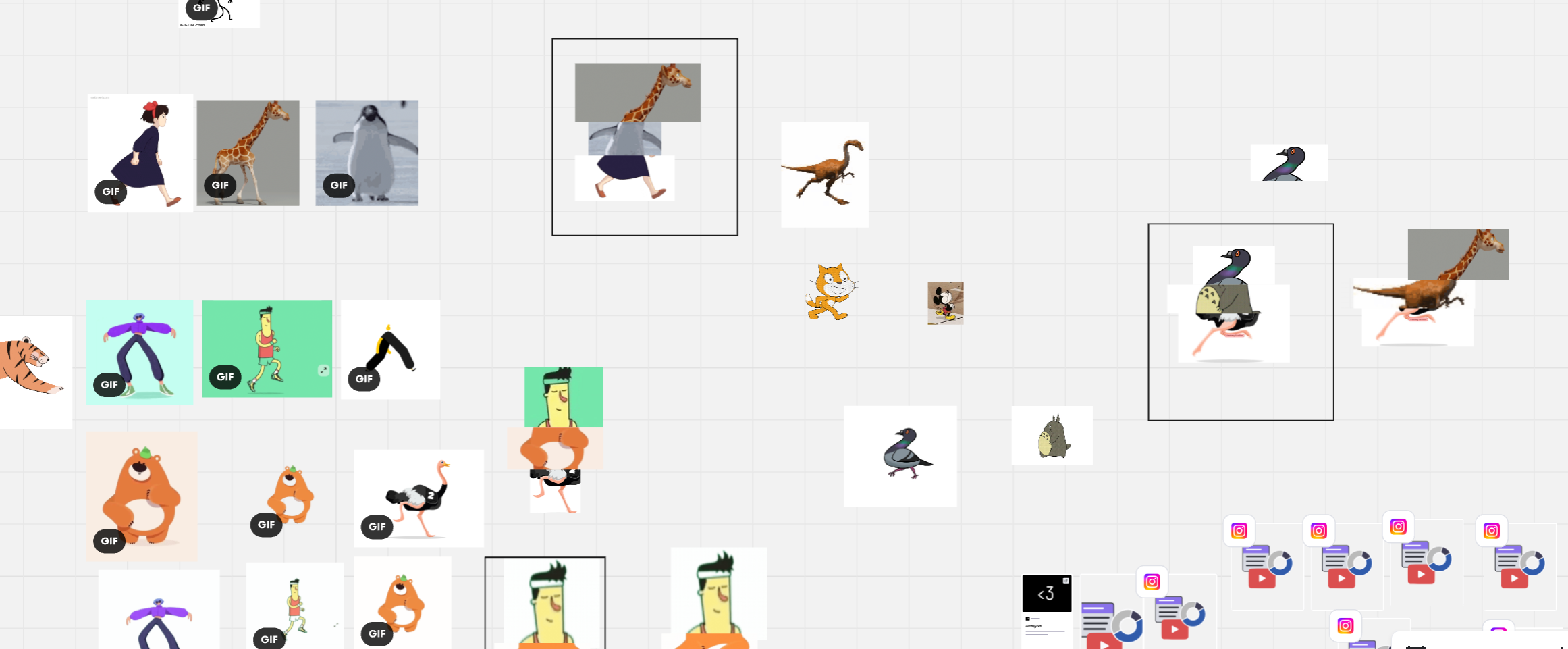
With a Totoro-like body and ostrich legs, contributed by Tinyi, this pigeon has a special ability. Unlike other pigeons, it cannot fly, but it can run at almost the speed of light. If something strange runs through the streets of New York City, it may be the legendary pigeon.
Idea
We developed the idea together. Helen wanted to explore pixel art, and we thought it would be interesting to create strange characters by combining GIFs from different sources. The visual differences between the GIFs remain visible, but the shared pixel-art effect makes the parts feel like one creature.
Process and Learning Goals
We collected GIFs and designed our characters together. I wrote the basic functions that convert GIFs into grids and extract coordinates and colors. Each collaborator then used the same data to create a different visual effect before exchanging the results and combining them.
The project focused on three goals:
- Break the program into smaller reusable functions.
- Use shared grid data with different parameters and visual effects.
- Support collaborative coding through a common framework.
Reflection
The shared template for pixel art and ASCII art helped us understand how functions make code reusable and easier to exchange. I was also interested in another group’s approach, where each person continued coding from the previous person’s work. This creates a second form of Exquisite Corpse through the code itself.
GIFs also provided a simple way to explore animation without drawing every frame. For this private classroom project, we transformed collected animations into new visual styles and character combinations.
GIF Collection and Character Assembly
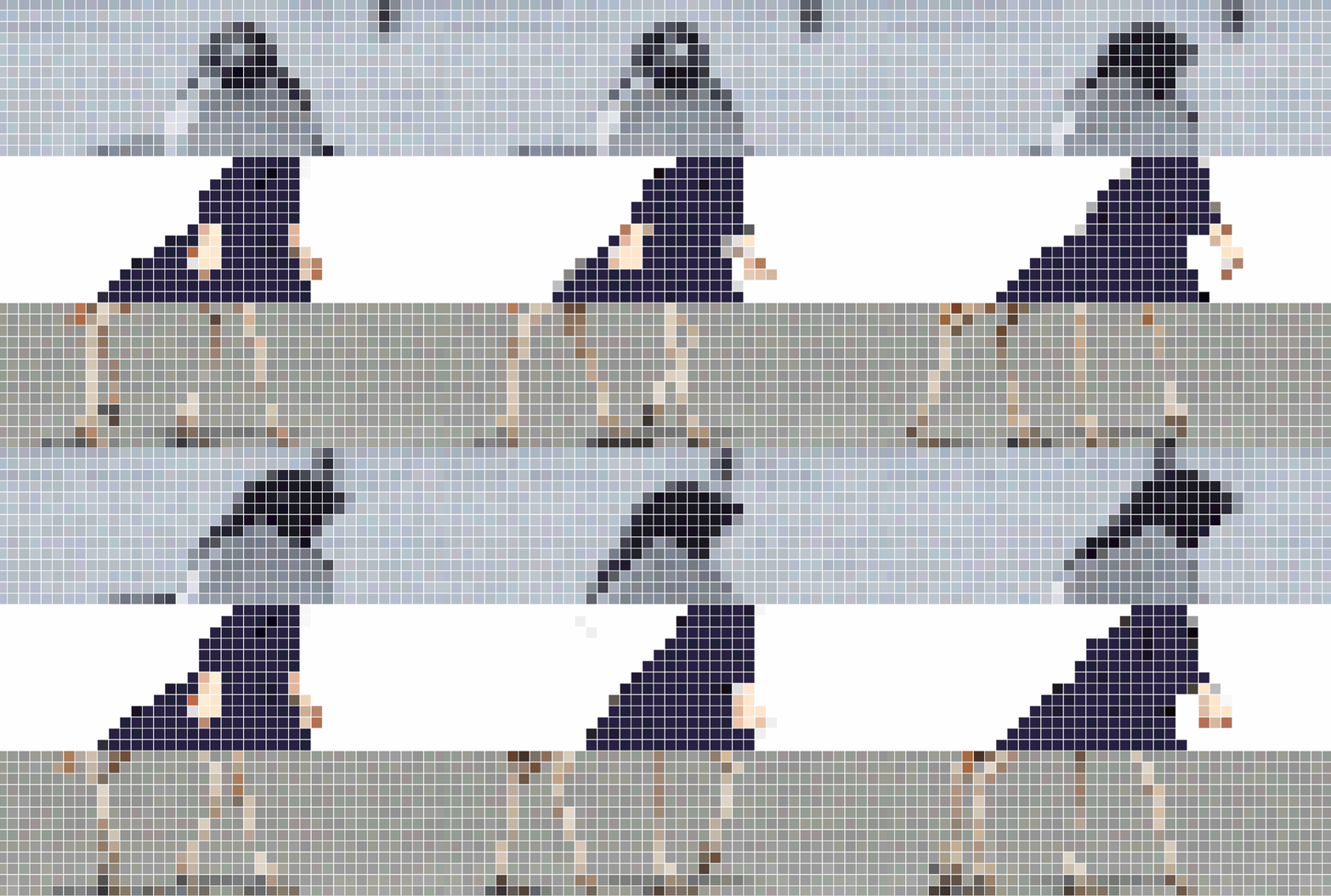
We collected animated GIFs and combined different heads, bodies, and legs to create new characters.
Converting GIF Frames to a Pixel Grid
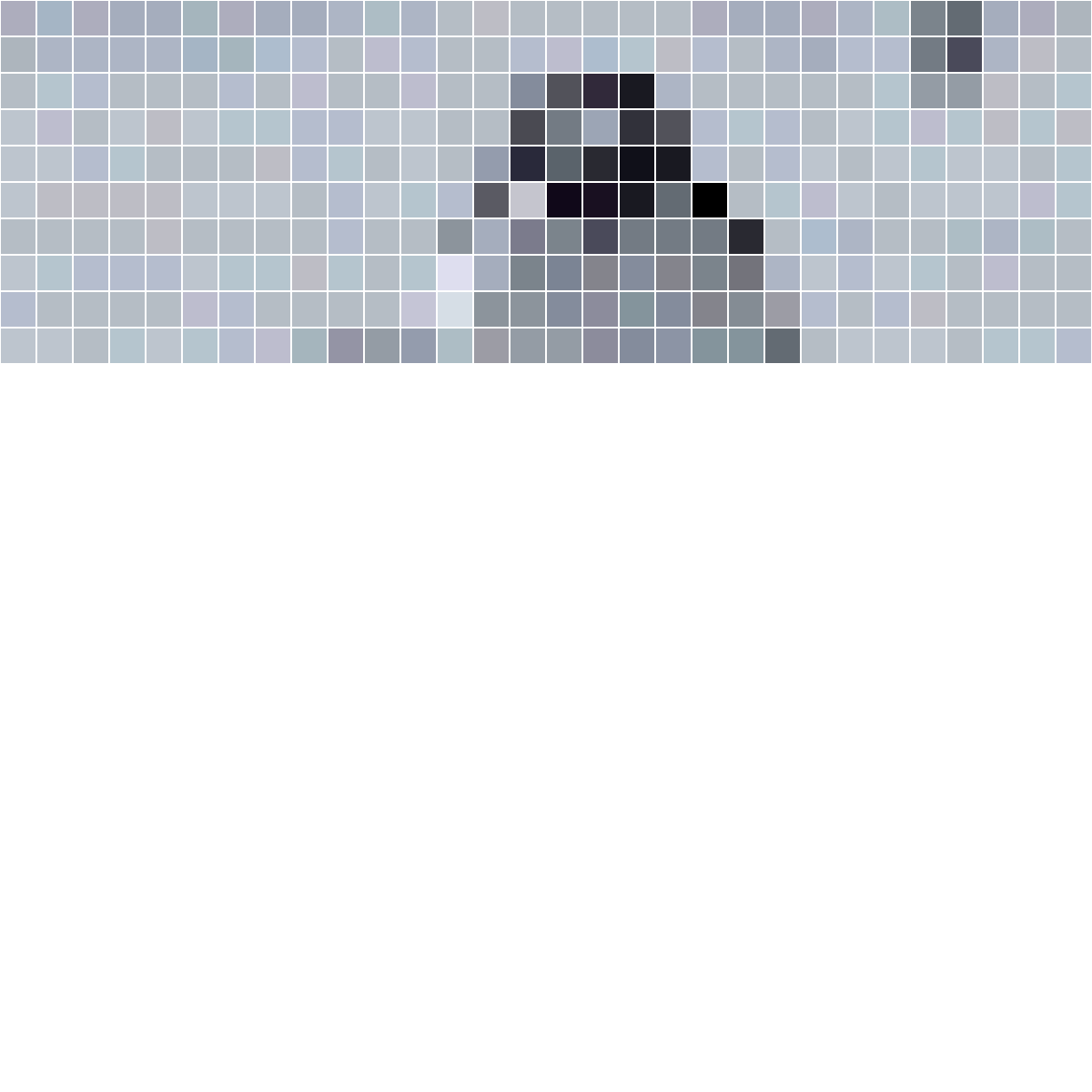
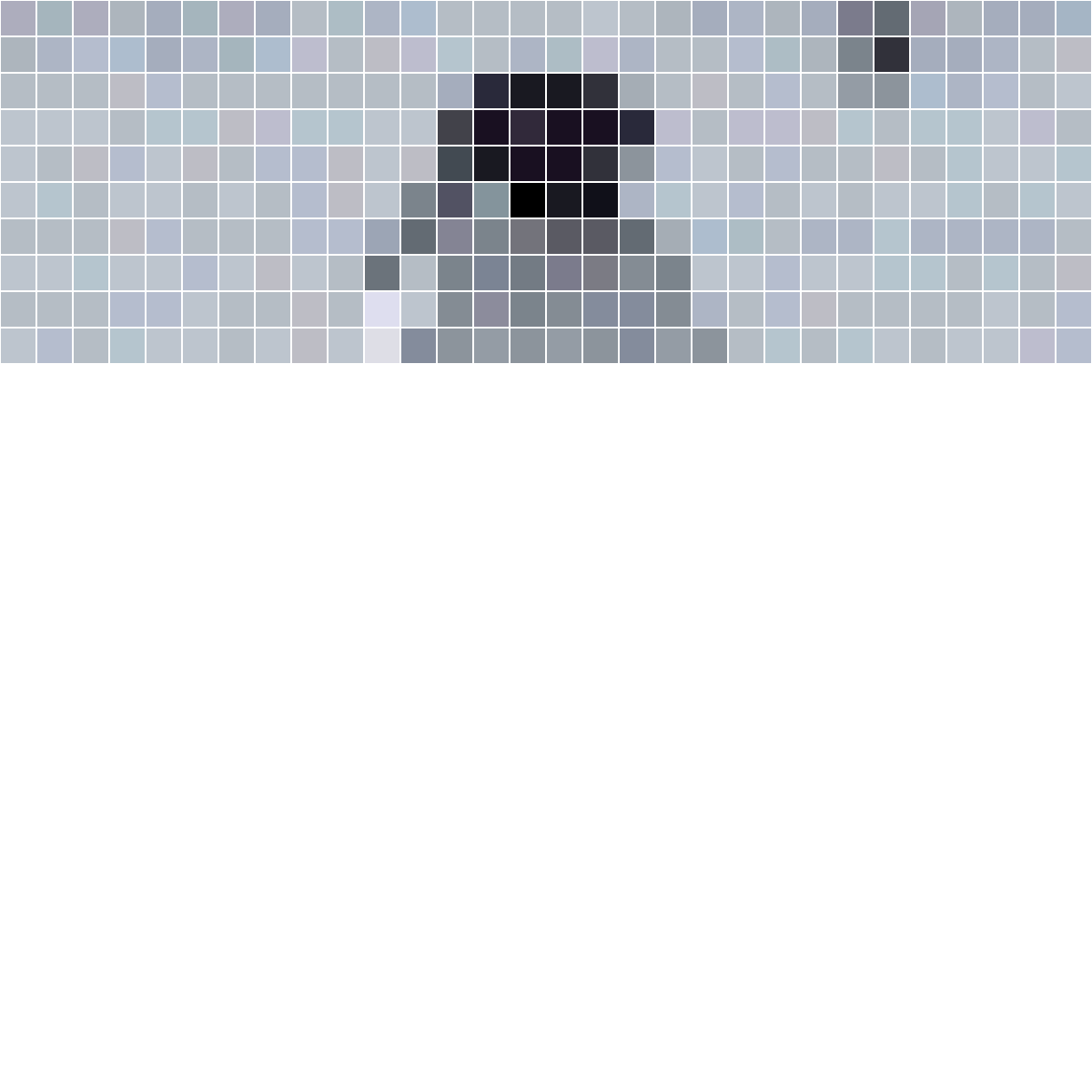
The drawGifAsGrid() function samples colors and coordinates from a GIF frame. It maps each canvas cell to a location in the source image, reads that color, and passes the result to a reusable pixel-effect function.
GIF sampling code
let sourceGif;
const gridSize = 20;

async function setup() {
  createCanvas(600, 600);
  sourceGif = await loadImage('3.gif');
}

function draw() {
  background(255);
  sourceGif.loadPixels();
  drawGifAsGrid(sourceGif, 0, height / 3, headEffect);
}

function drawGifAsGrid(gif, startY, endY, pixelFunction) {
  for (let y = 0; y < height; y += gridSize) {
    for (let x = 0; x < width; x += gridSize) {
      const imageX = floor(map(x, 0, width, 0, gif.width));
      const imageY = floor(map(y, 0, height, 0, gif.height));
      const color = gif.get(imageX, imageY);

      if (y >= startY && y < endY) {
        pixelFunction(x, y, color);
      }
    }
  }
}

function headEffect(x, y, color) {
  fill(color);
  rect(x, y, gridSize, gridSize);
}
Controlling GIF Animation
Selecting Frames with setFrame()
The setFrame() method selects one frame from the GIF. Connecting the frame index to frameCount allows the pixel grid to follow the original animation.
jean_gif.setFrame(
  int(frameCount / 10) % jean_gif.numFrames()
);
jean_gif.loadPixels();
Composing the Character
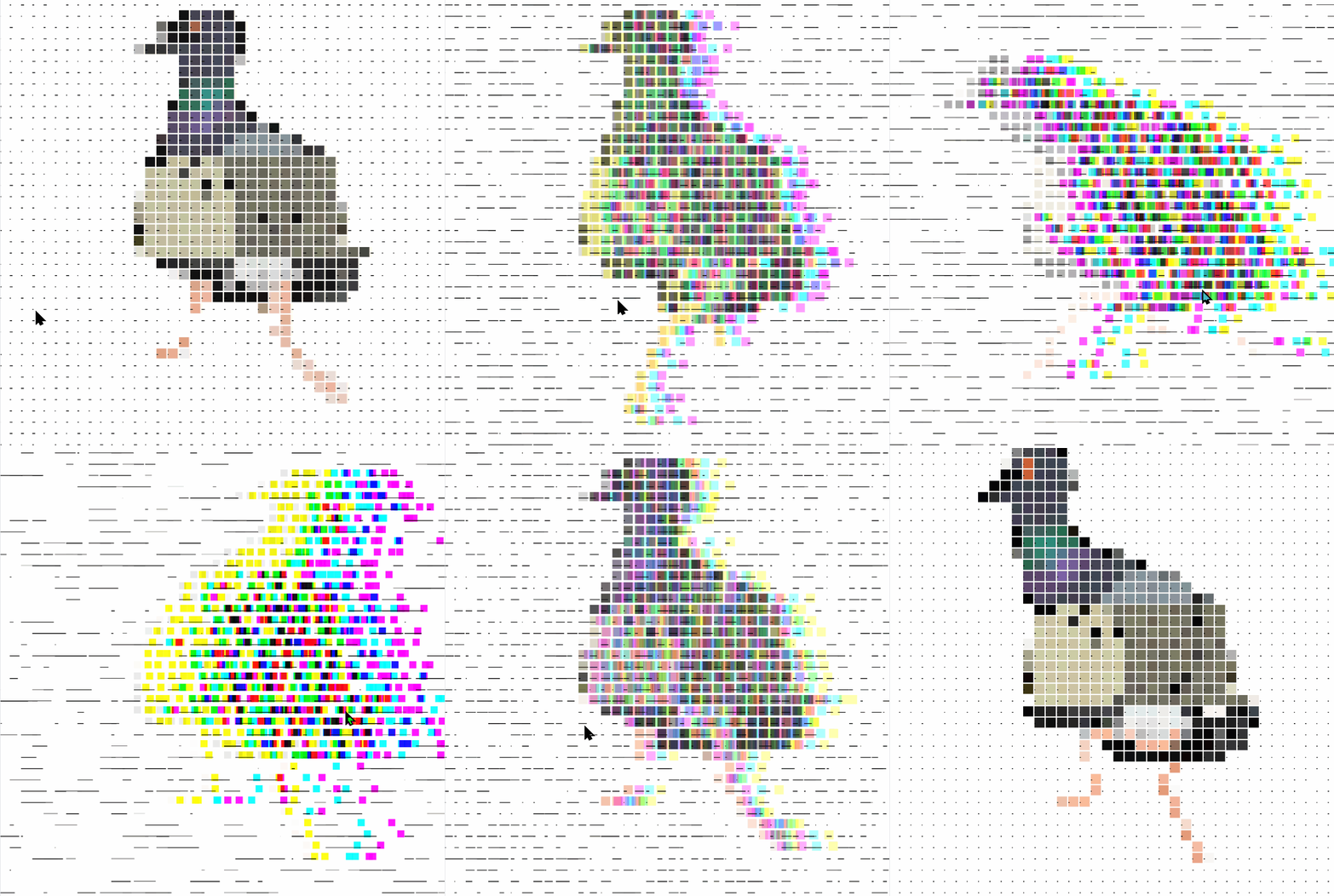
Separate normalized ranges define the head, upper body, and legs. Each range can use a different GIF, which lets the three collaborators exchange and combine their parts.
const cutA = 0.345;
const cutB = 0.57;

const headRange = [0, cutA];
const bodyRange = [cutA, cutB];
const legRange = [cutB, 1];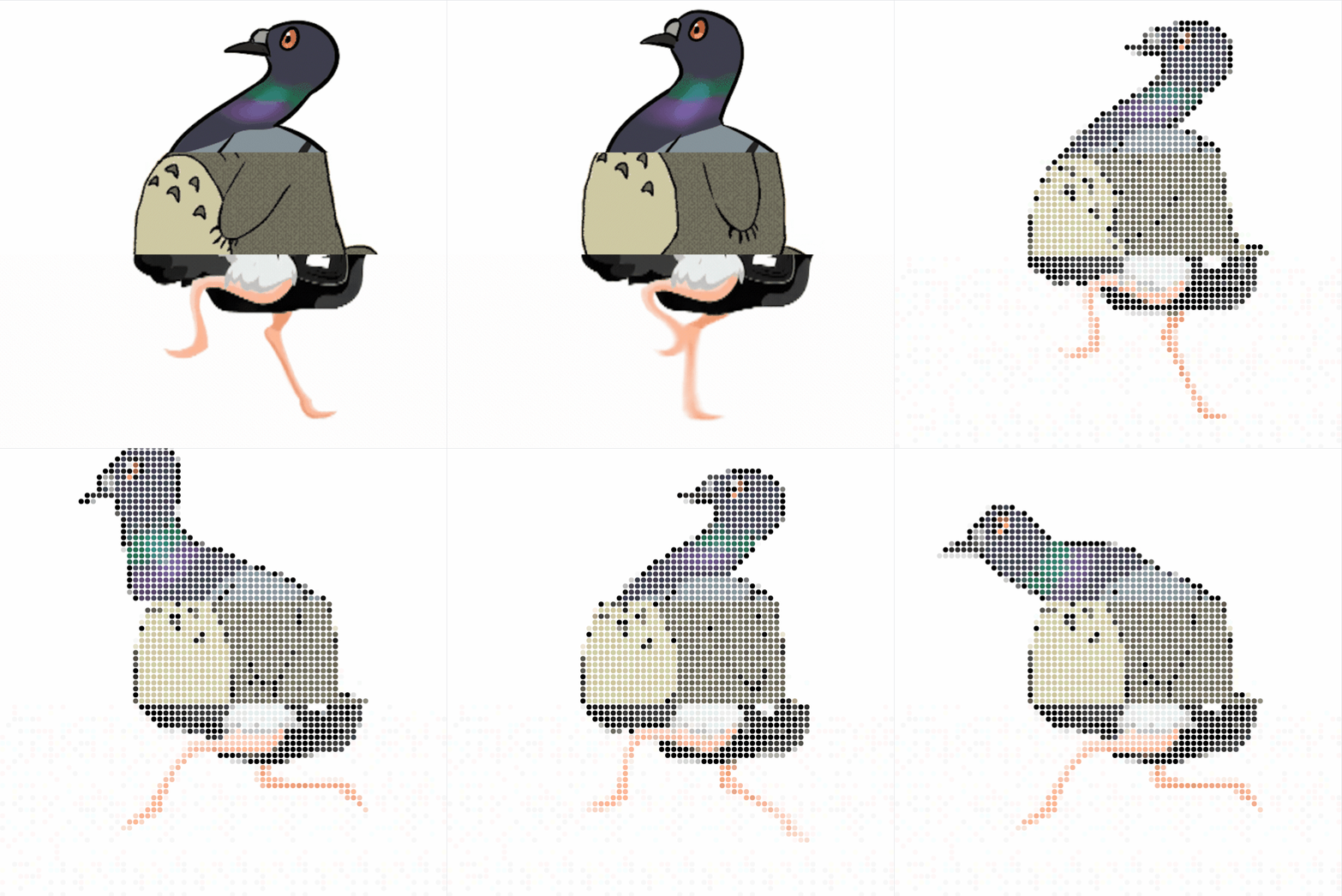
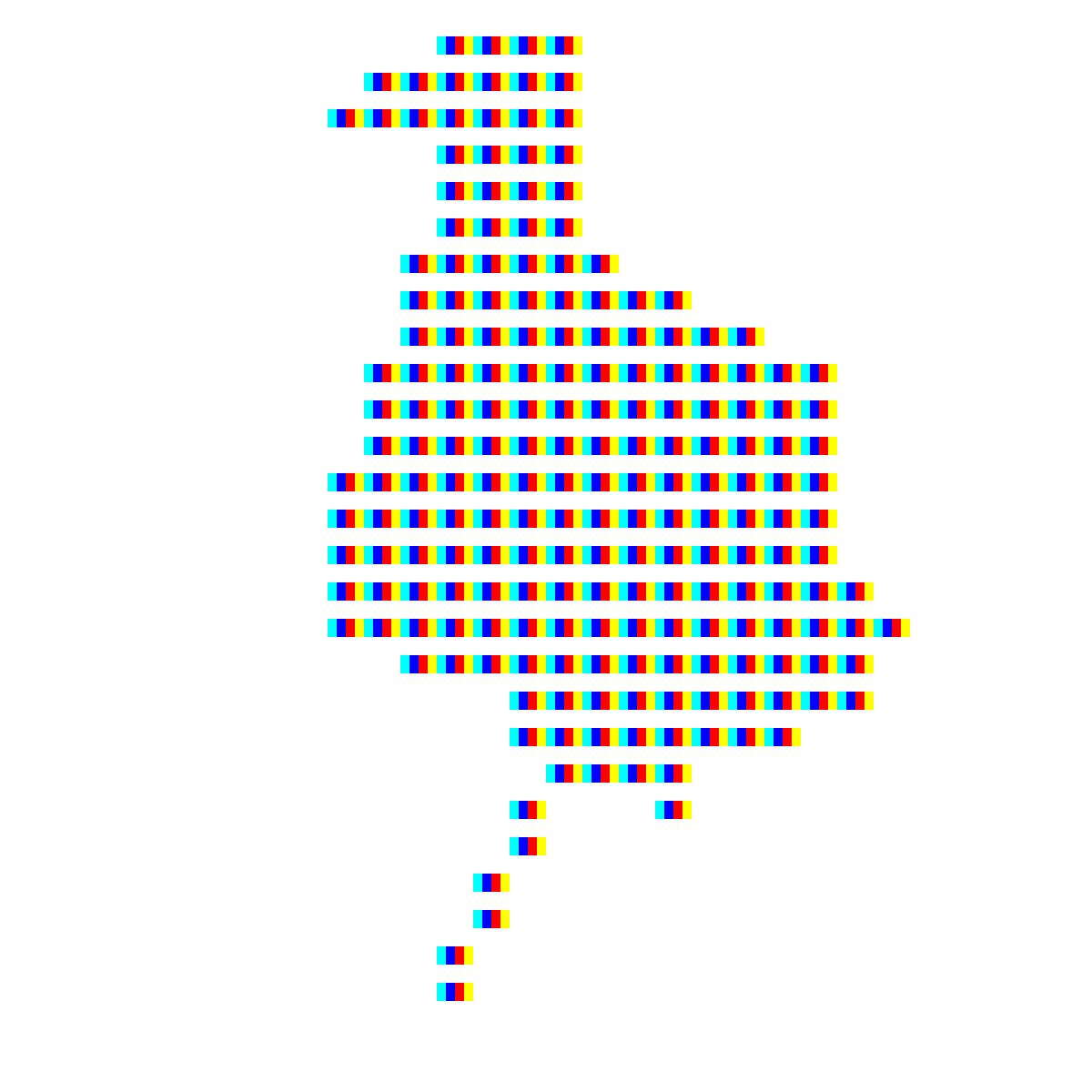
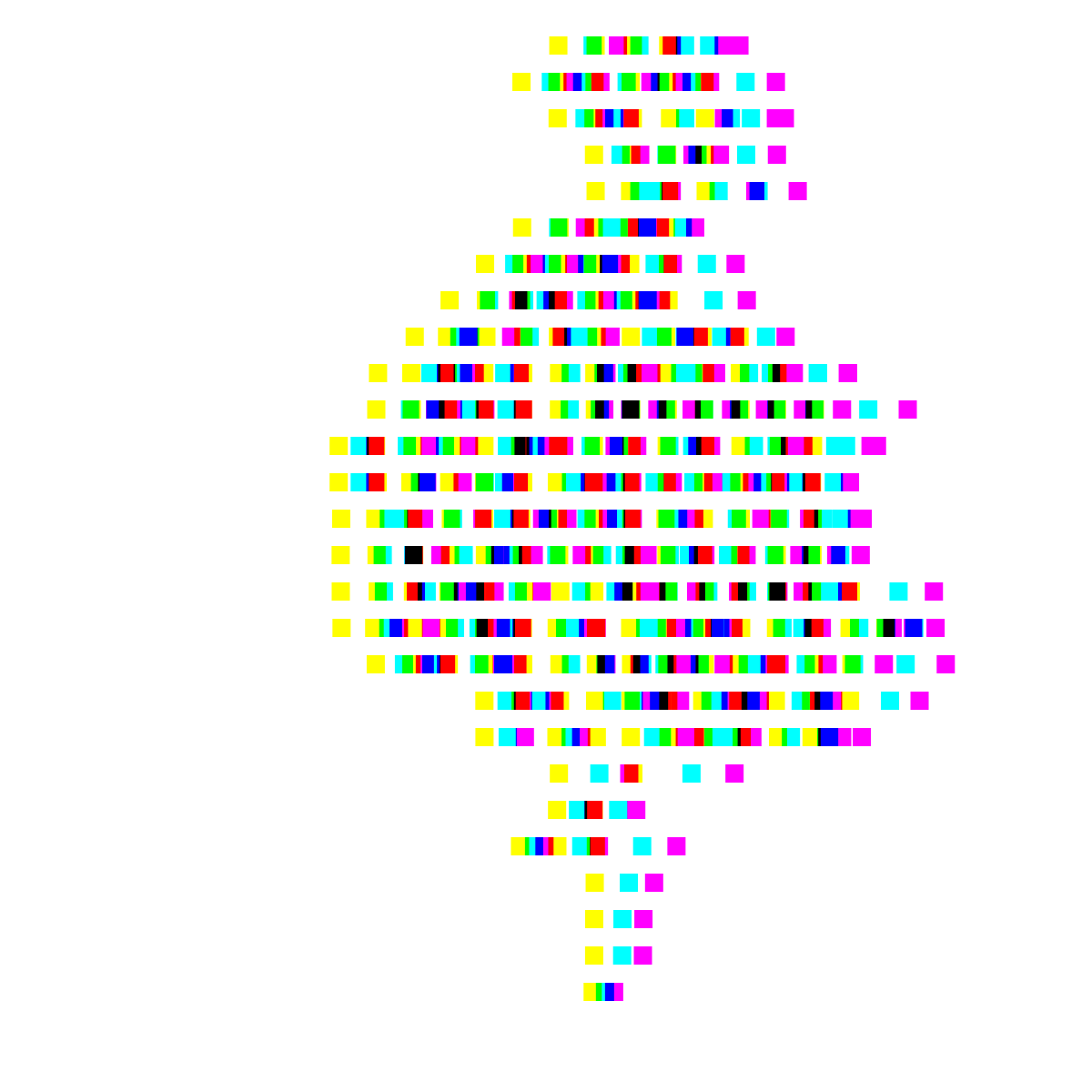
CMY Color Effect
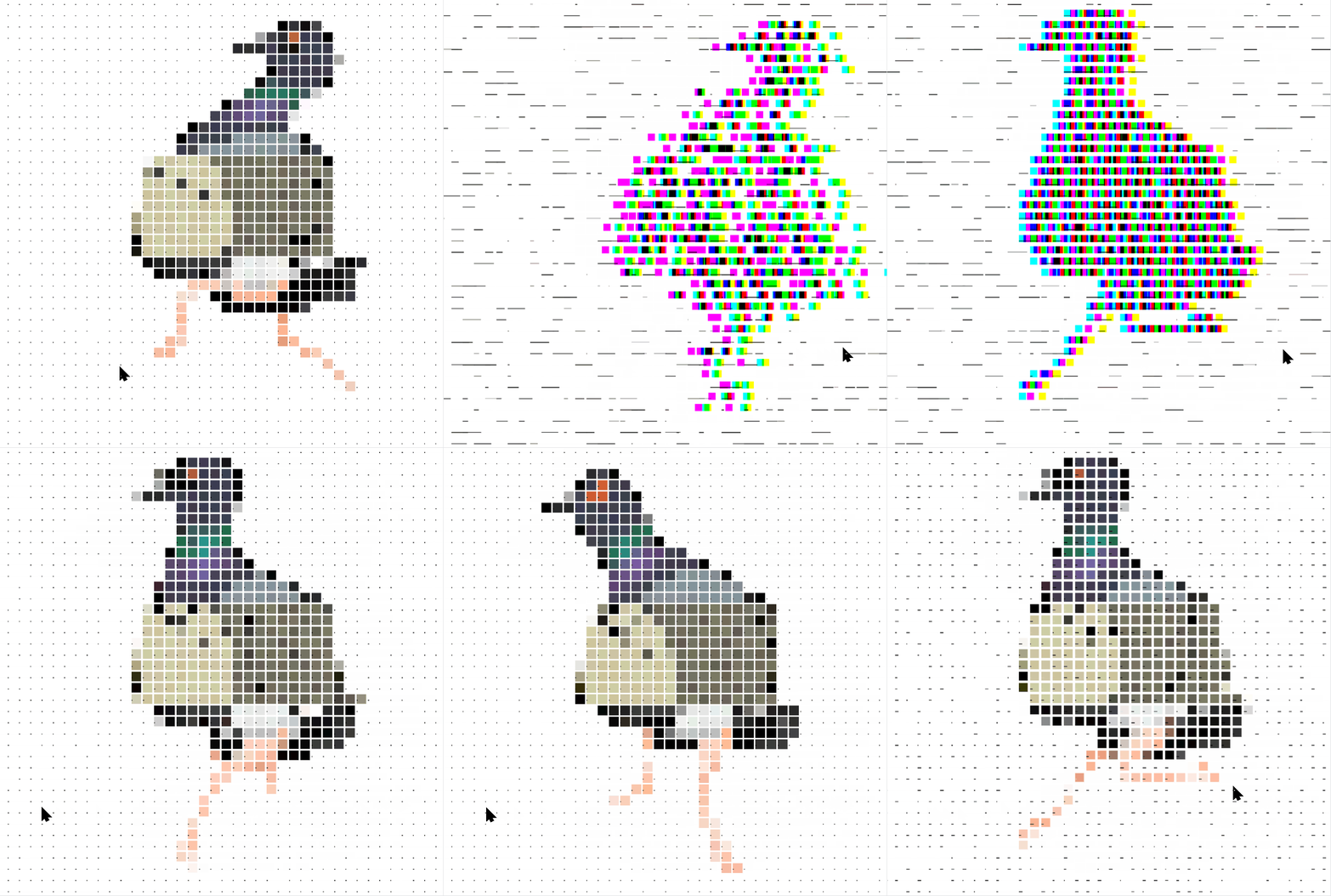
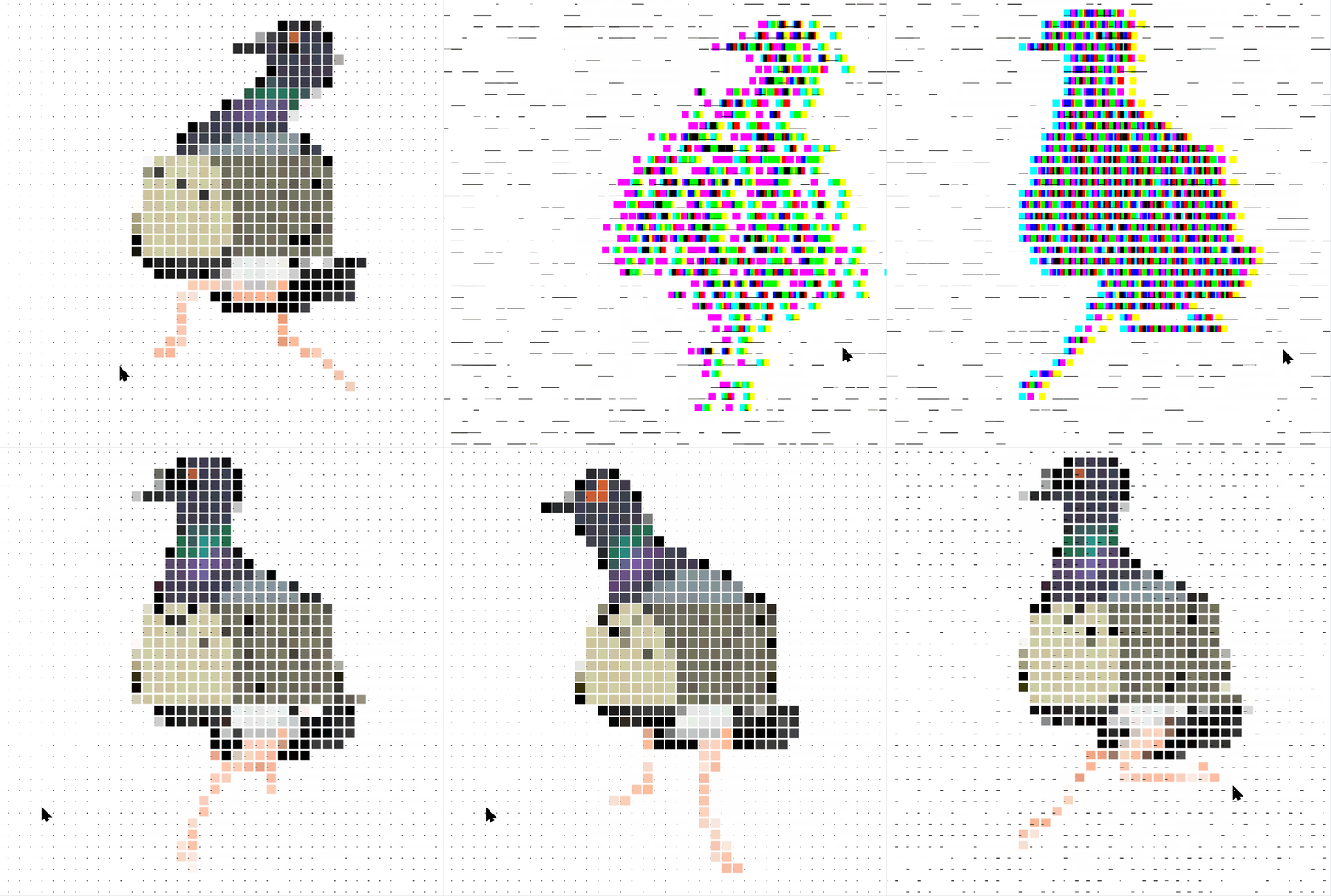
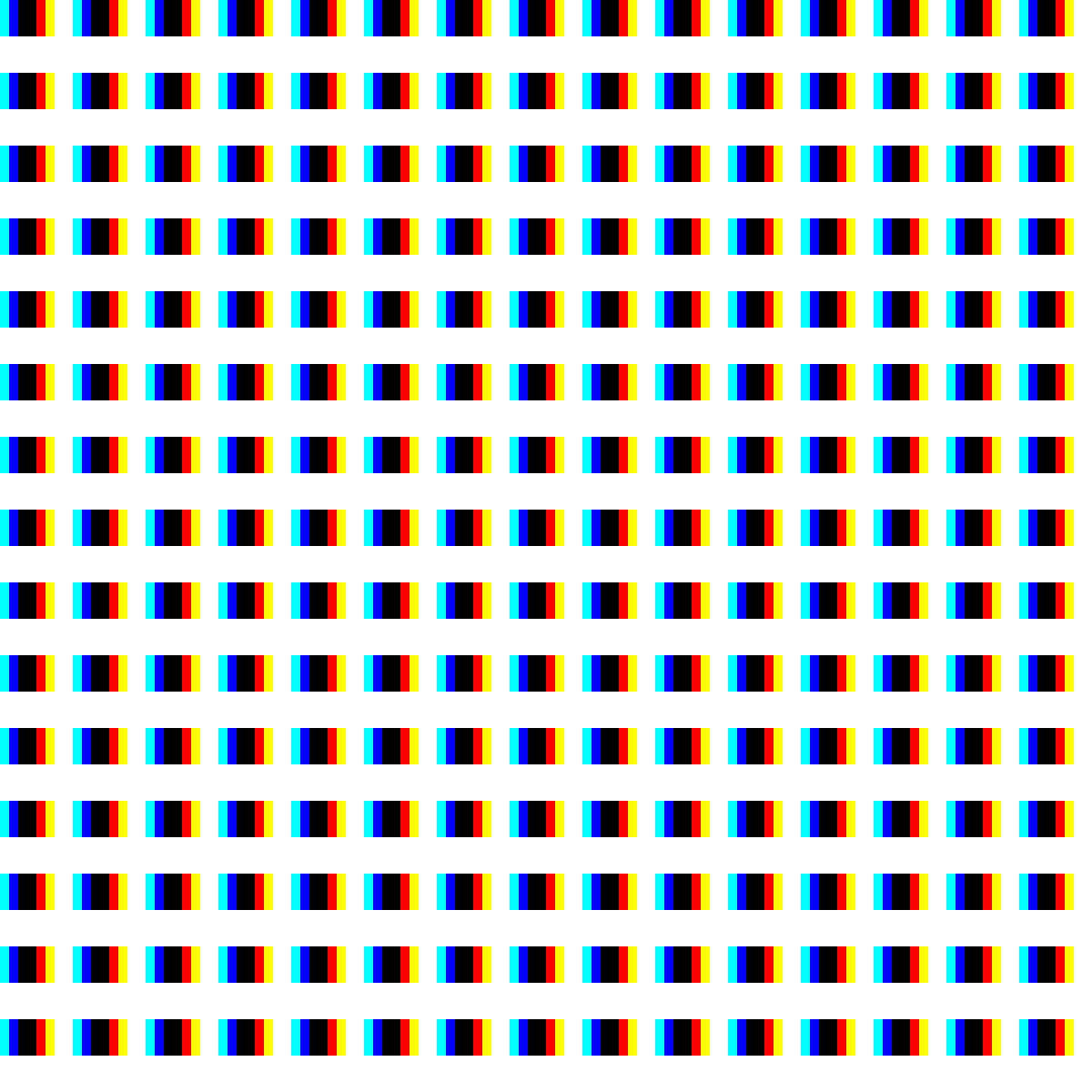
CMY color separation and MULTIPLY blending create a print-like effect. The color channels can move independently before returning to the final pixel image.
blendMode(SCREEN);
background(255);

blendMode(MULTIPLY);
drawPixelArt(headGrid, pixelEffect);
drawPixelArt(bodyGrid, pixelEffect);
drawPixelArt(legGrid, pixelEffect);
Animation and Easing
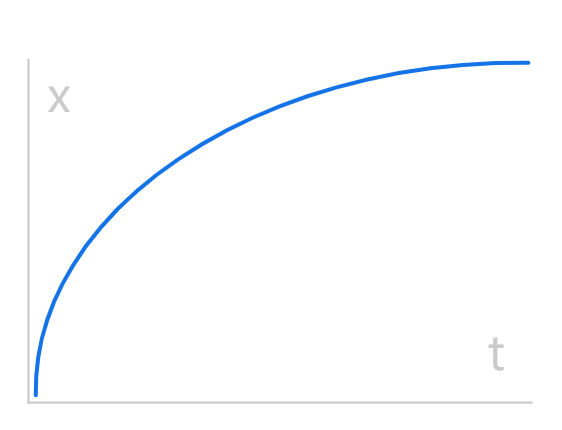
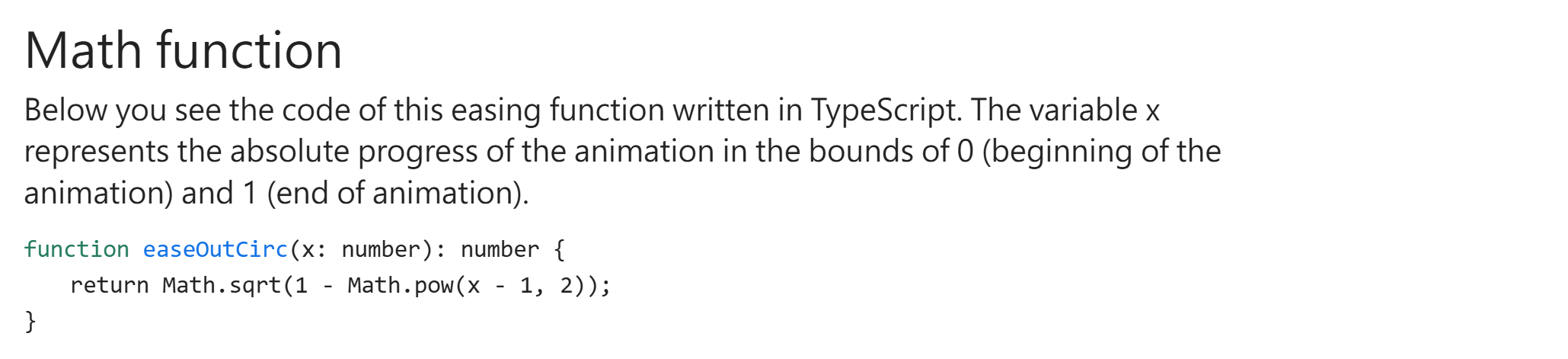
Easing functions control how colored pixels transition from their starting positions to the final character grid.

function easeOutCirc(t) {
  return sqrt(1 - pow(t - 1, 2));
}

function easeInCirc(t) {
  return 1 - sqrt(1 - pow(t, 2));
}