Locating Place|Space: Watercolor Shaders and Generative Nature Study in p5.js
- 2026-09-10
- p5.js, Generative Art, Shader, Procedural Landscape
Locating Place|Space: Watercolor Shaders and Generative Nature Study in p5.js
本文介紹一項以 p5.js 建立的程序式自然景觀研究,將同伴提供的文字描述轉譯為水彩天空、層疊山丘、小樹與高聳紅木所構成的場景。系統使用 p5.js 2.0 shader、noise 函數、混合模式與程序式幾何建立畫面的質感與深度。Gaussian 函數用來塑造山丘與樹幹,Fibonacci 數列則協助安排景觀中的元素。透過草圖與參數測試,本研究探索語言、個人記憶、數學與程式碼如何共同詮釋一個想像中的地方。
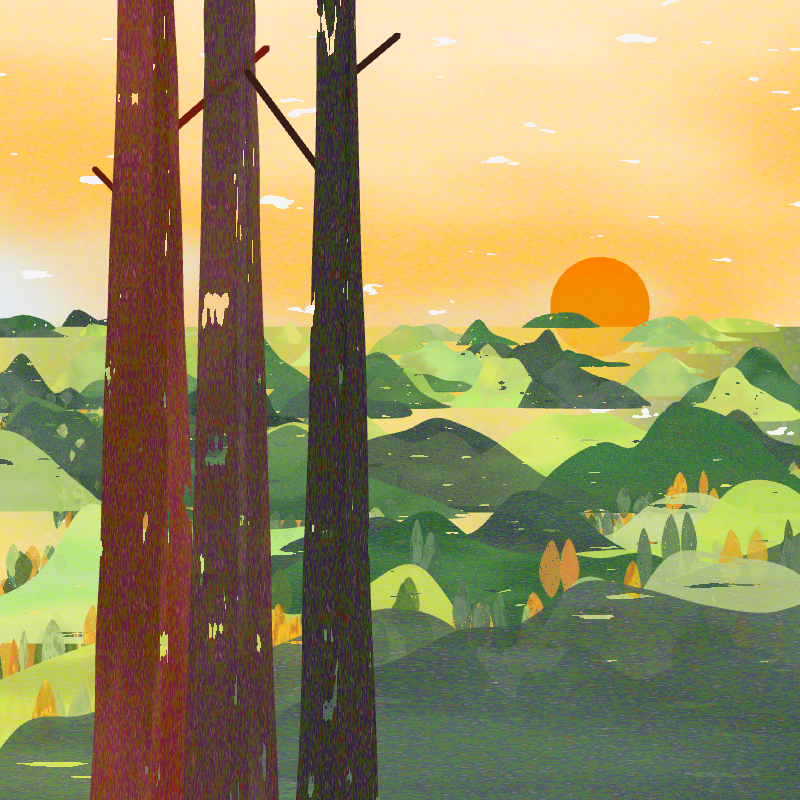
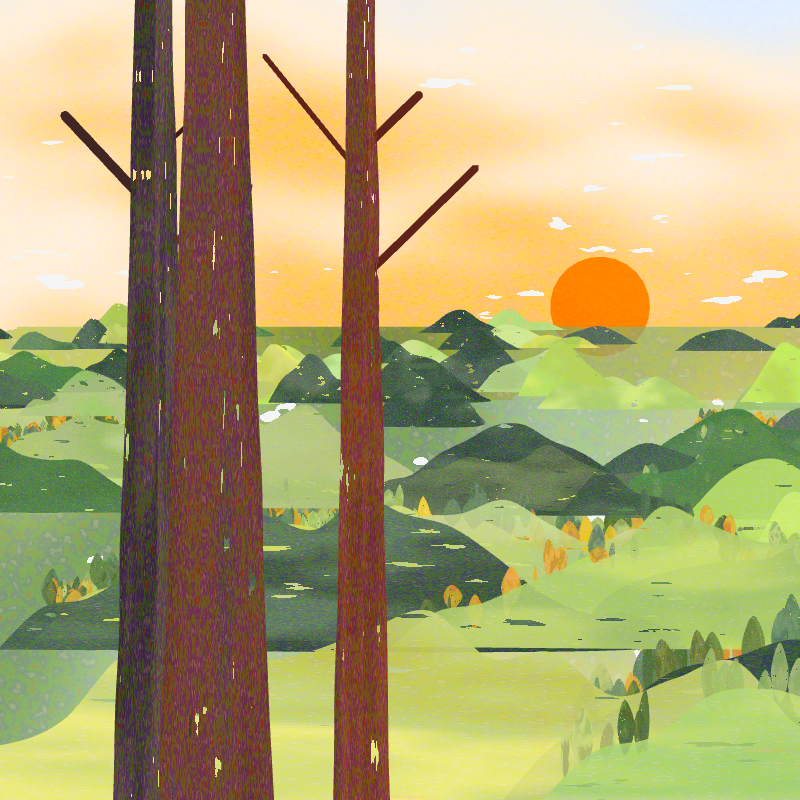
This article presents a generative nature study built with p5.js from a landscape prompt written by a partner. The scene combines a watercolor sky, layered hills, small trees, and tall redwood trees. A p5.js 2.0 shader, noise functions, blend modes, and procedural geometry create the visual texture and depth. Gaussian functions shape the hills and tree trunks, while a Fibonacci sequence helps organize elements across the landscape. Through sketches and parameter tests, the process explores how language, personal memory, mathematics, and code can work together to interpret an imagined place.
Prompt and Interpretation
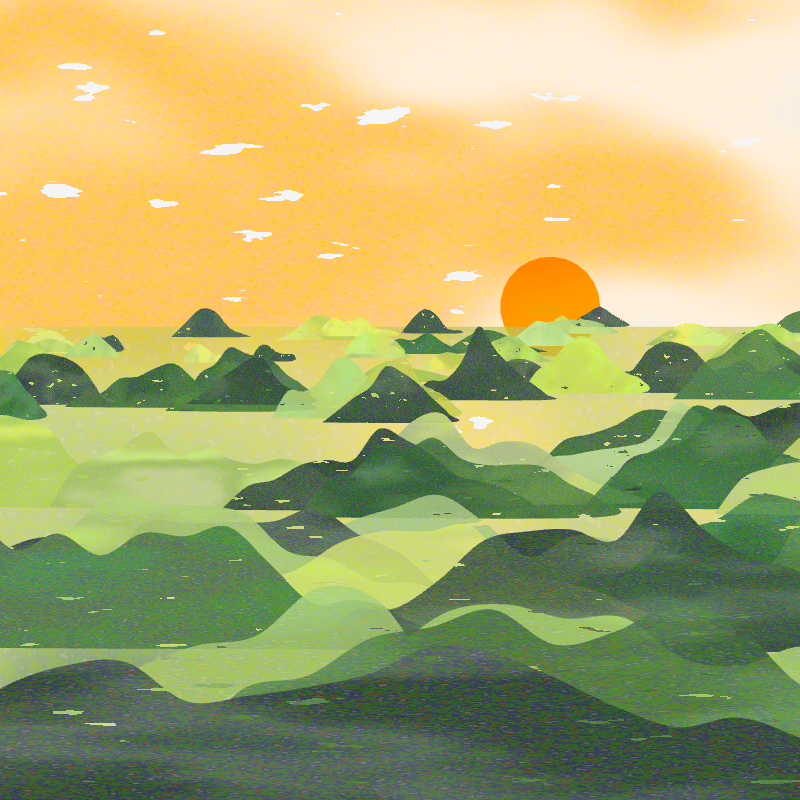
Queenie described a wide view from the top of a mountain at sunset. Emerald redwoods, oak woodlands, Douglas firs, and rolling hills fill the foreground. In the distance, clouds cover the sky, while pink, blue, and orange light reaches the hills.
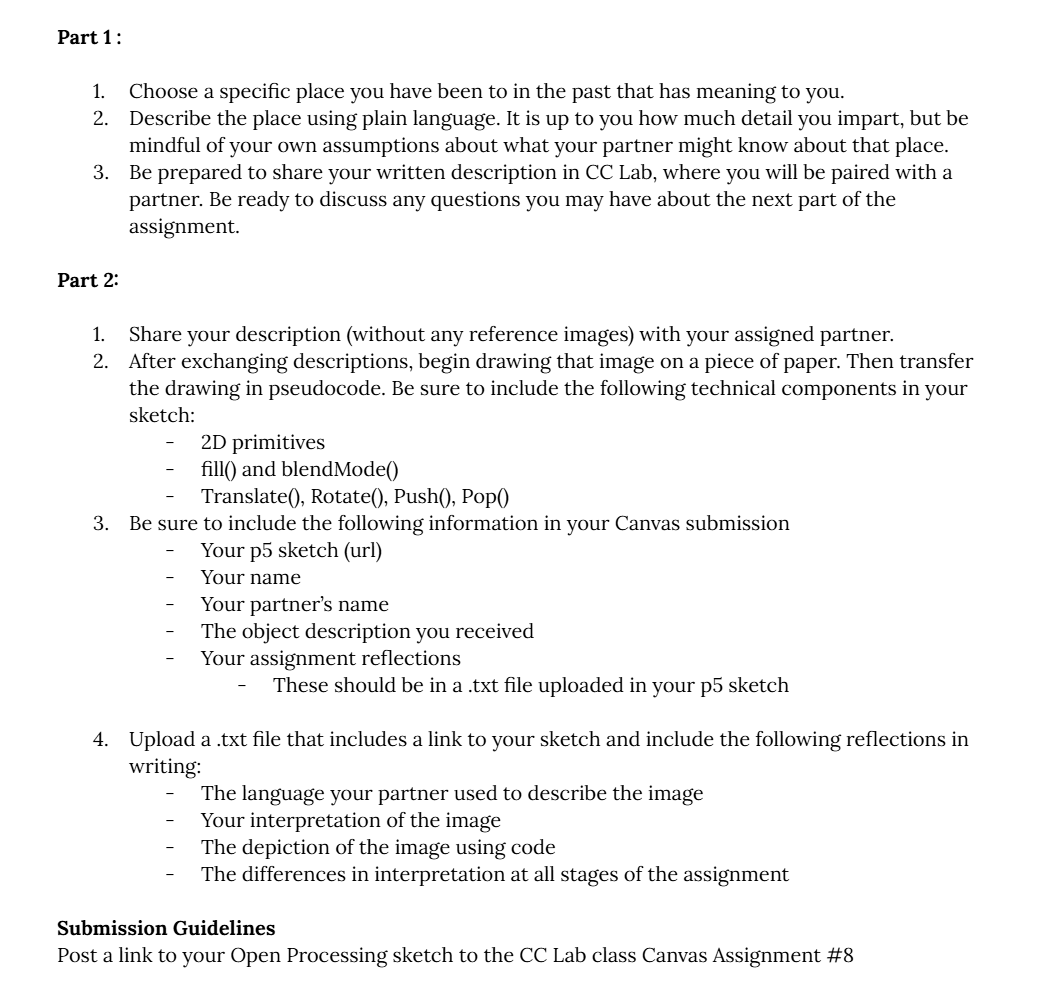
Assignment instruction
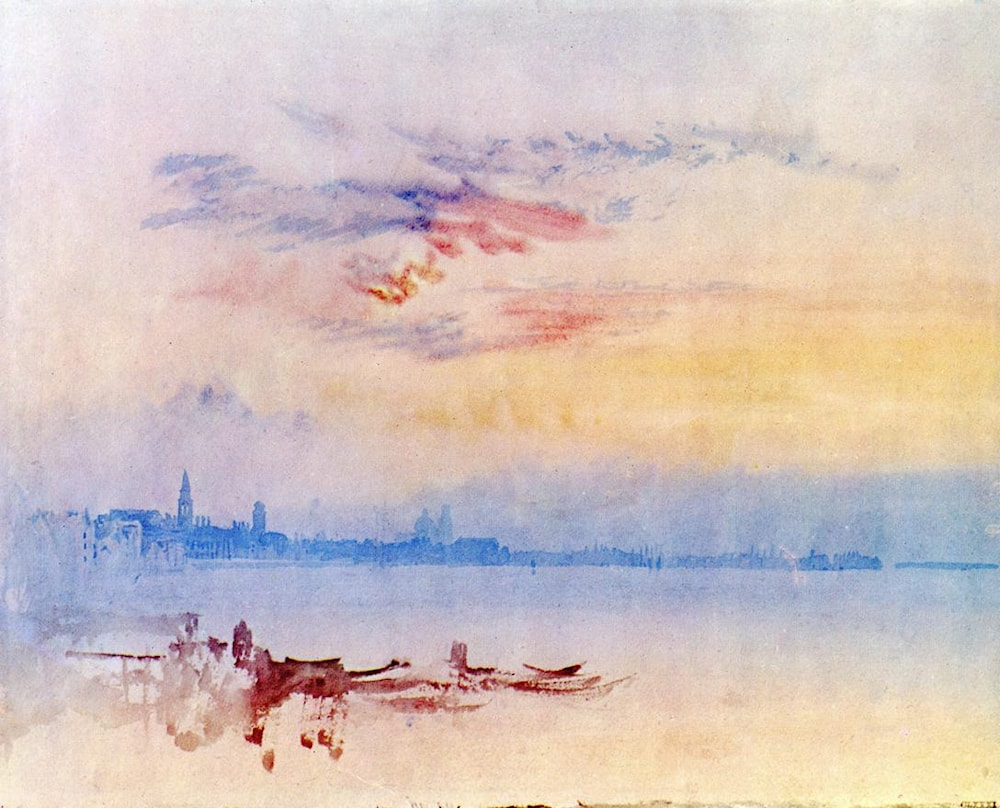
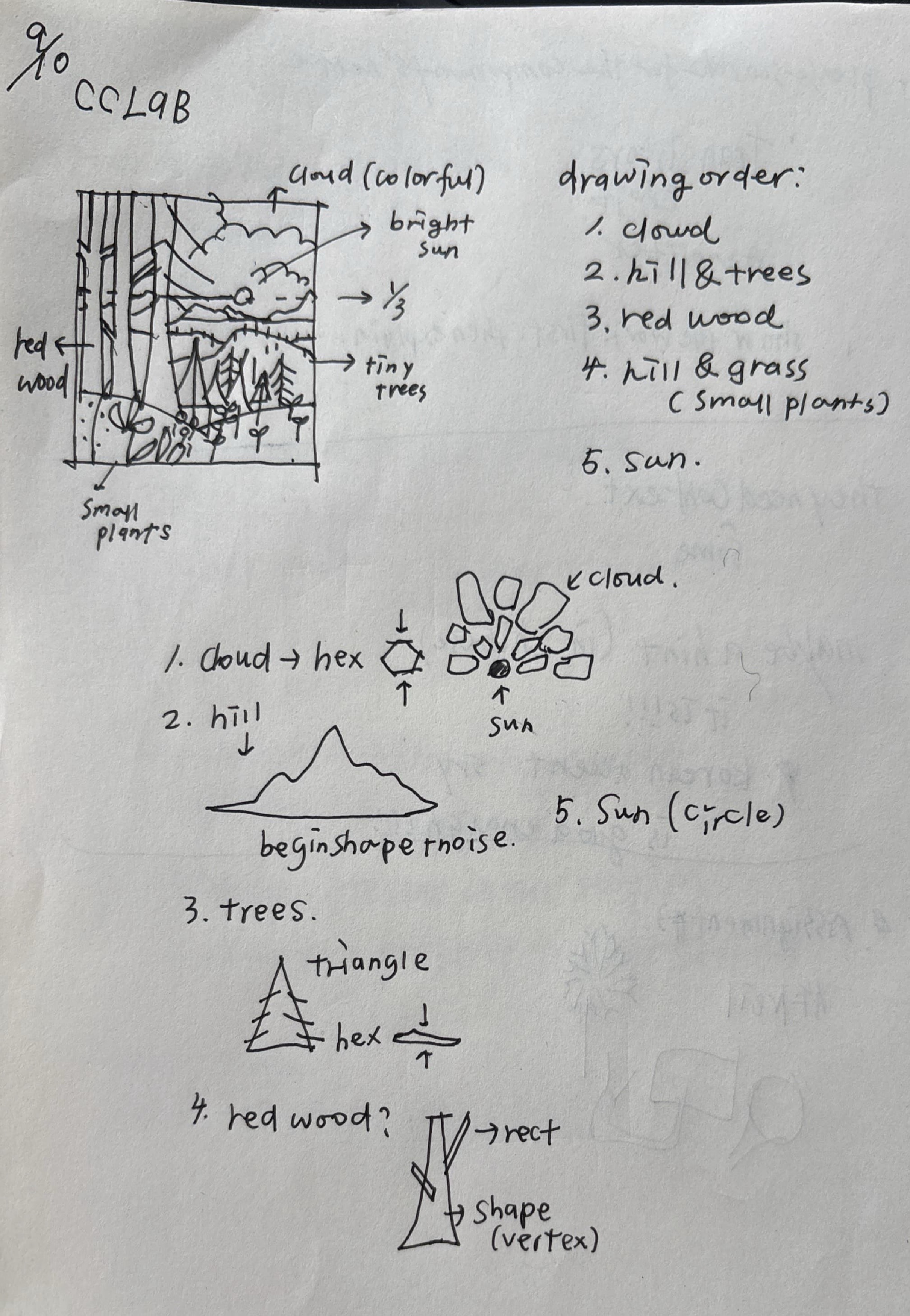
I interpreted the description as five spatial layers: sky, sun, hills, trees on the hills, and redwood trees in the foreground. J. M. W. Turner’s paintings also influenced the wet-on-wet watercolor quality of the sky.
Result and Reflection
View the interactive sketch on OpenProcessing Reflection
I enjoyed the prompt because I had visited a redwood forest one month earlier. My own experience was from inside the forest, but Queenie’s description gave me a view that moved from far away to nearby details and then back into the distance. Her careful list of tree types and description of warm light gave the scene both structure and emotion.
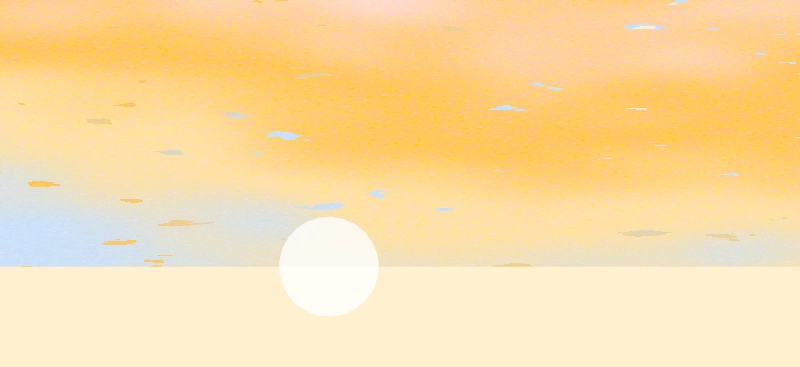
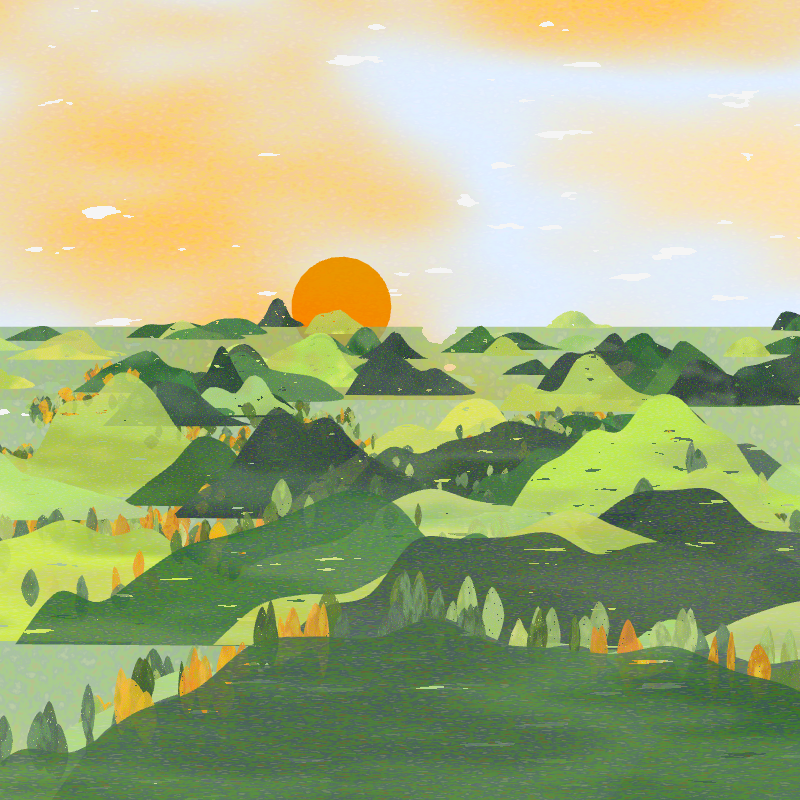
I began with a spatial analysis and divided the image into five parts. The sky uses a watercolor shader and noise texture. The sun uses resetShader() and a blend mode so it can overlap with the sky. The hills use custom spline shapes, noise, a Gaussian function, and a Fibonacci sequence. Small trees use four spline vertices, while the redwoods extend from the top to the bottom of the canvas.
Because I did not see the original image, my past experience shaped the interpretation. I connected the forms in the prompt with mathematical functions I knew, then spent time adjusting colors and parameters to recreate the peaceful feeling I imagined.
Feedback
The class feedback noted the connection between shader code and nature-inspired elements, and highlighted the use of the golden ratio to arrange the mountains. It also identified an unintended movement in the trees and suggested that a more stable scene might feel less algorithmic and more peaceful. Further suggestions included studying morphogenesis algorithms and p5.js compute shaders.
Building the Watercolor Sky
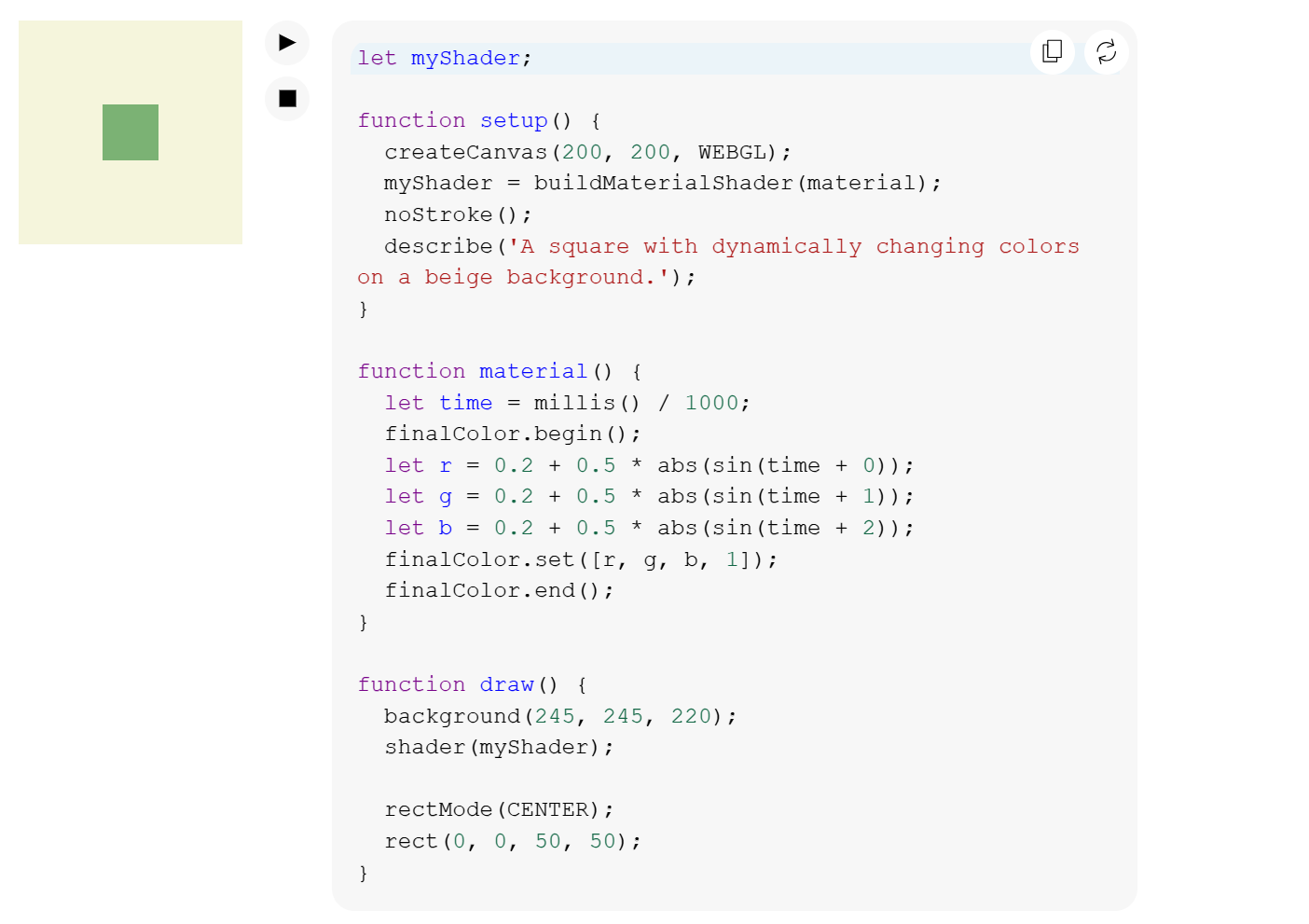
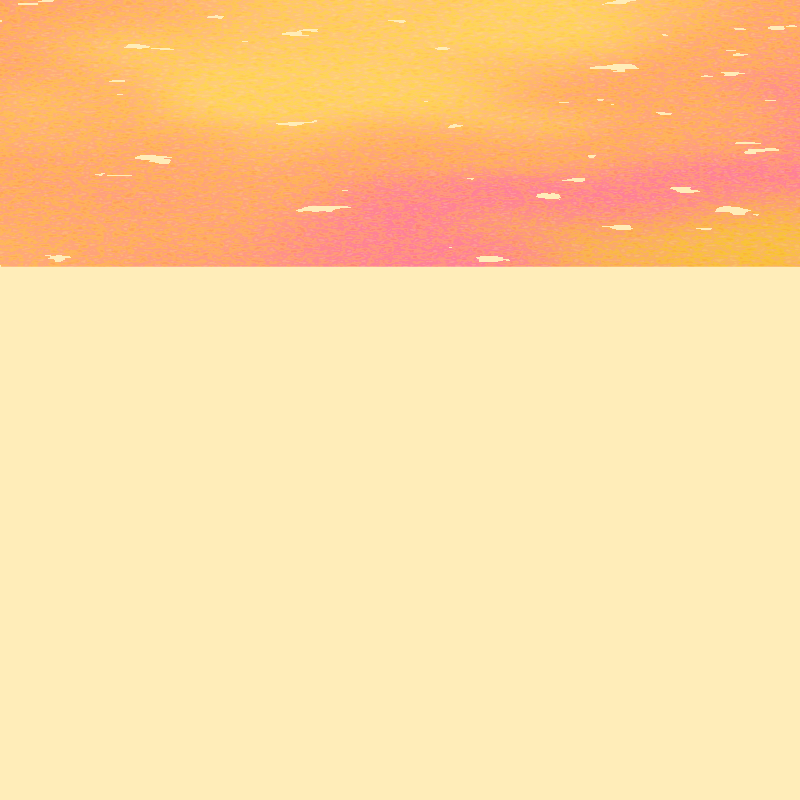
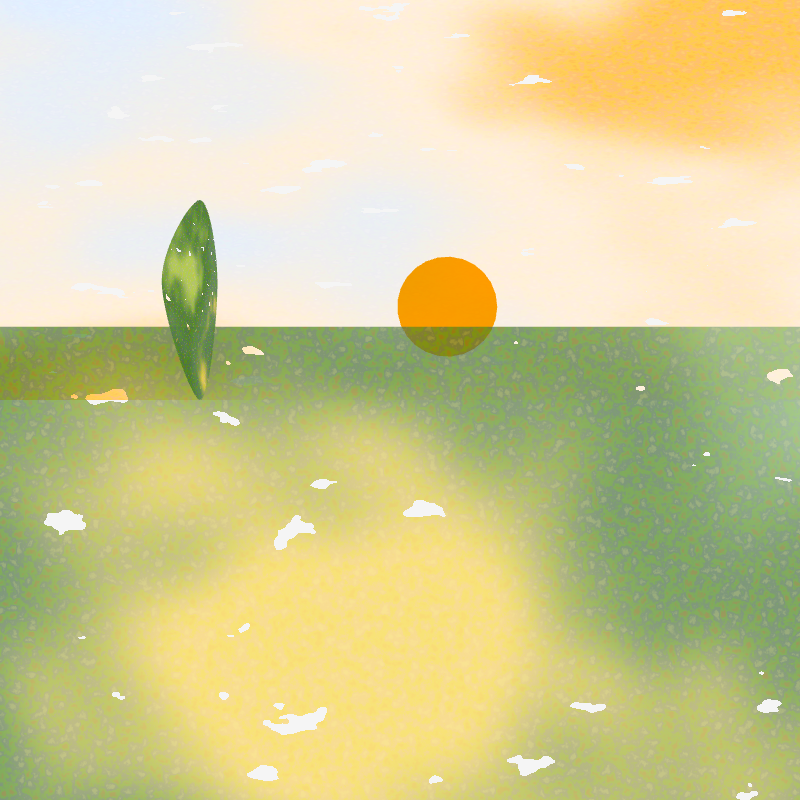
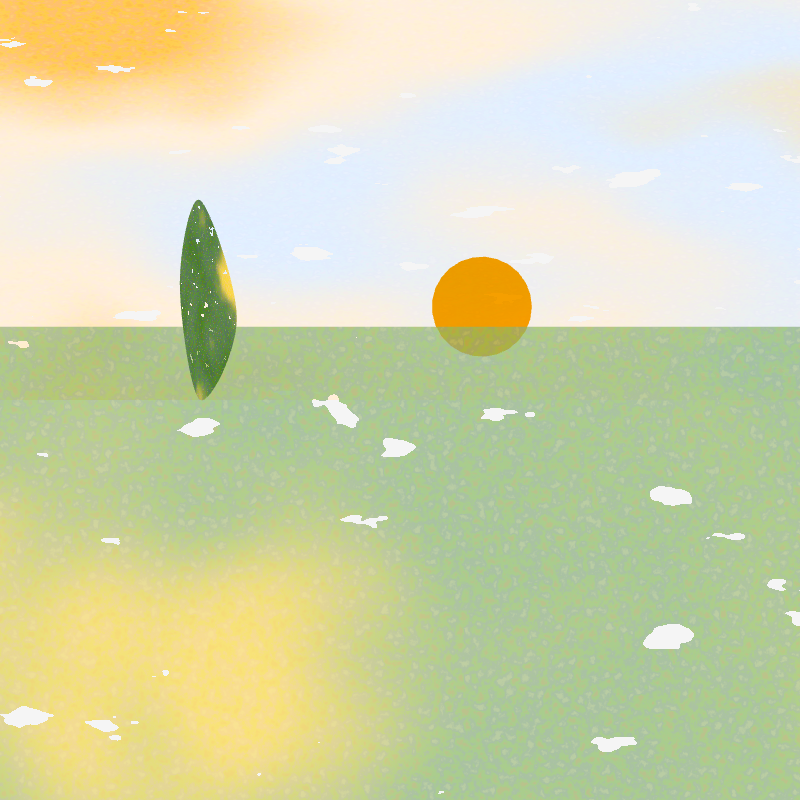
I started with the p5.js 2.0 shader example and used a noise-based shader to draw the sky on a rectangle.
Draft
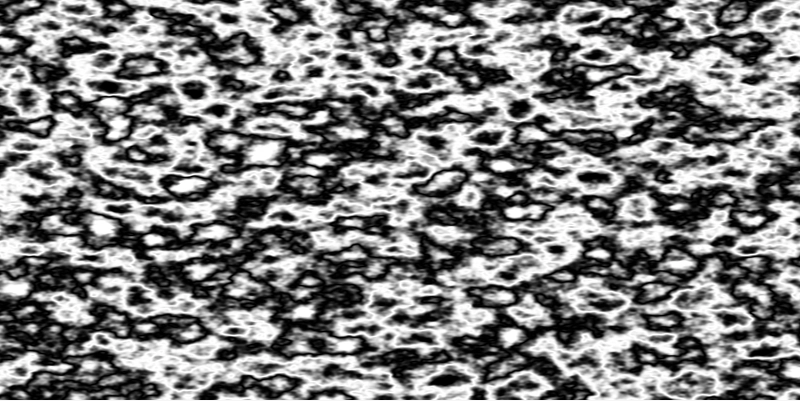
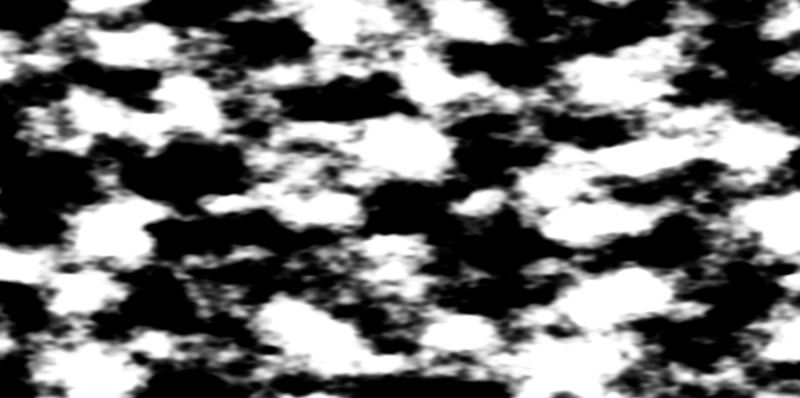
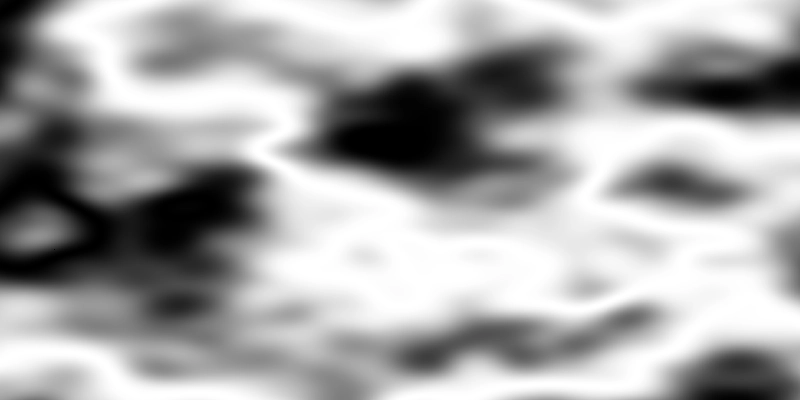
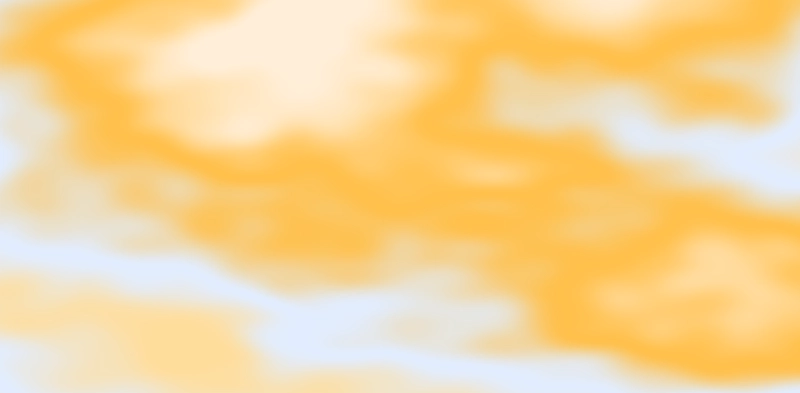
Noise Scale
I tested several noise scales to compare large color fields with fine texture.
Screen Blend Mode
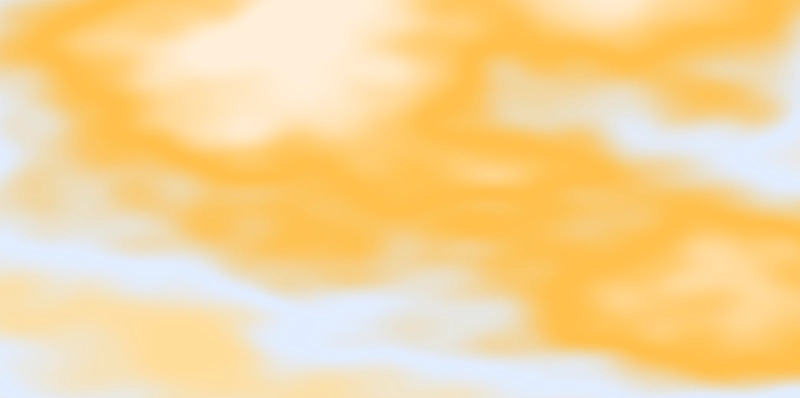
I added a small noise texture and used screen blending to brighten the combined color layers.

let screenColor = [1, 1, 1, 1] -
  (([1, 1, 1, 1] - mix3) * ([1, 1, 1, 1] - mixb));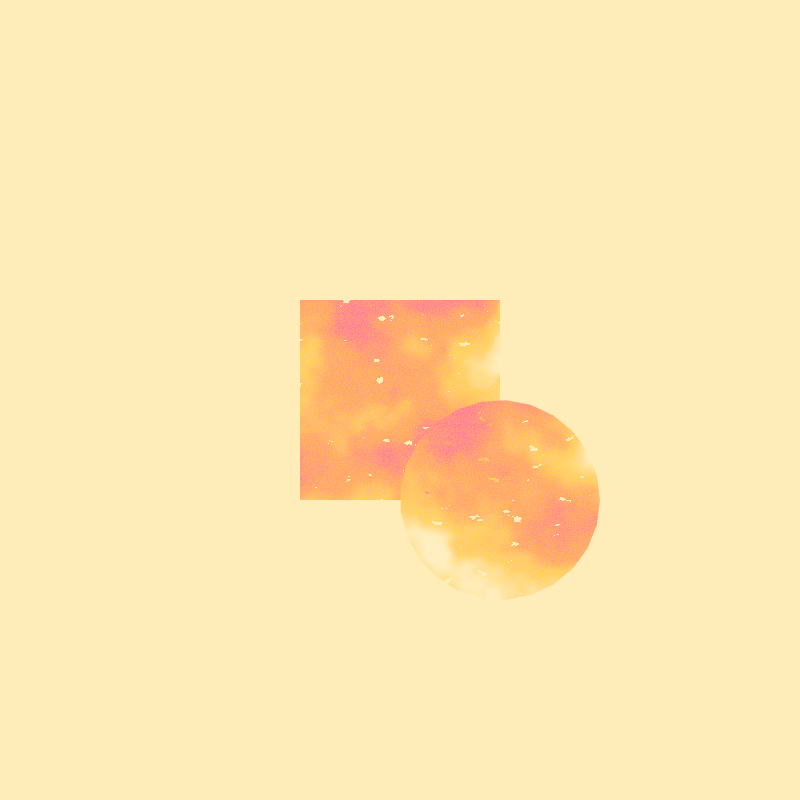
Adding the Sun
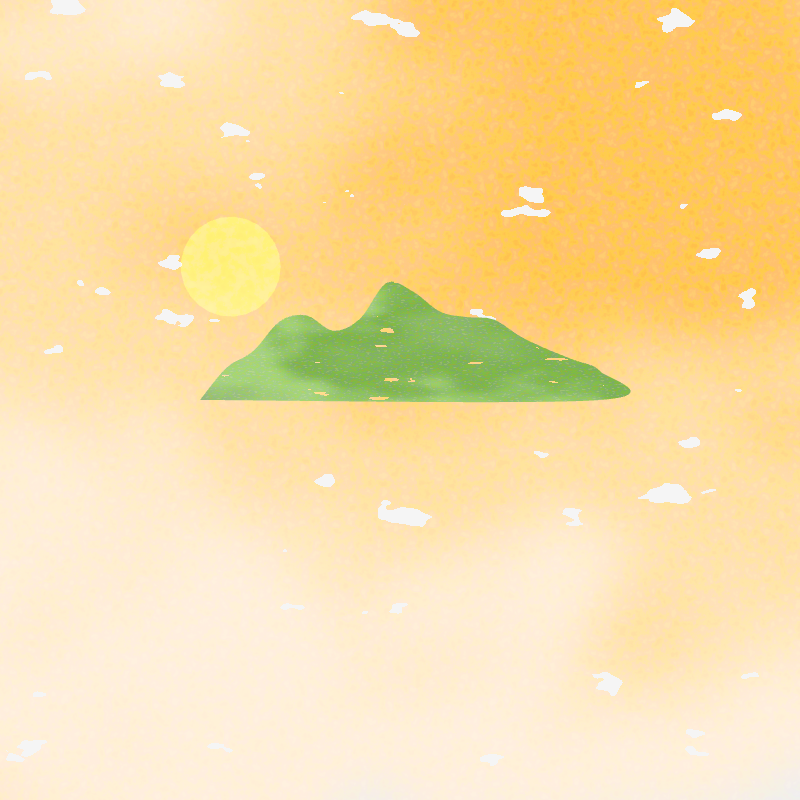
Generating the Hills

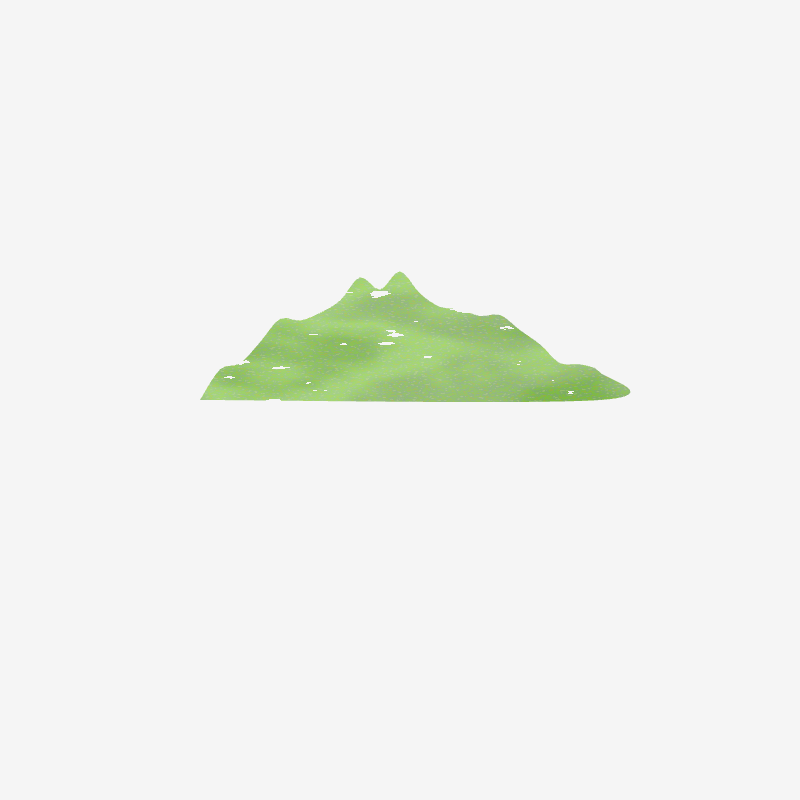
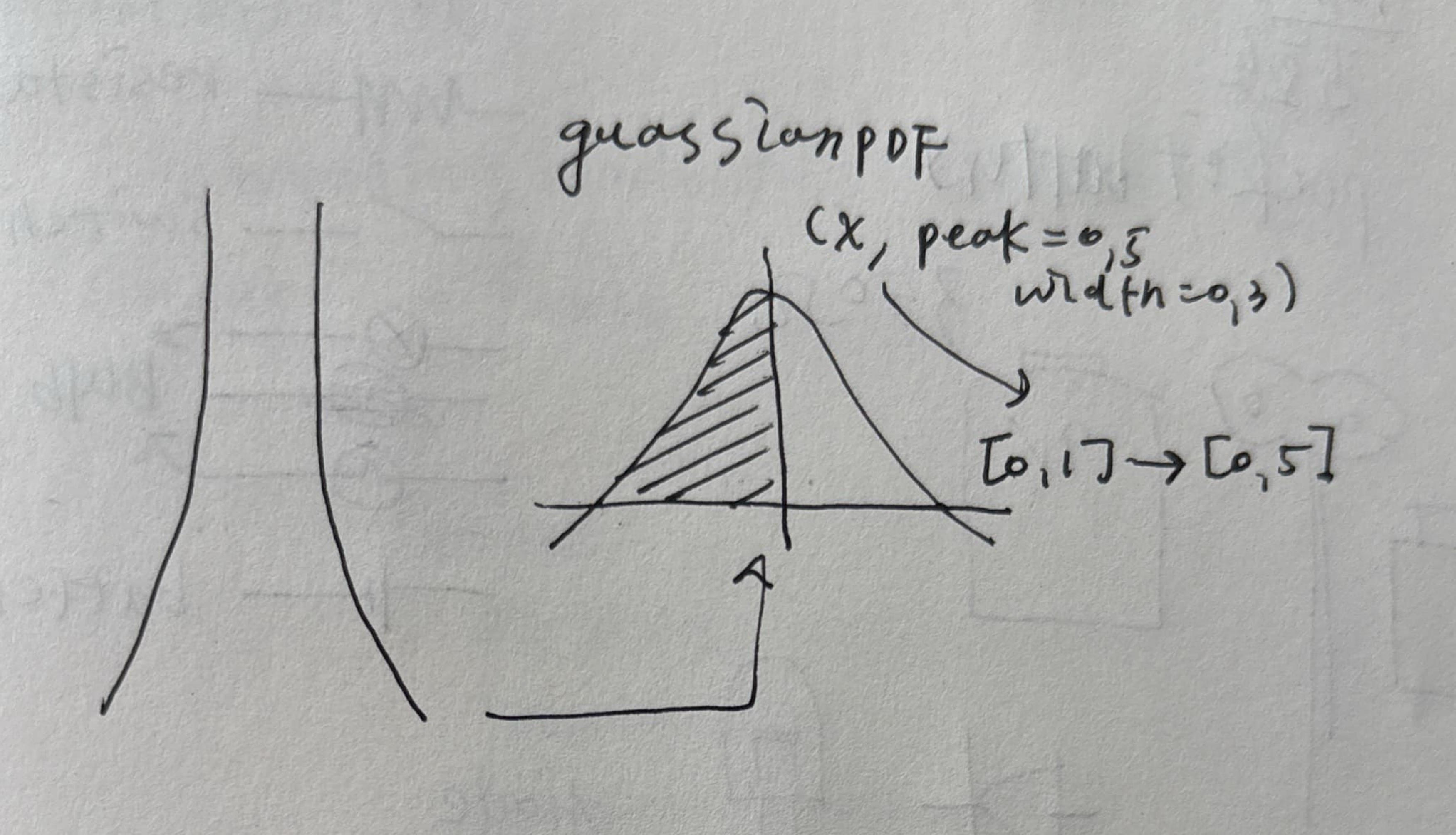
Gaussian Curves and Spline Vertices
Read the p5.js splineVertex() reference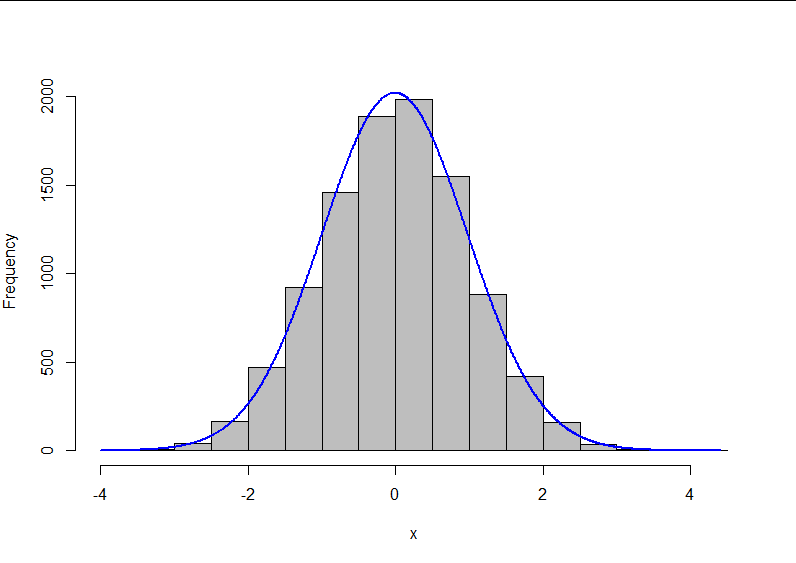

function gaussianPDF(x, peak = 0.5, width = 0.3) {
  const exponent = -((x - peak) ** 2) / (2 * width ** 2);
  return Math.exp(exponent);
}
Color Variation
I used HSB color values to create related variations from one base color.
Read the p5.js colorMode() reference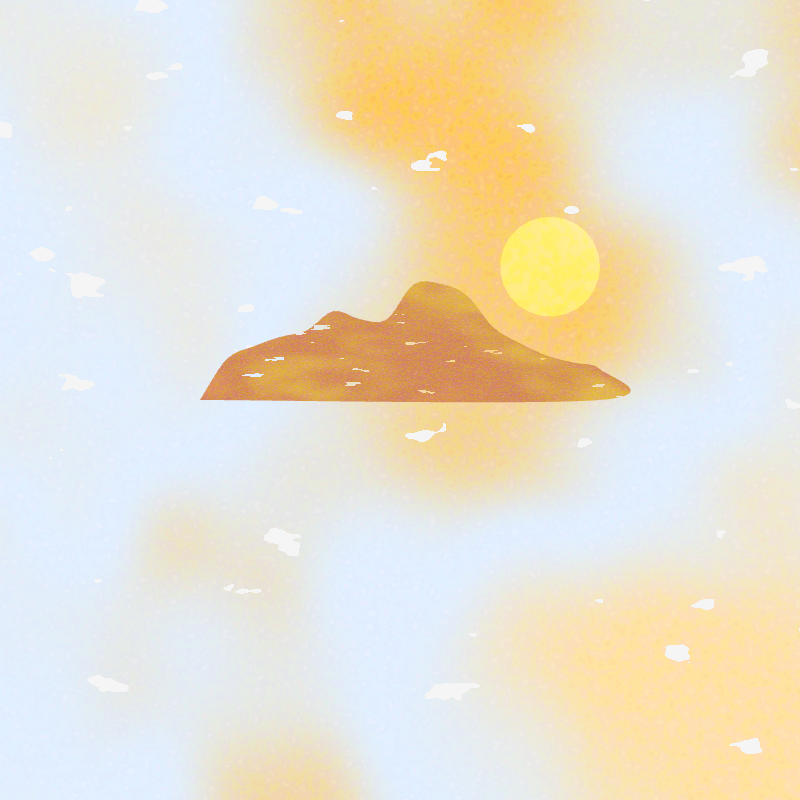
code
function expandColor(clr, fac = 1) {
  const clrArr = [];
  push();
  colorMode(HSB);
  const scl = 10;
  const hScl = scl * fac;

  for (let i = 0; i < 4; i++) {
    const h = hue(color(clr));
    const s = saturation(color(clr));
    const b = brightness(color(clr));
    const newClr = color(
      h + random(-hScl, hScl),
      s + random(-scl, scl),
      b + random(-scl, scl)
    );
    clrArr.push(newClr.toString('#rrggbb'));
  }
  pop();
  return clrArr;
}
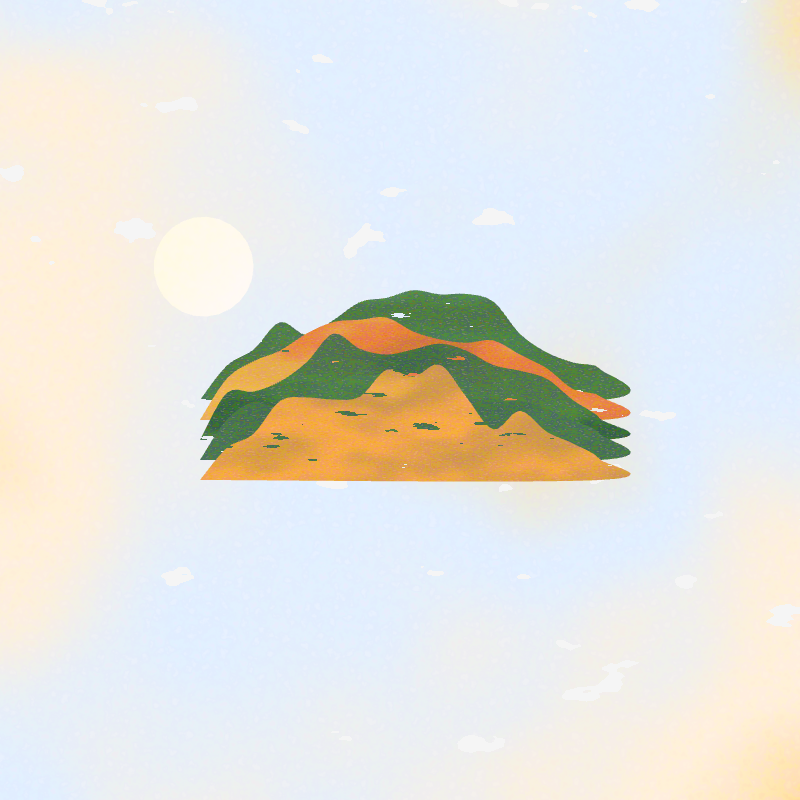
Noise Seed
Read the p5.js noiseSeed() reference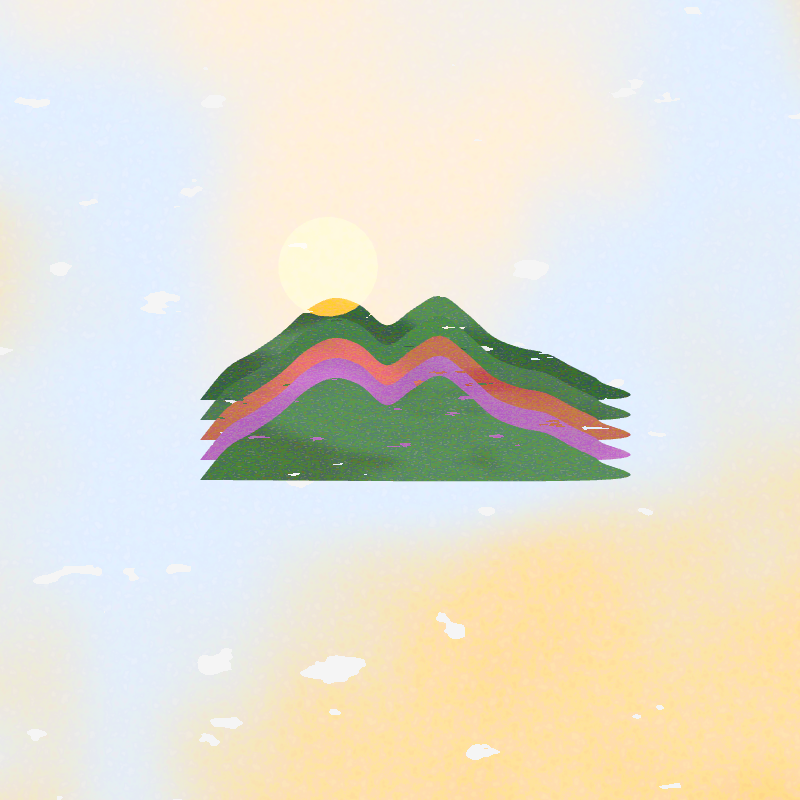
Fibonacci Distribution
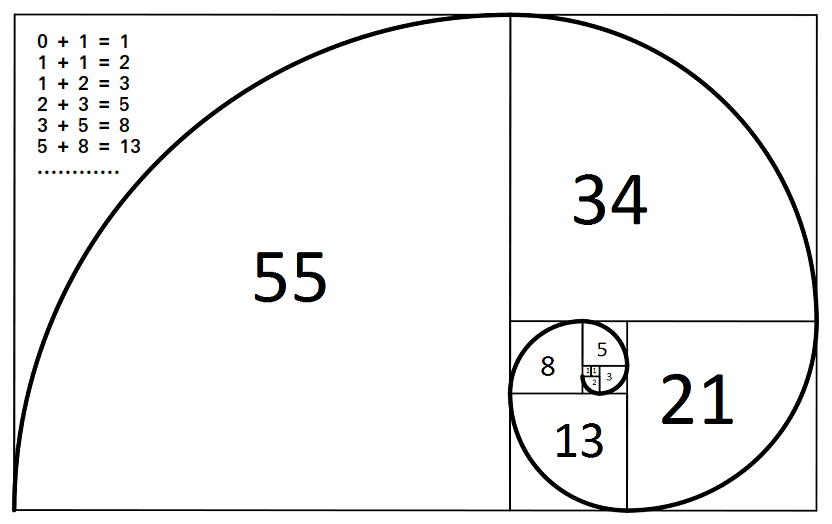
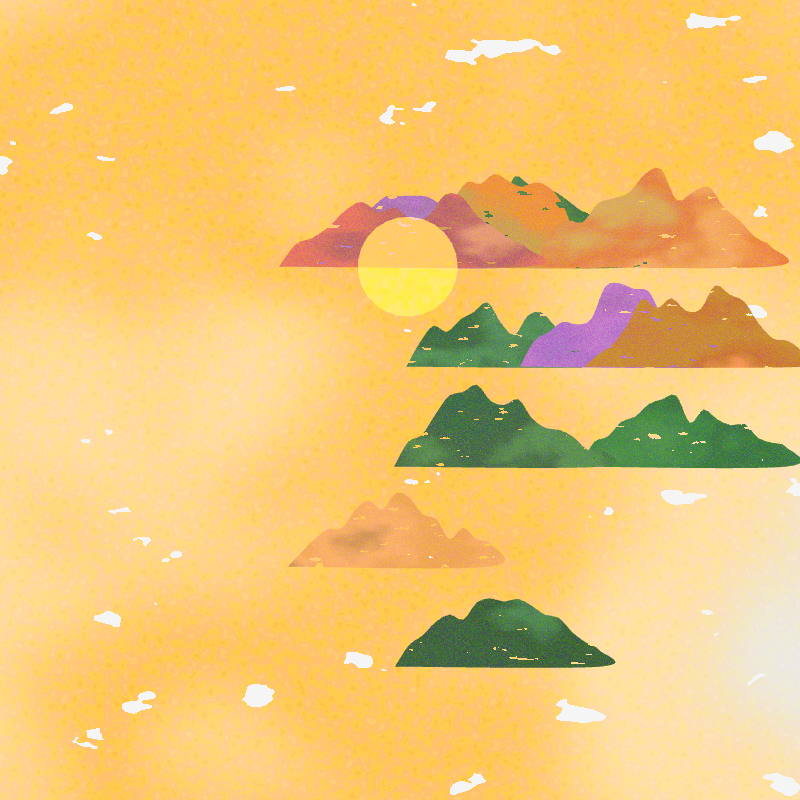
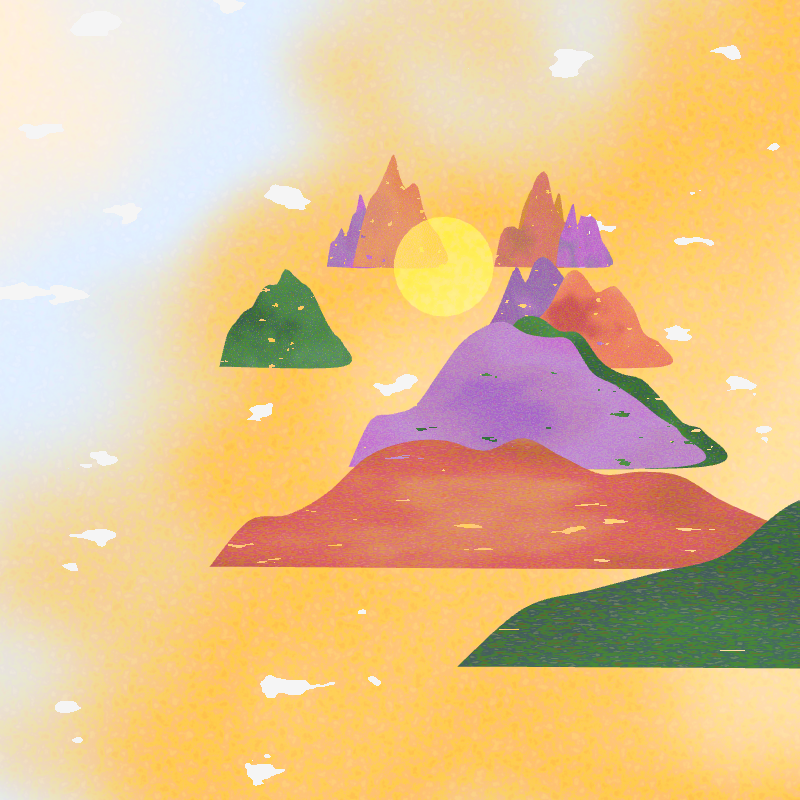
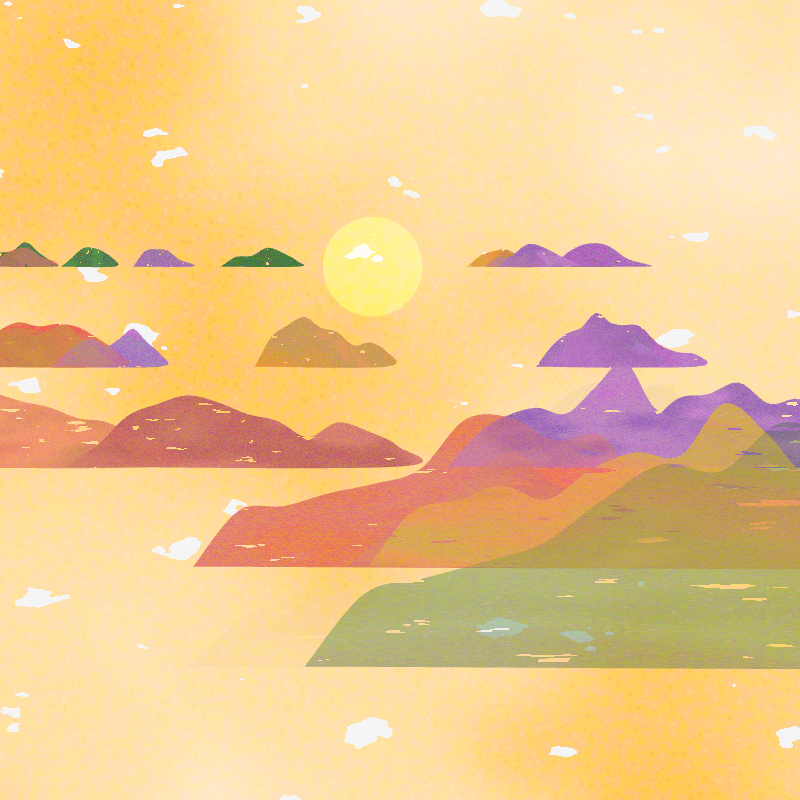
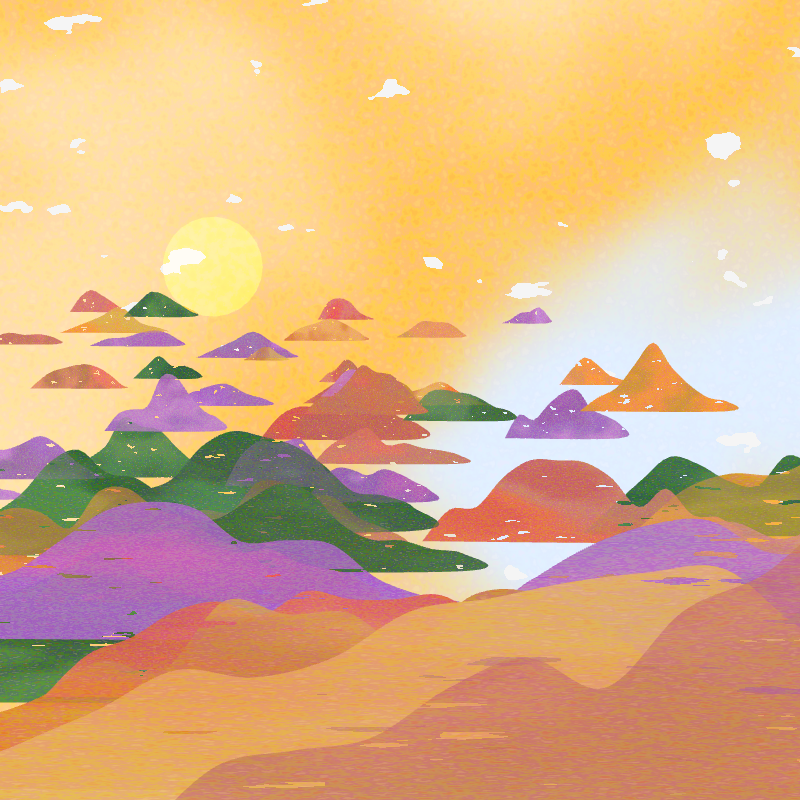
I used Fibonacci values to reduce the number of hills in rows that are farther from the viewer.
function fibonacci(n) {
  let a = 0;
  let b = 1;
  for (let i = 0; i < n; i++) {
    [a, b] = [b, a + b];
  }
  return a;
}
Parameter Studies
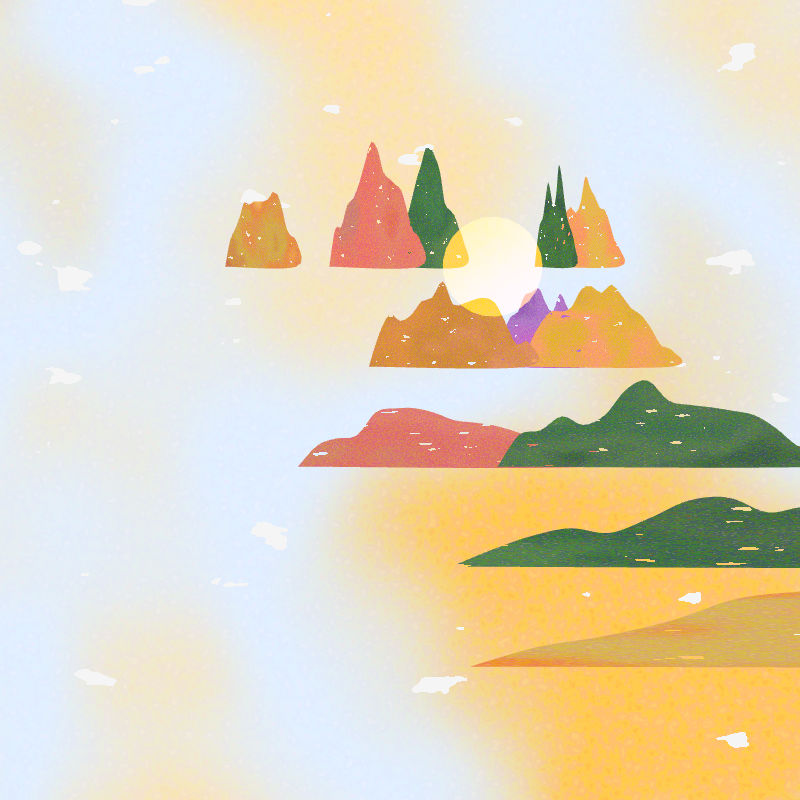
Hill distribution code
const row = 6;
for (let i = 0; i < row; i++) {
  const num = fibonacci(2 + row - i);

  for (let j = 0; j < num; j++) {
    const hill = new RJ_Hill({
      x: random(-width / 2 - padding, width / 2 - padding),
      y: -height / 6 + i * 50 + random(50) + 20,
      w: pow(i, 2) * 30 + random(20, 50),
      h: pow(i, 2) * 3,
      a: random(0.5, 1),
      noiseScale: 1,
      span: i * 3 + 5,
      ampScl: i * 20 + 20
    });
    list_hill.push(hill);
  }
}
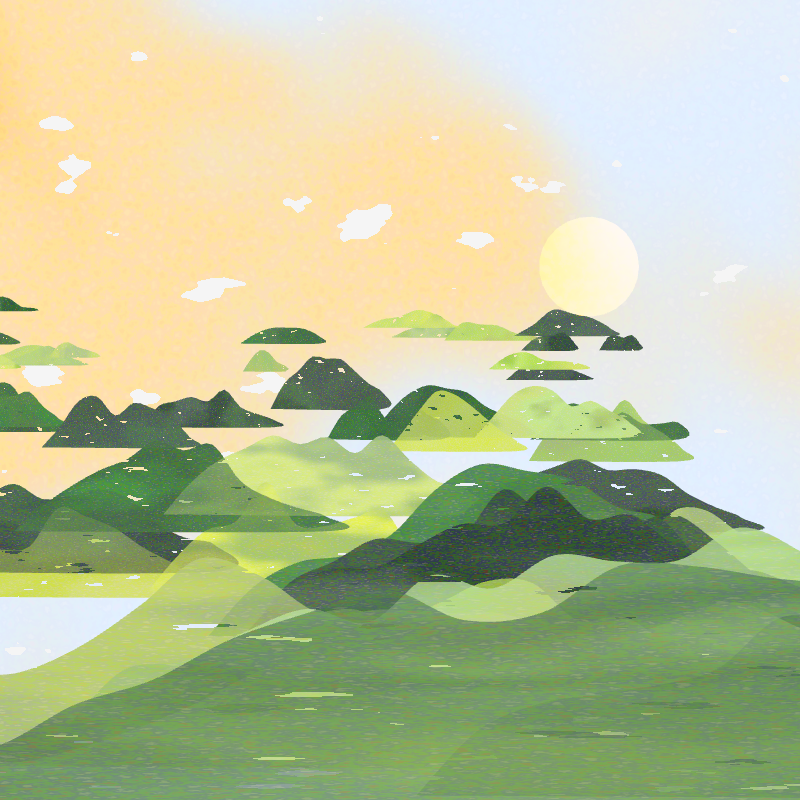
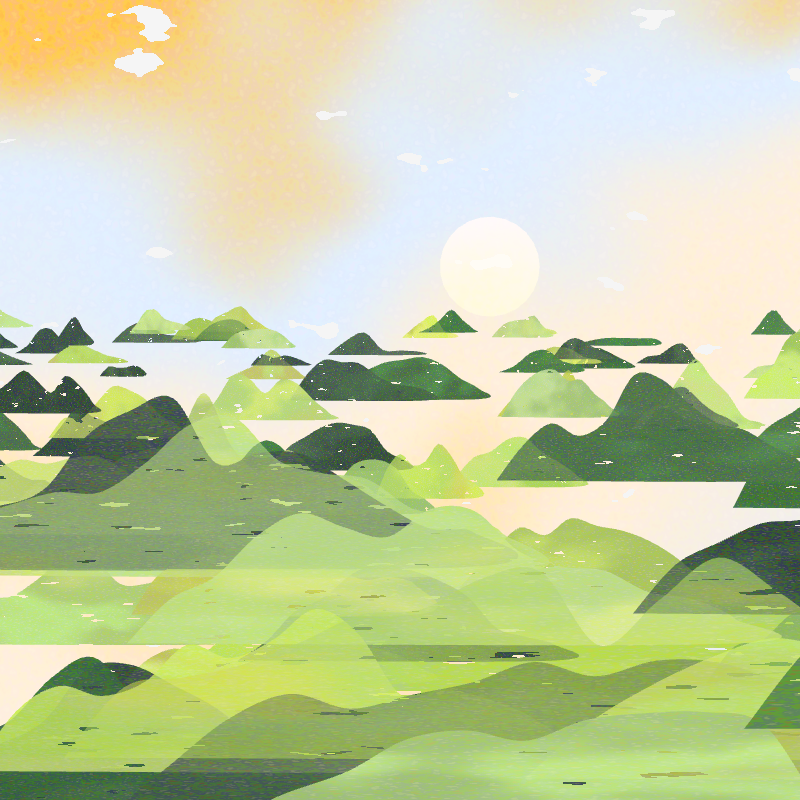
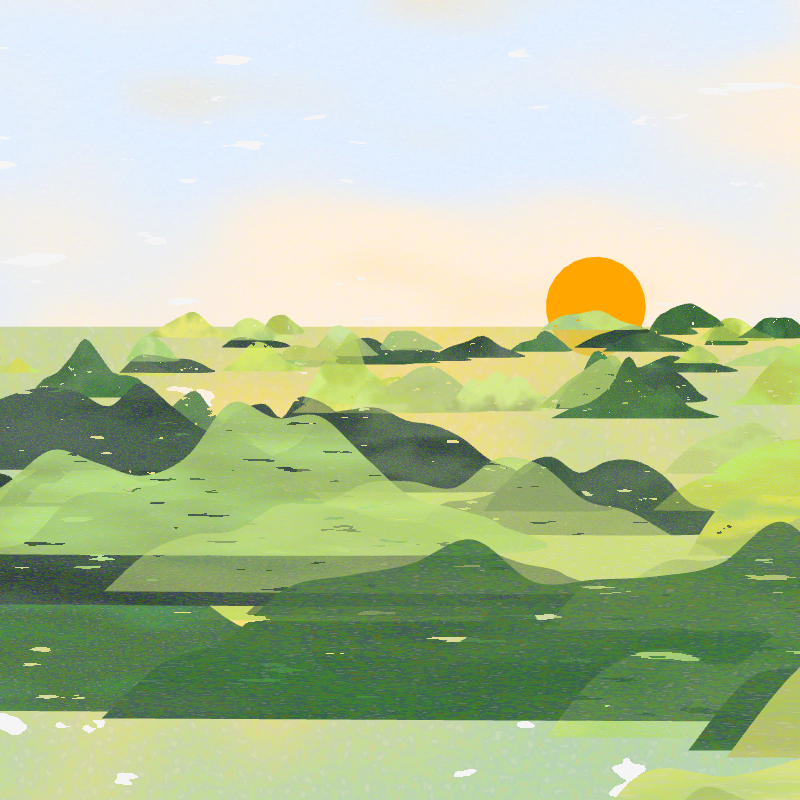
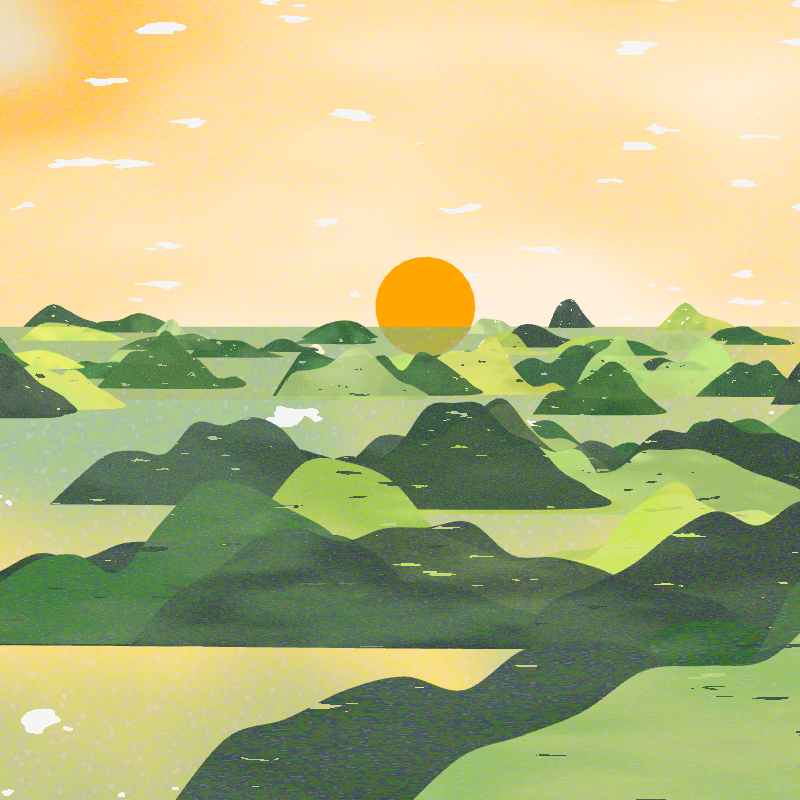
Refining the Composition
I continued testing the palette, row count, position, scale, and sun placement until the layers felt deeper and more balanced.
Drawing Trees
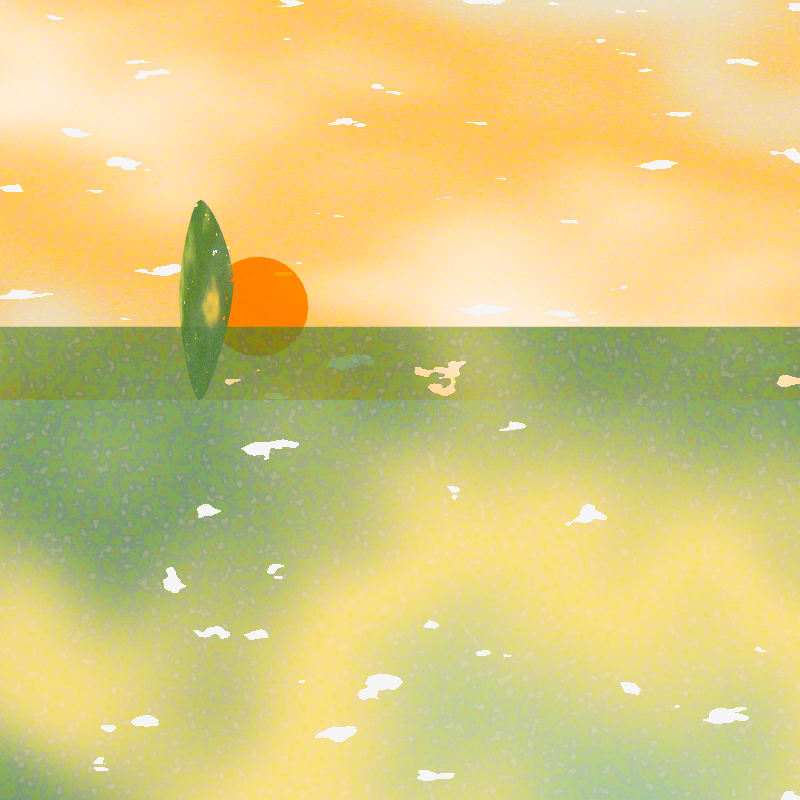
Tree shape code
beginShape();
splineVertex(0, 0, 0.5, 0);
splineVertex(-this.w / 2 + random(-this.ampScl, this.ampScl),
  this.h / 2 + random(-this.ampScl, this.ampScl), 0, 0.5);
splineVertex(0, this.h, 0.5, 1);
splineVertex(this.w / 2 + random(-this.ampScl, this.ampScl),
  this.h / 2 + random(-this.ampScl, this.ampScl), 1, 0.5);
endShape(CLOSE);
Constructing the Redwood Trees
Redwood shape code
beginShape();
splineVertex(0, 0, 0, 0);

for (let i = 0; i < this.span; i++) {
  const x = -this.w * gaussianPDF(i / this.span * this.guassianFac);
  const v = i / this.span;
  splineVertex(x + random(-xShift, xShift), this.h * v, 0, v);
}

for (let i = this.span - 1; i >= 0; i--) {
  const x = this.w * gaussianPDF(i / this.span * this.guassianFac);
  const v = i / this.span;
  splineVertex(x + random(-xShift, xShift), this.h * v, 1, v);
}

endShape(CLOSE);
AI Assistance
AI support was used to explain a p5.js shader example, draft Gaussian and Fibonacci functions, send parameters to a shader with uniforms, convert hexadecimal colors for shader input, and return from a custom shader before using blendMode().