Optical Still Life: Drawing Negative Space with Flood Fill
- 2026-10-15
- p5.js, Image Processing, Flood Fill, Optical Illusion
Optical Still Life: Drawing Negative Space with Flood Fill
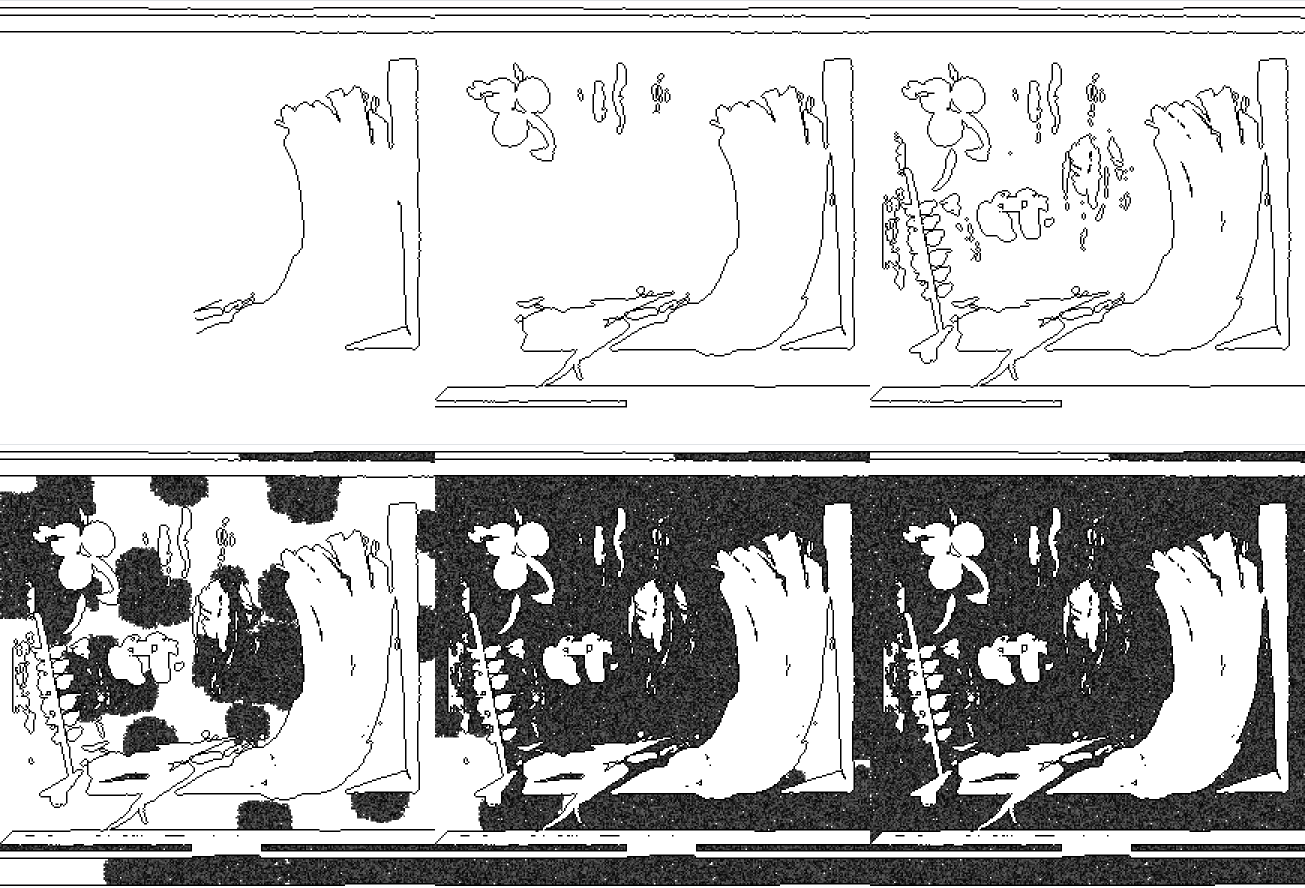
本文介紹一個利用負空間暗示三維形體的靜物動畫繪圖系統。來源畫作先被調整尺寸、轉換為灰階,再透過 threshold 形成二元像素資料。Flood fill 演算法用來辨識相連的黑色區域,contour detection 則將邊界像素排列成可依序繪製的路徑。輪廓動畫完成後,系統再填入區域,使物件從接近空白的畫面中逐漸出現。透過水果、花朵與器皿的測試,本研究探索影像前處理、繪製順序與缺失的視覺資訊如何影響形體感知。
This article presents an animated still-life drawing system that uses negative space to suggest three-dimensional form. Source paintings are resized, converted to grayscale, and thresholded into binary pixel data. A flood fill algorithm identifies connected black regions, while contour detection orders boundary pixels into paths that can be drawn over time. The outline animation is followed by region filling, allowing the object to emerge gradually from an almost empty canvas. Tests with fruit, flowers, and vessels explore how image preprocessing, drawing order, and missing visual information affect the perception of form.
Concept: From Two Dimensions to Three
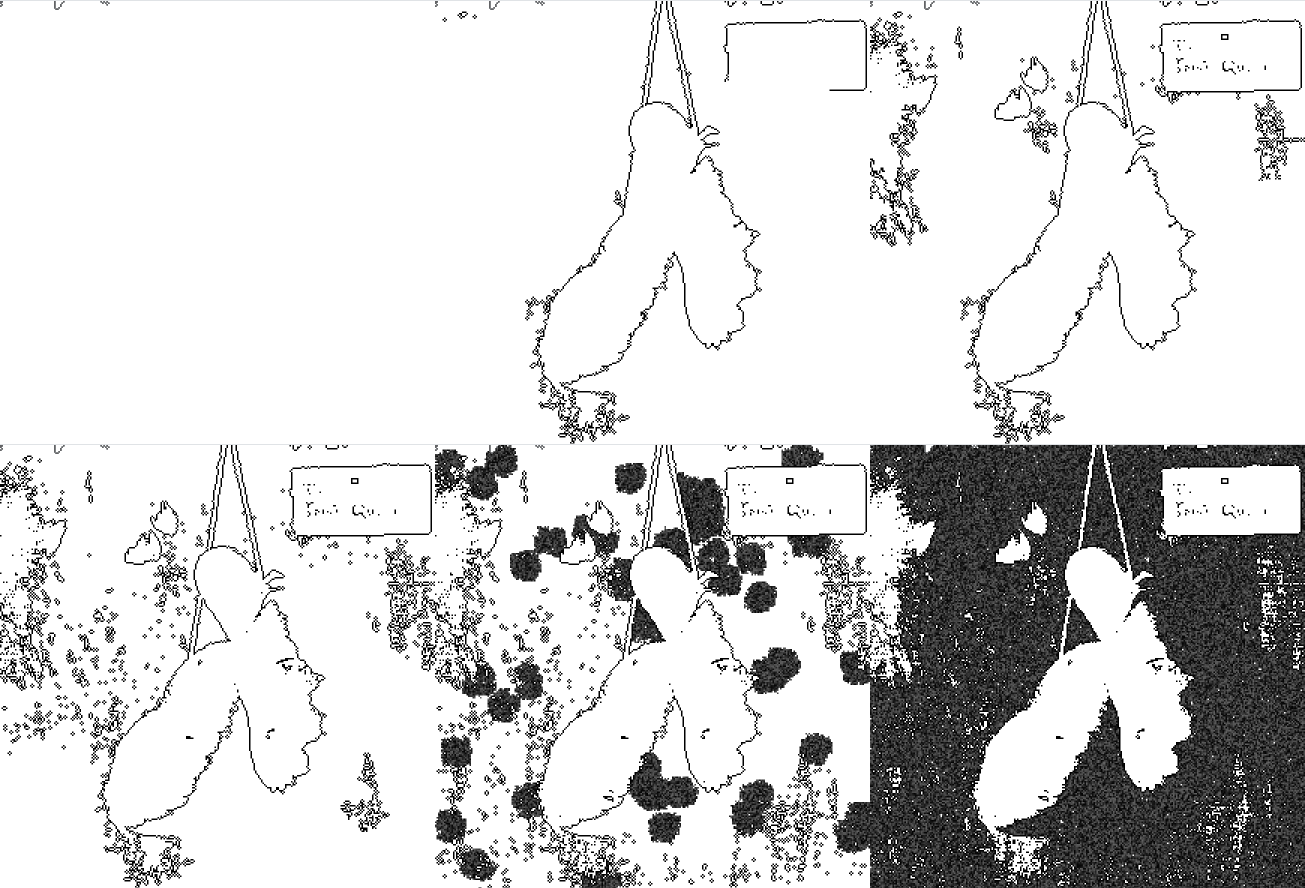
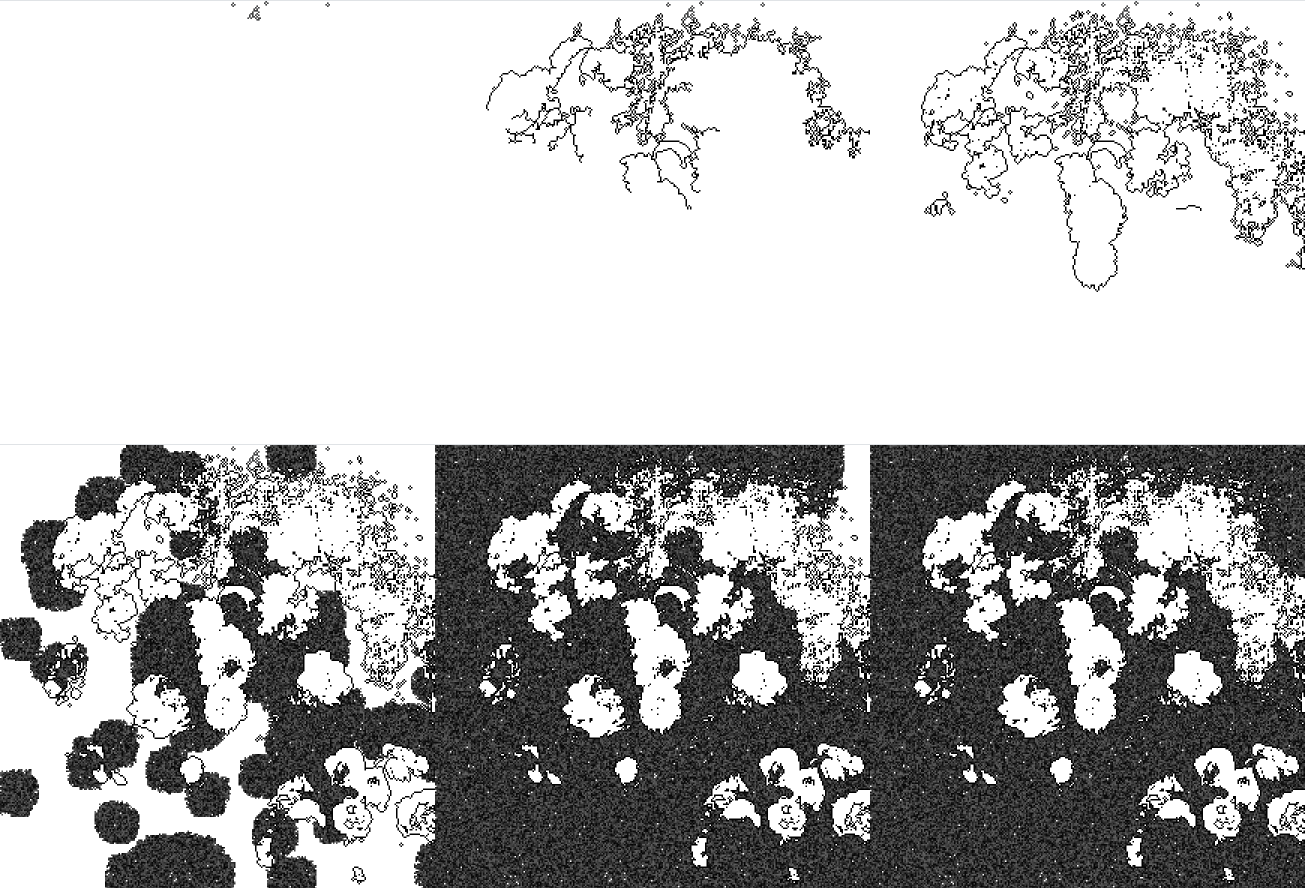
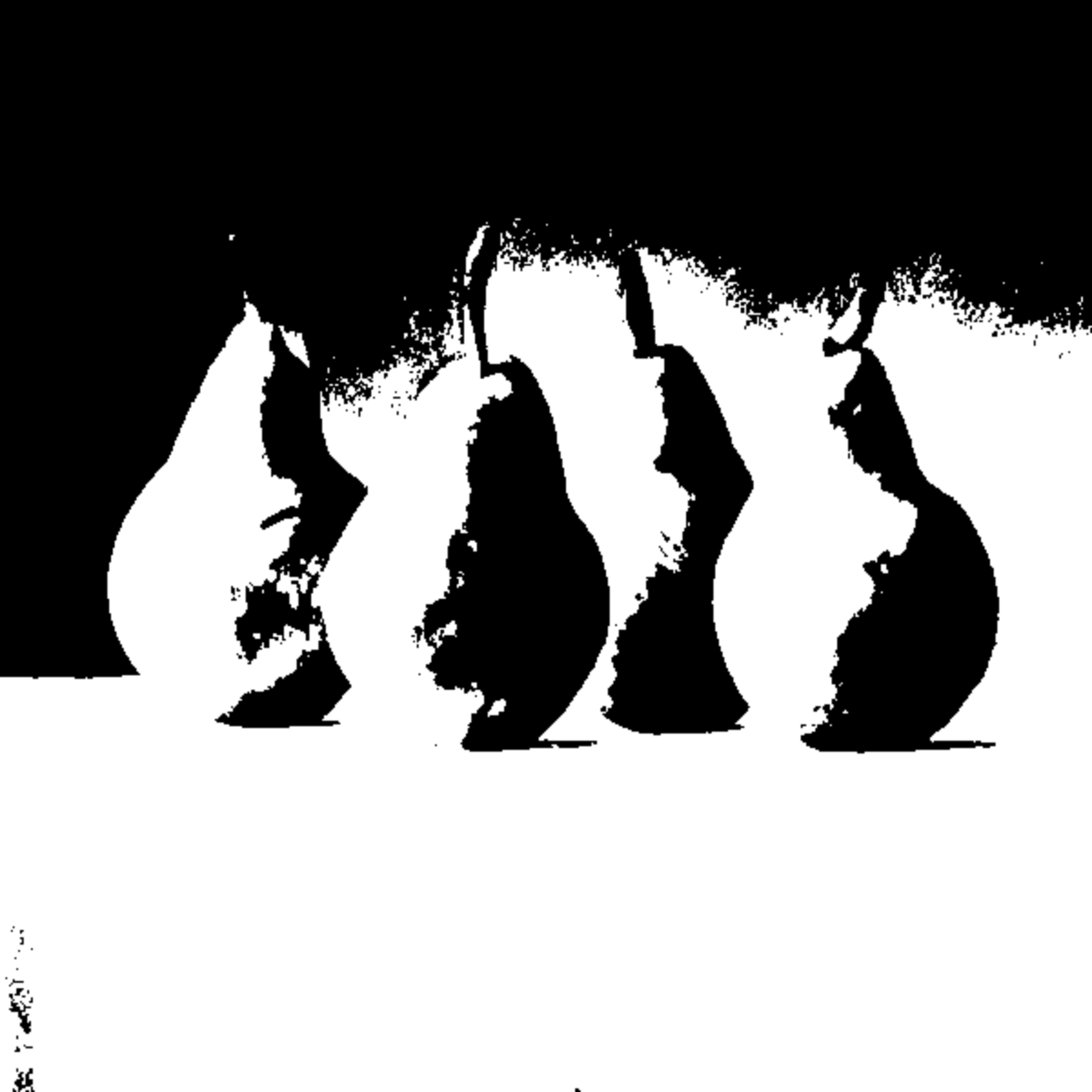
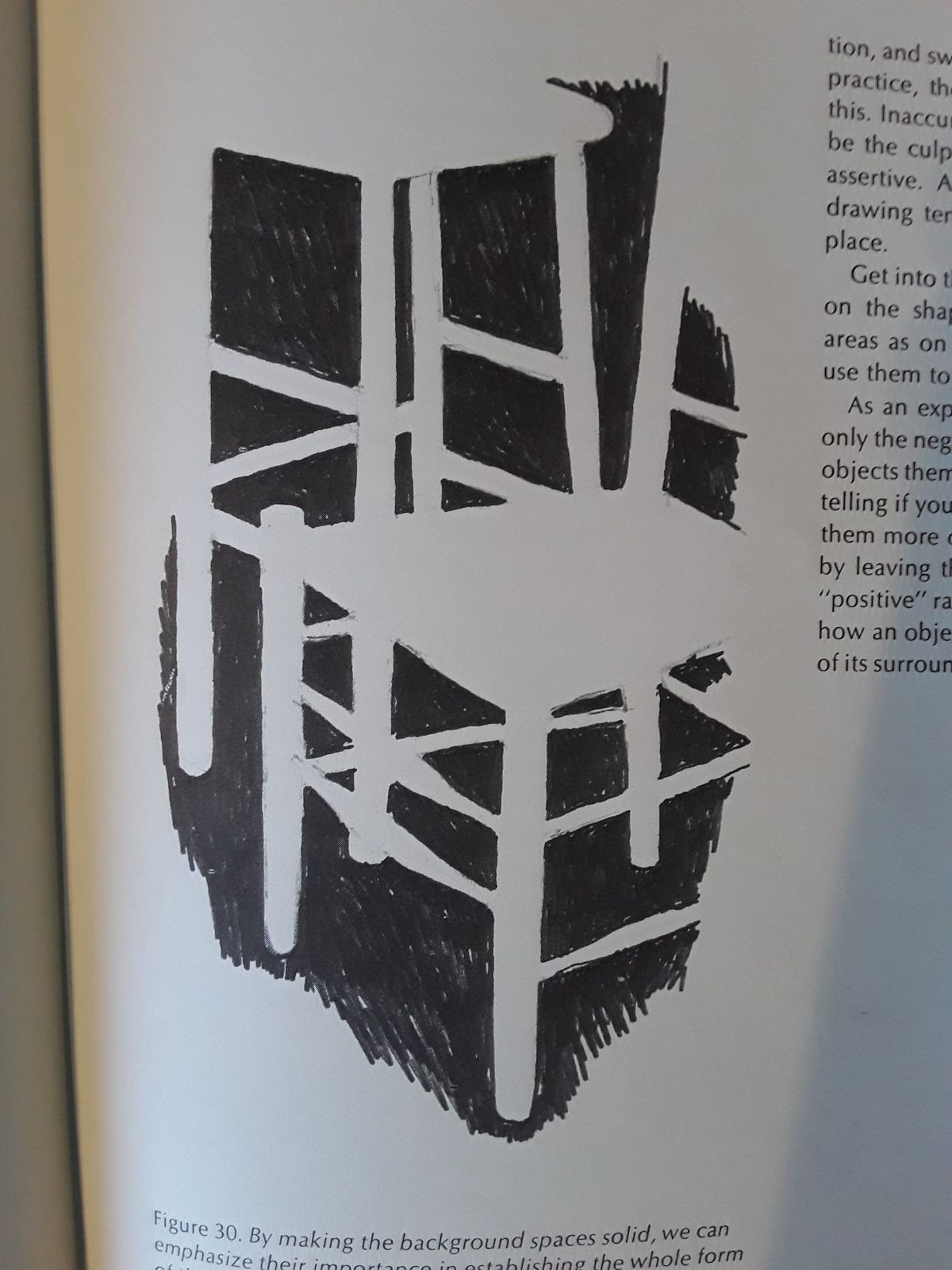
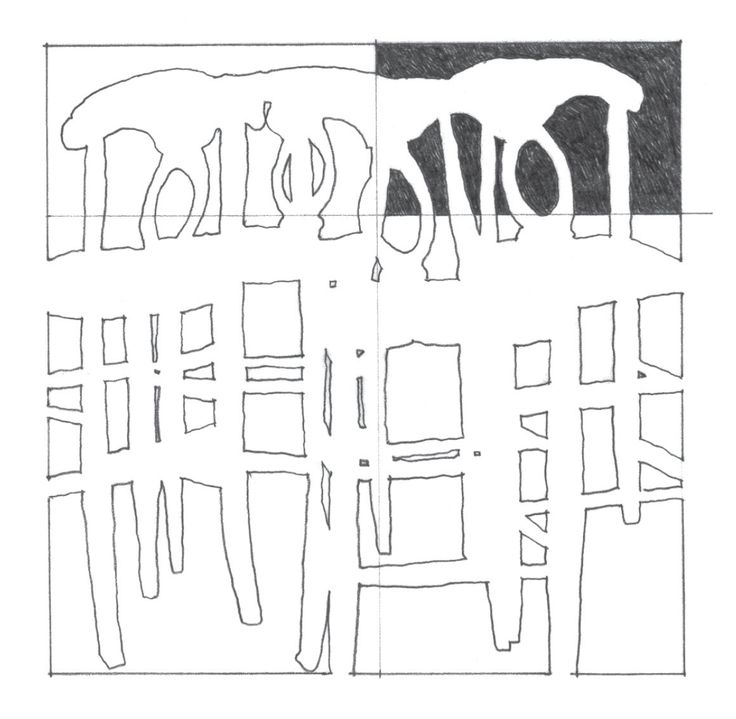
The project explores how negative space and animated drawing can create the illusion of three-dimensional objects. Instead of reproducing every detail, the system reveals selected boundaries and filled areas over time, allowing the viewer to complete the image mentally.
Result
View the interactive sketch on OpenProcessing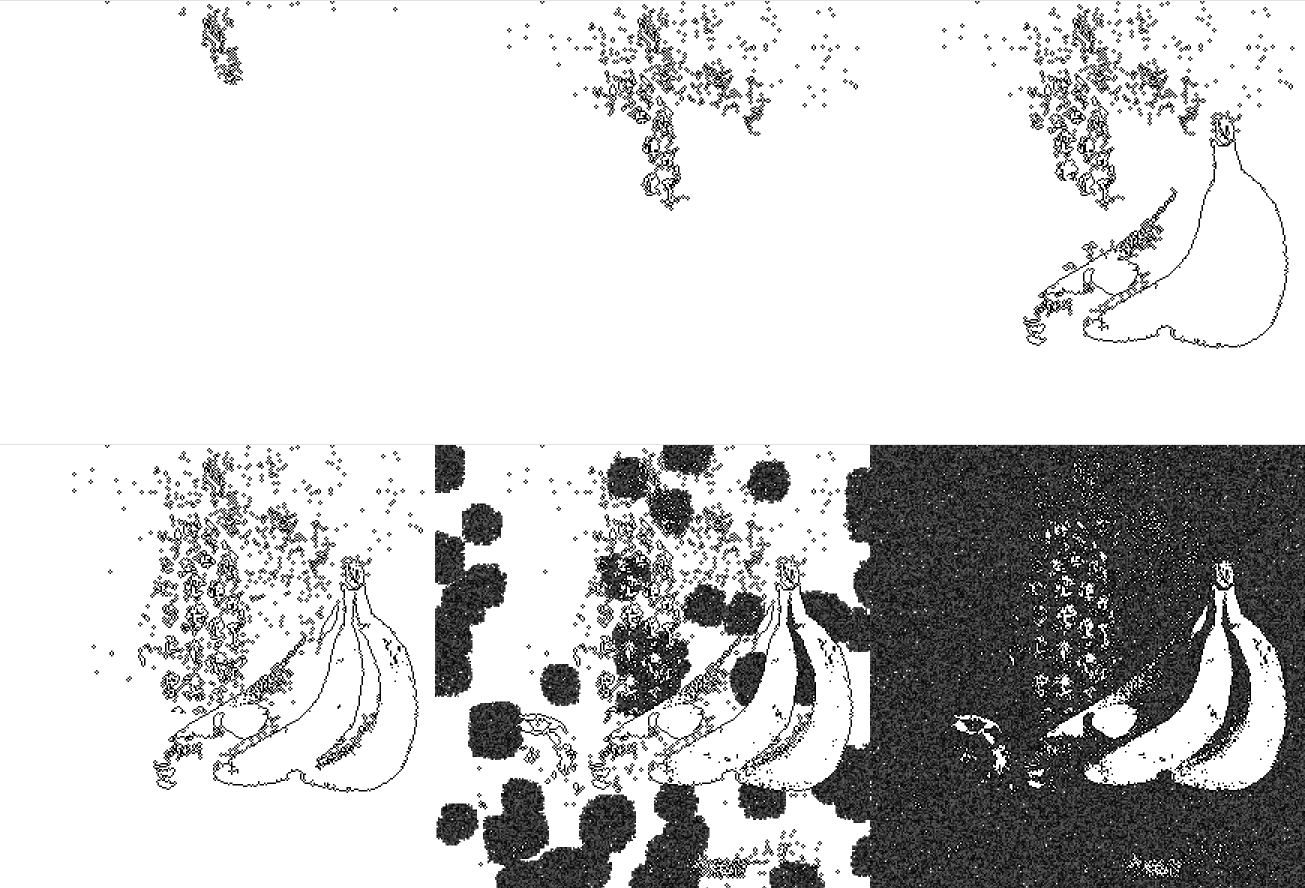
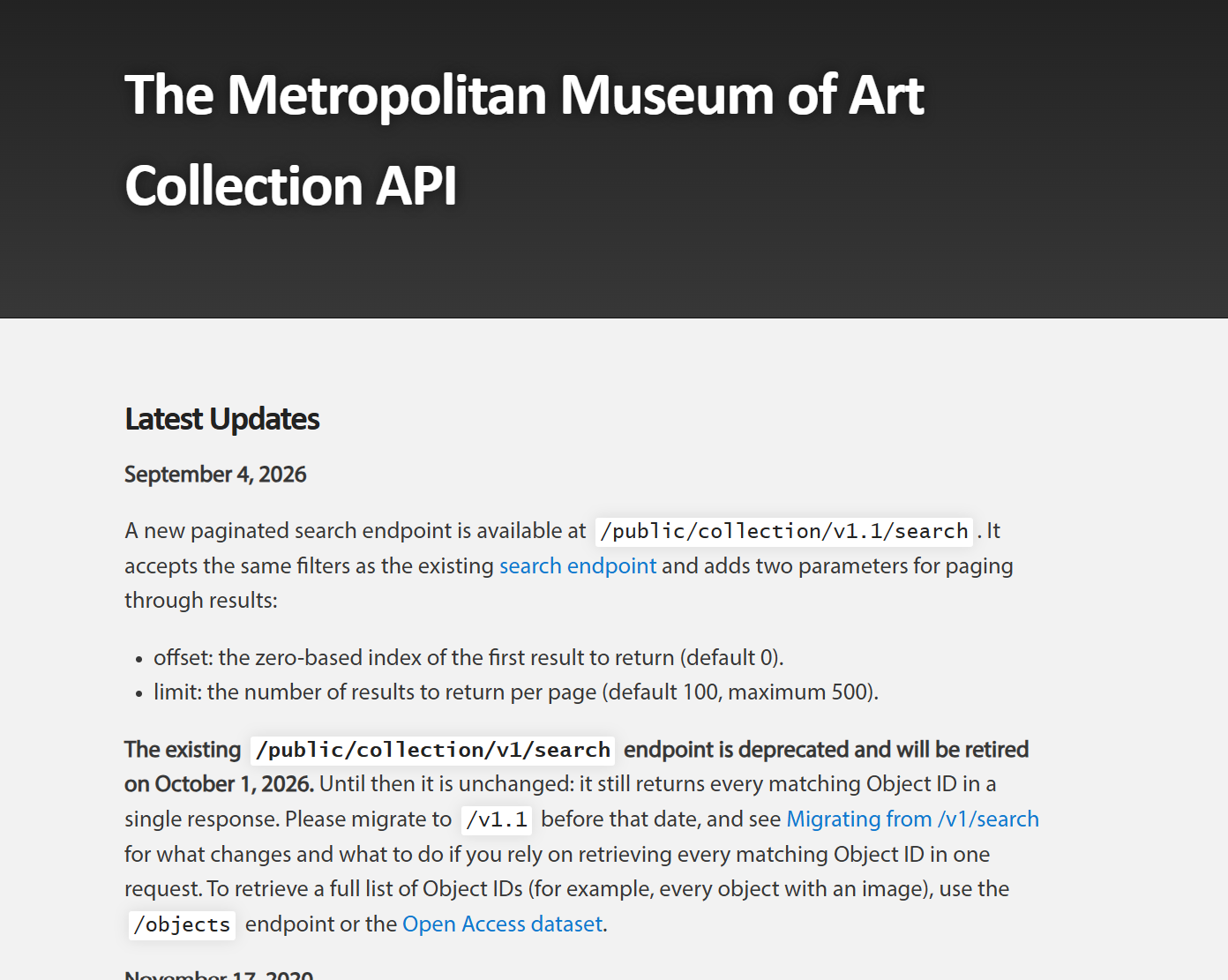
Collecting Artwork with the Met API
I first tried to retrieve public-domain still-life paintings from the Metropolitan Museum of Art collection API. The request worked outside the p5.js sketch, but the full workflow did not run successfully inside p5.js, so I continued with locally prepared images.

{
  "title": "Still Life",
  "artistDisplayName": "Georg Flegel",
  "primaryImageSmall": "https://images.metmuseum.org/CRDImages/ep/web-large/DP-25893-001.jpg"
}
Met API request code
async function getValidArtworks() {
  const url = 'https://collectionapi.metmuseum.org/public/collection/v1.1/search?hasImages=true&departmentId=11&q=still%20life&offset=0&limit=50';
  const response = await fetch(url);
  const data = await response.json();

  if (!response.ok || !data.objectIDs) return [];

  const results = await Promise.all(
    data.objectIDs.map(async (id) => {
      const result = await fetch(
        `https://collectionapi.metmuseum.org/public/collection/v1/objects/${id}`
      );
      return result.ok ? result.json() : null;
    })
  );

  return results.filter((artwork) =>
    artwork &&
    artwork.isPublicDomain === true &&
    typeof artwork.primaryImageSmall === 'string' &&
    artwork.primaryImageSmall.length > 0
  );
}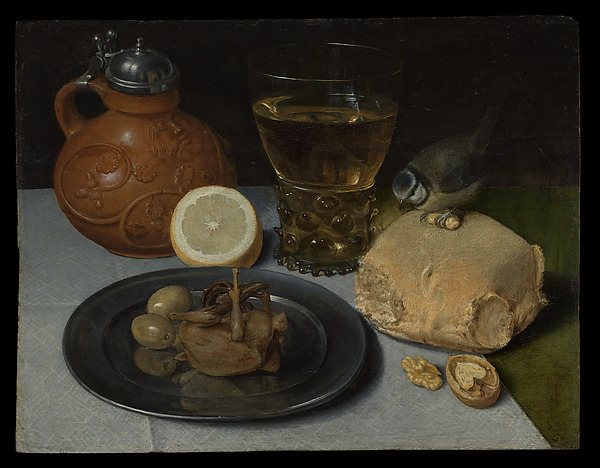
Image Processing and Binarization
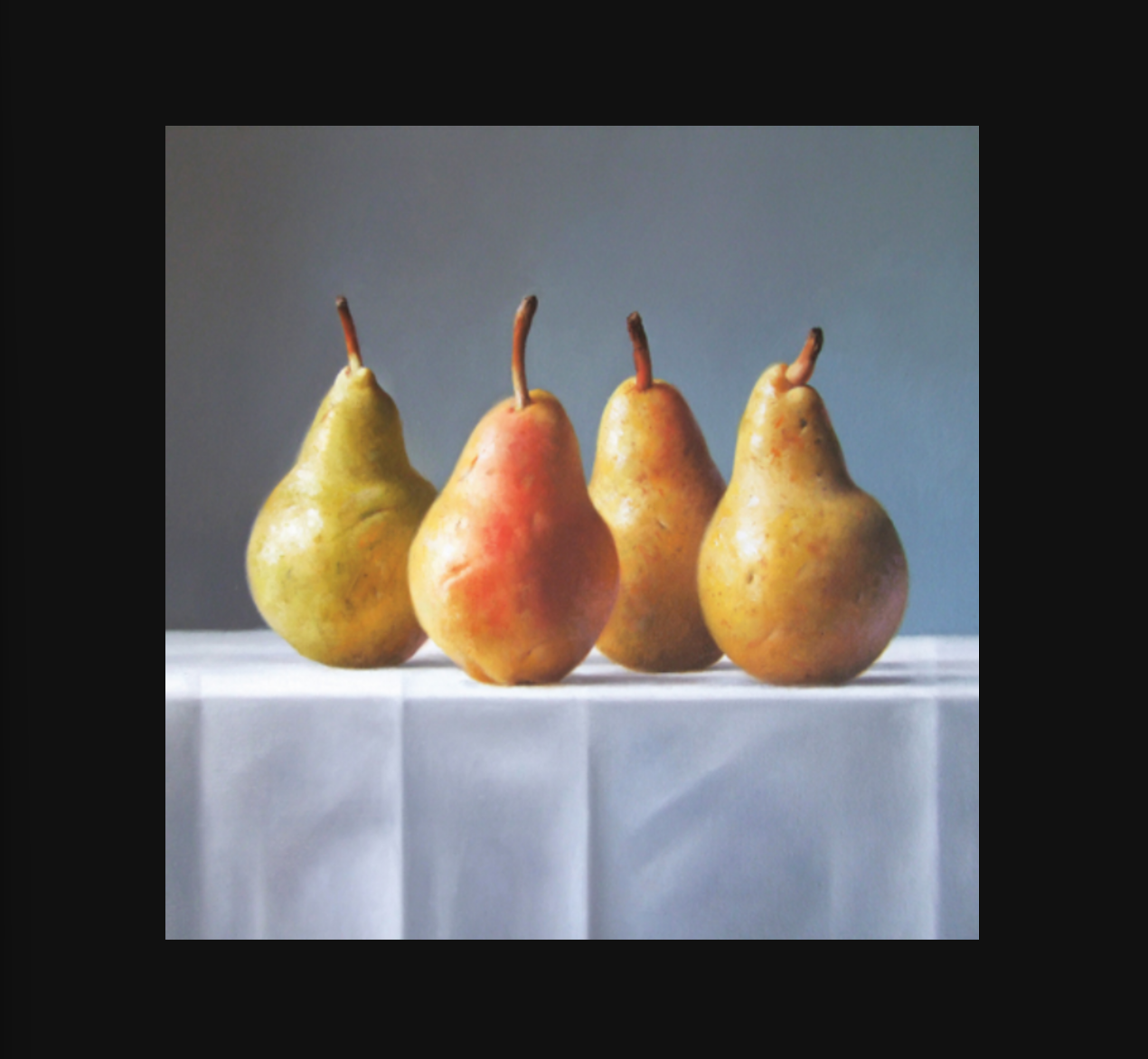
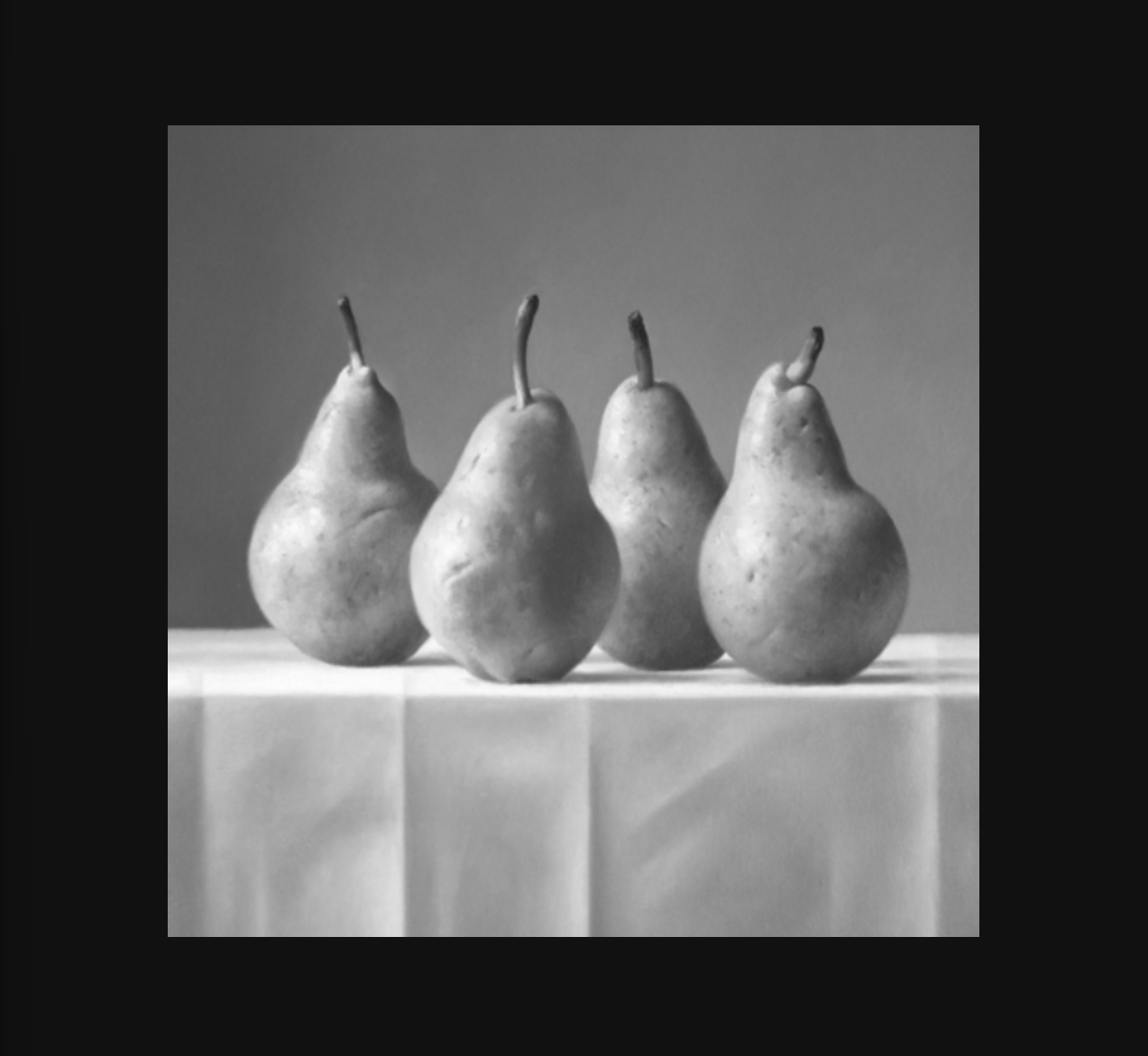
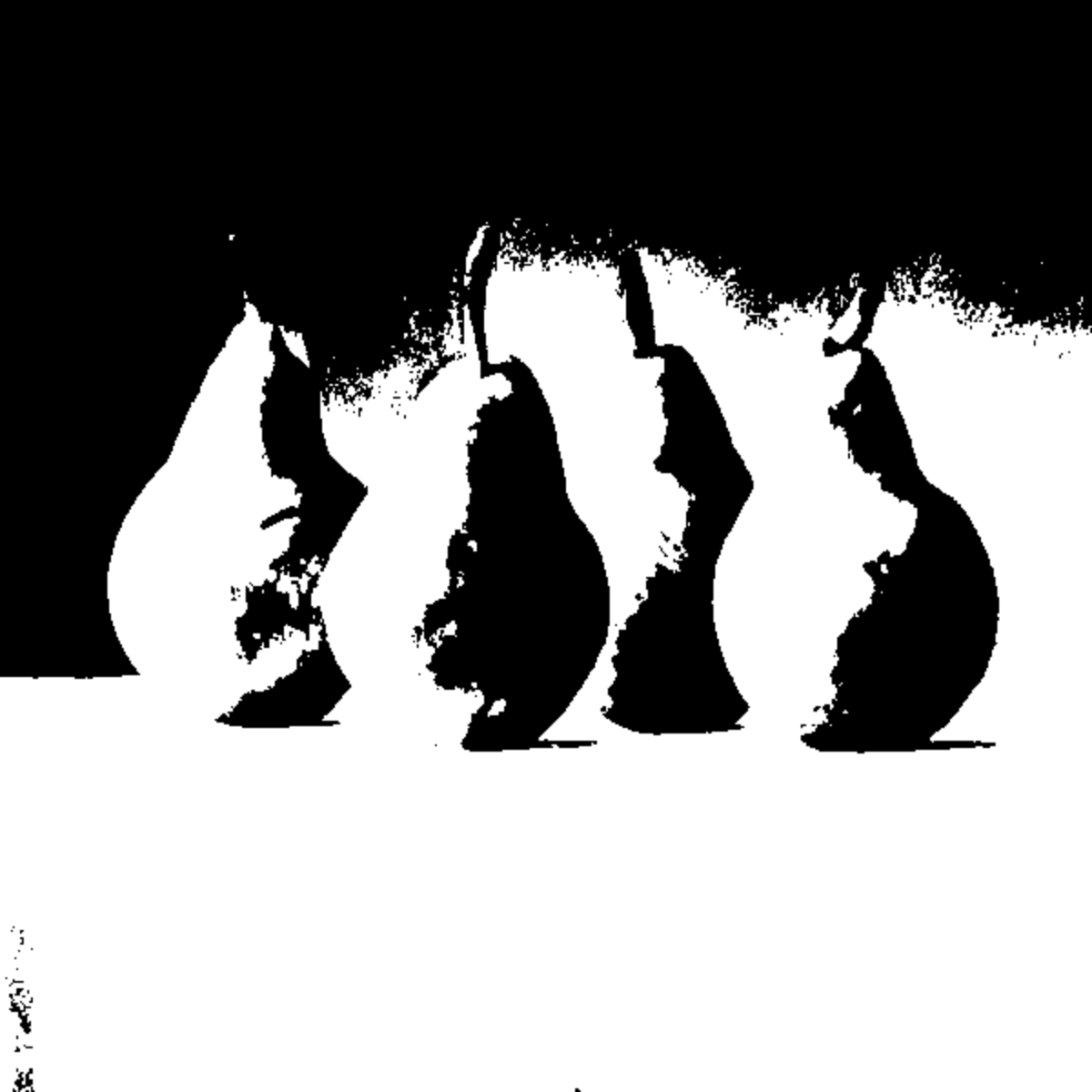
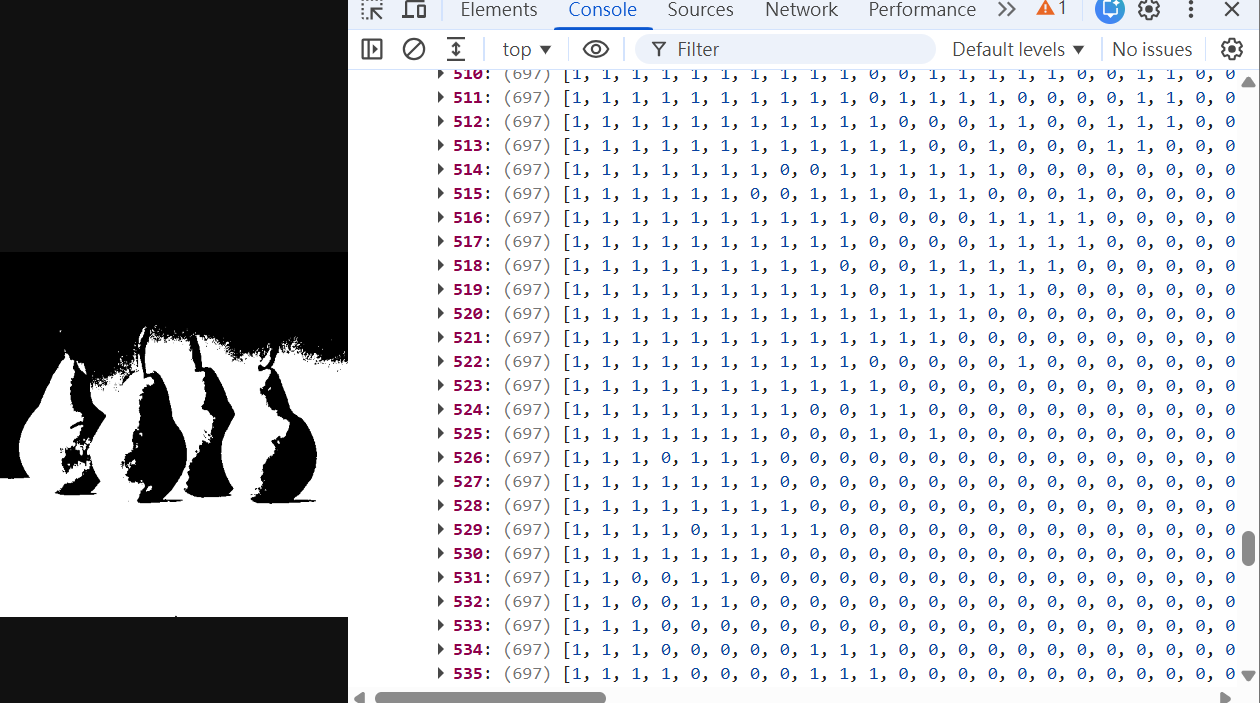
The source image is resized, converted to grayscale, and thresholded. The resulting black-and-white image becomes a two-dimensional array in which black pixels are stored as 1 and white pixels as 0.
Binary pixel conversion code
img.loadPixels();

for (let y = 0; y < img.height; y++) {
  binaryPixels[y] = [];

  for (let x = 0; x < img.width; x++) {
    const index = (y * img.width + x) * 4;
    const brightness = img.pixels[index];
    binaryPixels[y][x] = brightness === 0 ? 1 : 0;
  }
}
Animated Drawing with Flood Fill
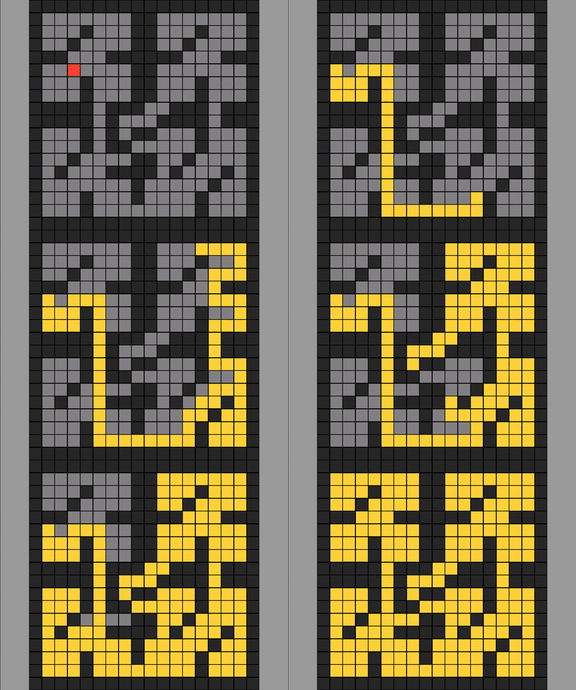
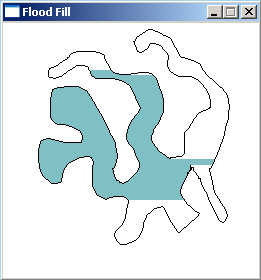
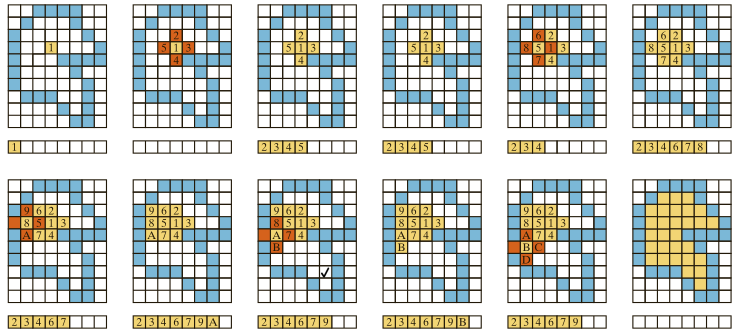
Flood fill identifies connected black regions and groups their pixels. These groups can then be revealed in sequence rather than displayed all at once.

Contour Detection and Tracing
The system first identifies boundary pixels. It then connects neighboring boundary pixels into ordered paths, draws the paths over time, and starts flood filling after the outline sequence is complete.
1. Find outline pixels
   For every black pixel:
     If a pixel above, below, left, or right is white,
     mark the current pixel as an outline.

2. Order the outline pixels
   Scan from top-left to bottom-right.
   Start at each unvisited outline pixel and follow
   touching outline pixels in all eight directions.

3. Draw
   Draw the next pixels from the ordered path each frame.
   Start flood fill after the outline is complete.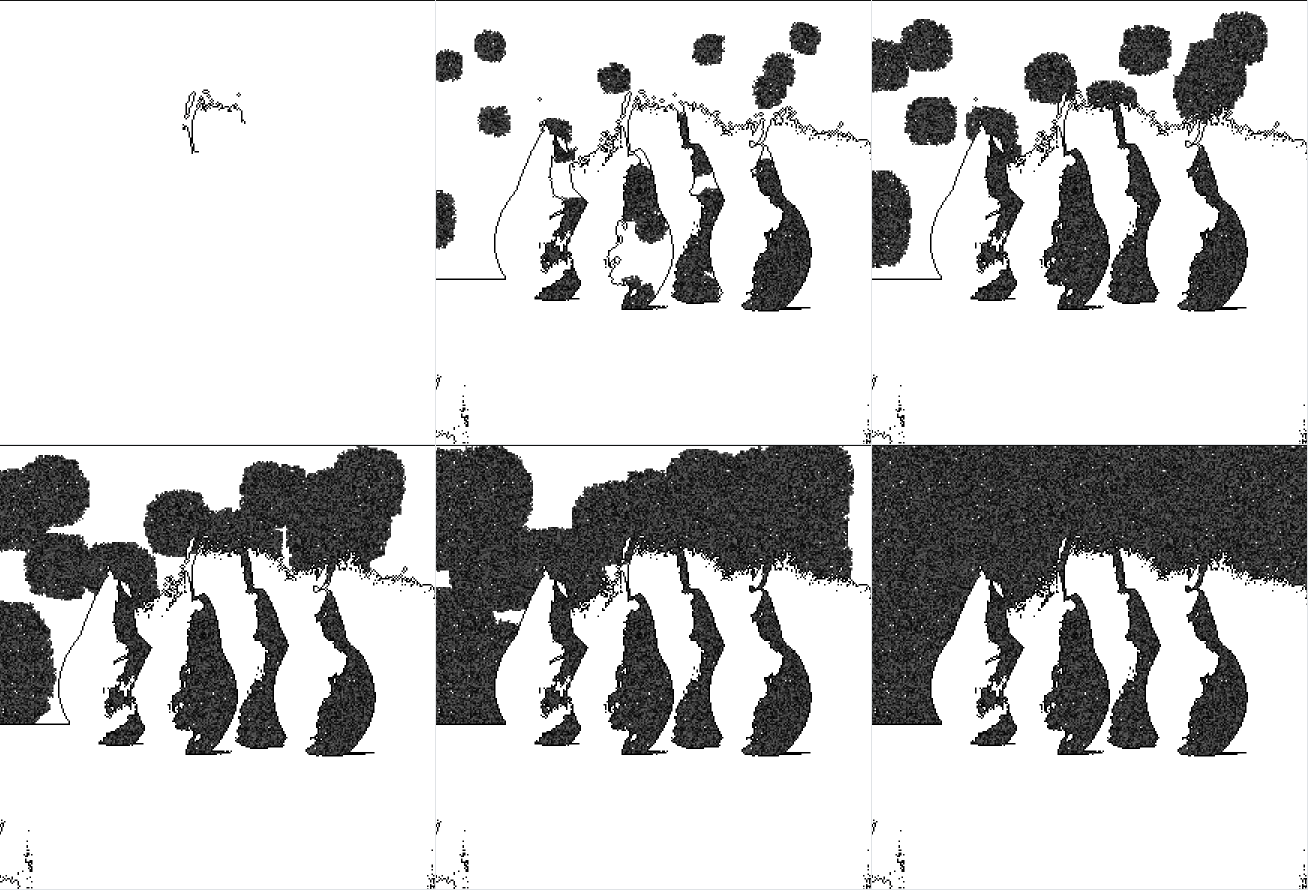
const directions = [
  [-1, -1], [0, -1], [1, -1],
  [1, 0],             [1, 1],
  [0, 1],  [-1, 1],  [-1, 0]
];
More Still-Life Results
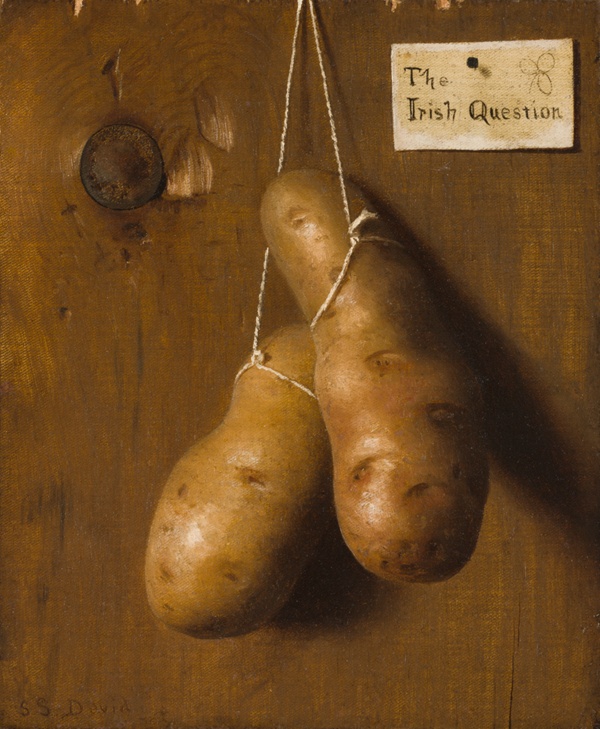
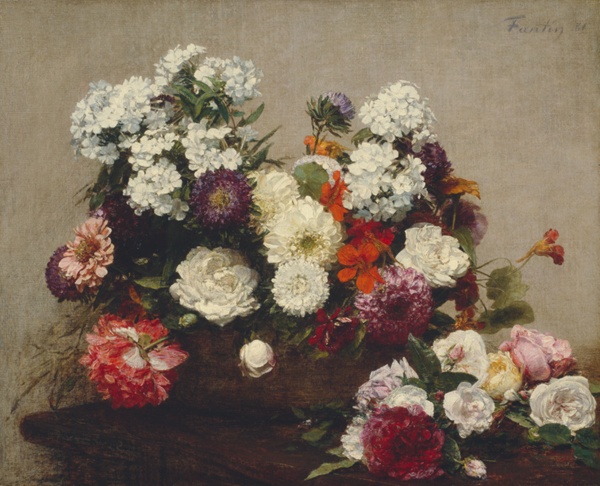
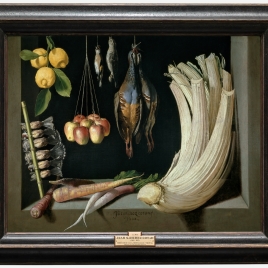
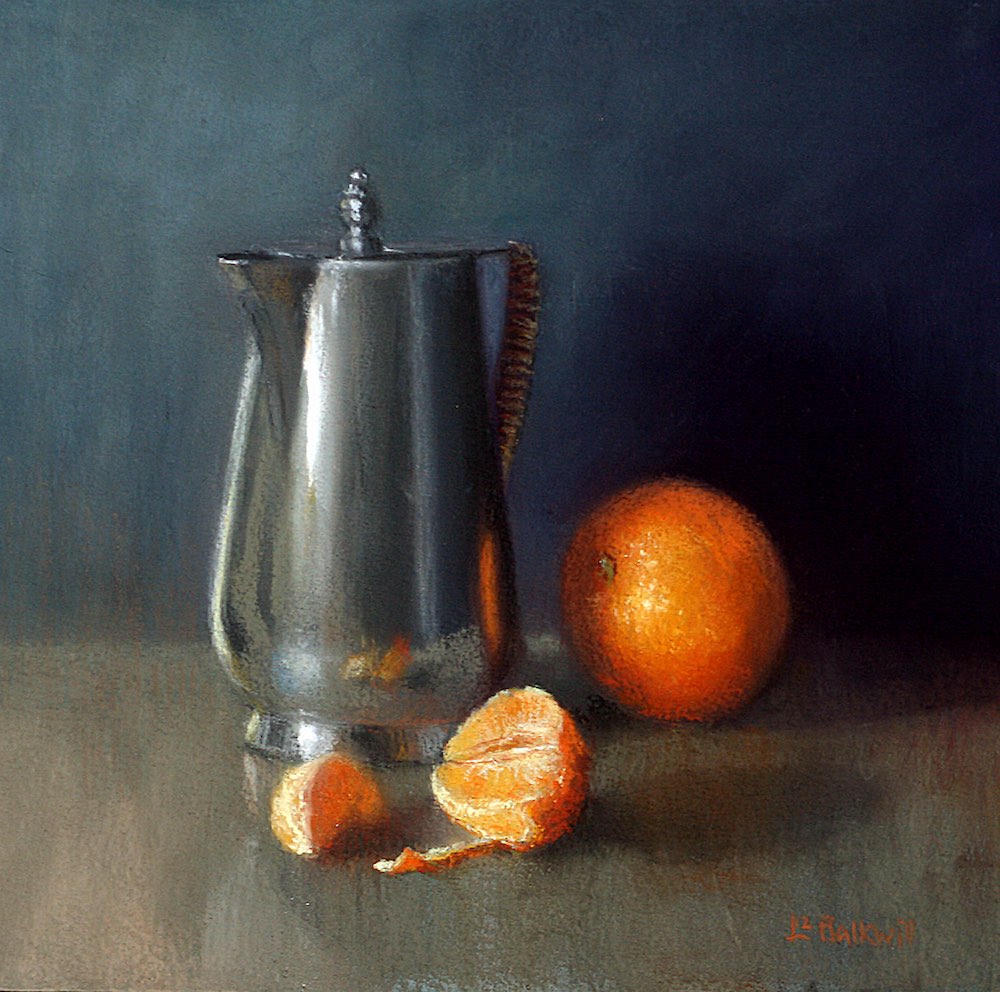
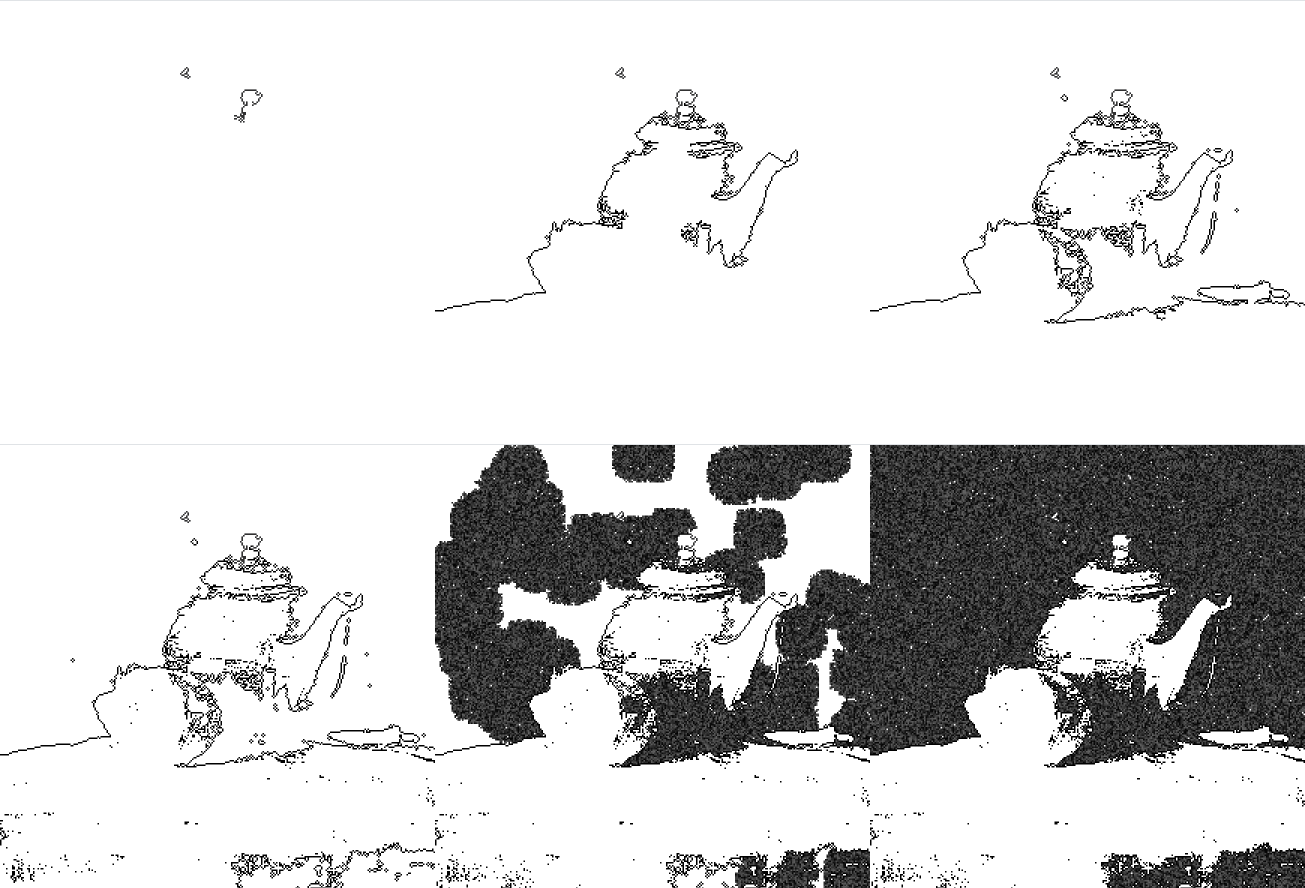
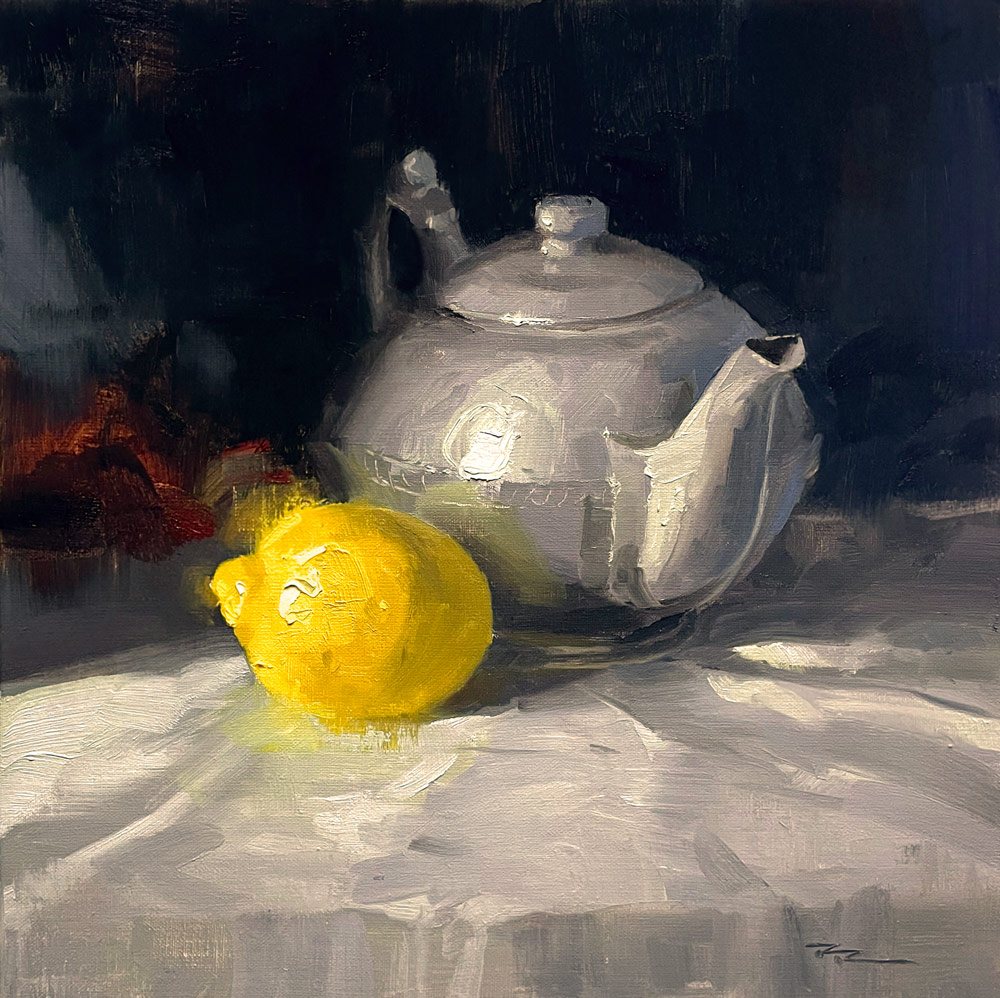
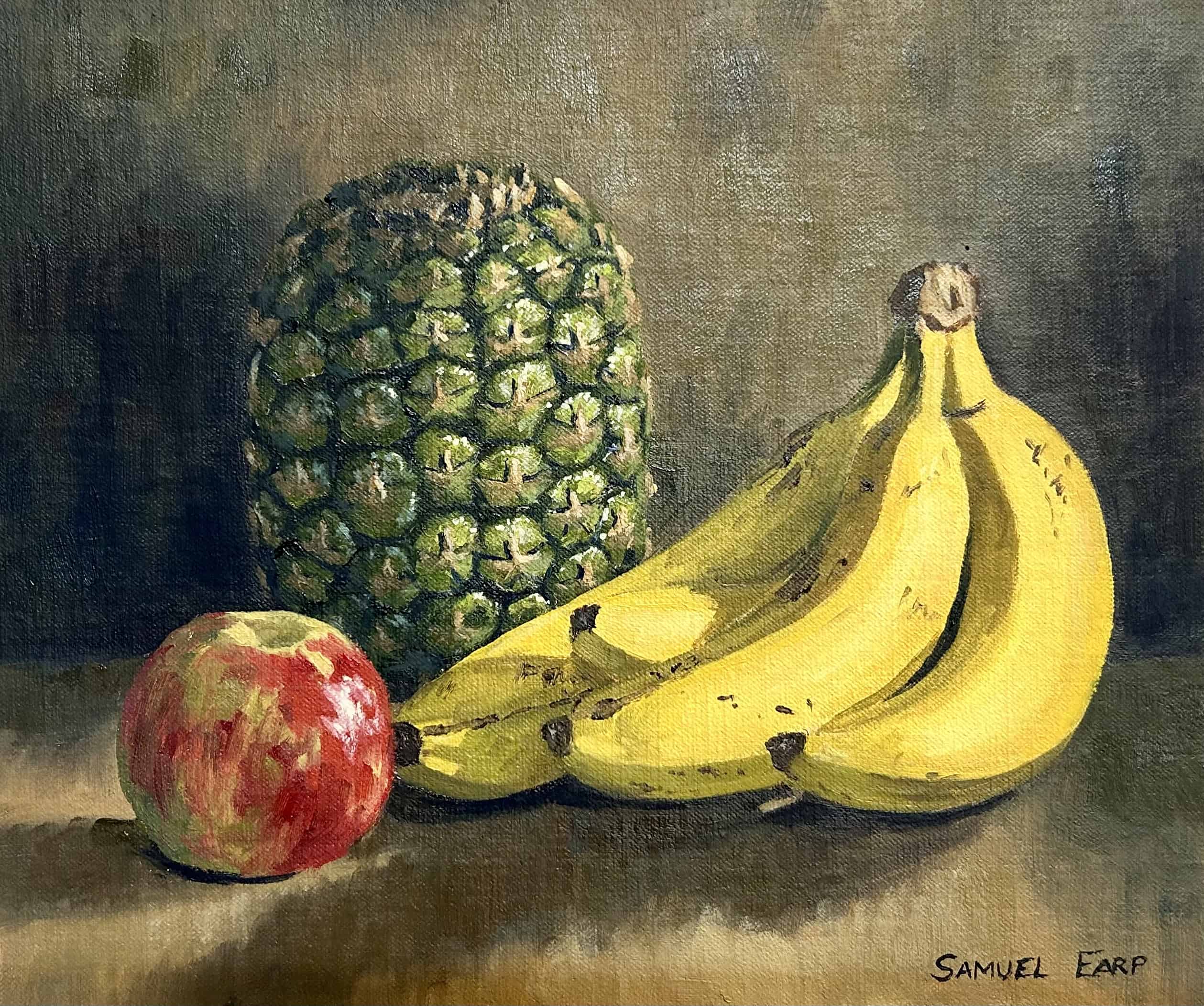
The same processing and drawing method was tested with different subjects. The paired images compare each animation with its source painting.